Dominate the Charts with the Apex Scalper EA for MT4
In the high-velocity world of algorithmic trading, speed and precision are the primary requirements for consistent profitability. Retail traders often struggle with the psychological pressure of fast-moving markets, leading to hesitant entries and emotional exits. The Apex Scalper EA for MetaTrader 4 is a professional-grade Expert Advisor engineered to eliminate human error by executing high-frequency Scalping strategies with institutional-grade accuracy. Designed specifically for low-spread environments, this EA focuses on capturing rapid momentum shifts with surgical precision.
The Engineering of a High-Frequency Scalper
The Apex Scalper EA is built on a sophisticated trend-momentum algorithm. Unlike standard grid or martingale systems that carry high tail-risk, Apex Scalper utilizes a "pure-play" scalping logic. It identifies localized price imbalances and volatility expansions, entering trades only when the mathematical probability of a quick continuation is at its peak.
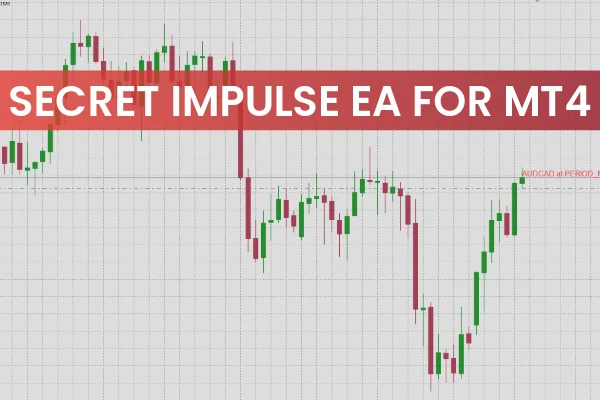
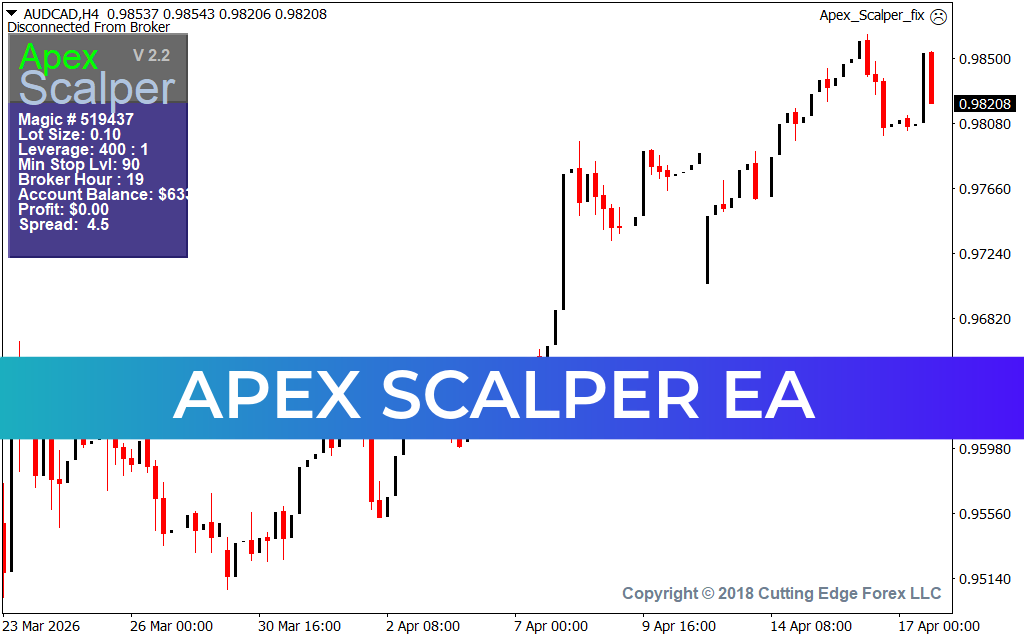
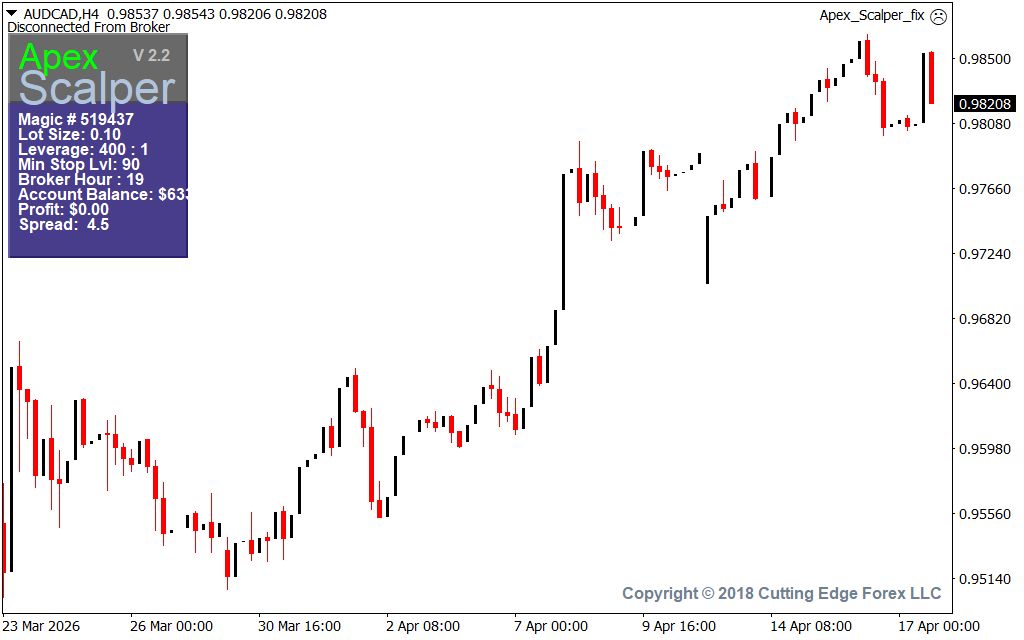
As observed in live technical setups on pairs like AUD/CAD on the H4 timeframe, the Apex Scalper EA provides a definitive operational edge:
- Intelligent Volatility Filtering: The EA dynamically monitors market conditions to ensure it only trades during periods of sufficient liquidity. This prevents the system from being caught in erratic "thin" markets where slippage can erode profits.
- Precision Entry Logic: By analyzing Price Action across multiple timeframes, the EA identifies the exact "apex" of a momentum wave. As shown in recent H4 structural analysis, the system excels at capturing the meat of a move immediately following a breakout.
- Hard-Coded Risk Management: Every trade executed by Apex Scalper is protected by a predefined stop-loss and a dynamic take-profit level. The system is designed to maintain a positive risk-to-reward ratio, ensuring that a single outlier does not compromise the account balance.
- Low-Lag Execution: Optimized for MT4, the EA features a streamlined code architecture that minimizes execution latency. This is critical for scalpers where a delay of even a few milliseconds can be the difference between a winning and losing trade.
Why Professional Traders Choose Apex Scalper
For the systematic trader, the Apex Scalper EA offers a "hands-free" approach to wealth generation.
- Elimination of Emotional Bias: The EA follows its programmed rules without hesitation, fear, or greed. It executes the strategy perfectly, 24 hours a day, during all major market sessions.
- Scalability Across Assets: While highly effective on major Forex pairs, the Apex Scalper’s logic is robust enough to be applied to volatile indices and metals, provided the spread remains competitive.
- Real-Time Performance Dashboard: The EA features an on-screen display (HUD) showing critical account information, including current balance, equity, and active profit/loss, allowing for effortless monitoring.
- Optimized for ECN Accounts: To maximize the effectiveness of a Scalping Strategy, Apex Scalper is best paired with ECN brokers, where raw spreads allow the algorithm's precision to truly shine.
Conclusion
The Apex Scalper EA for MT4 is a definitive solution for traders who demand performance and automation. By bridging the gap between advanced momentum logic and automated execution, it empowers you to navigate the financial markets with professional-grade confidence. Elevate your trading terminal today and experience the power of the Apex Scalper system.
72 Downloads
Last Update:
Apr 17, 2026 22:03 PM
Published:
Feb 08, 2026 10:53 AM
Category: