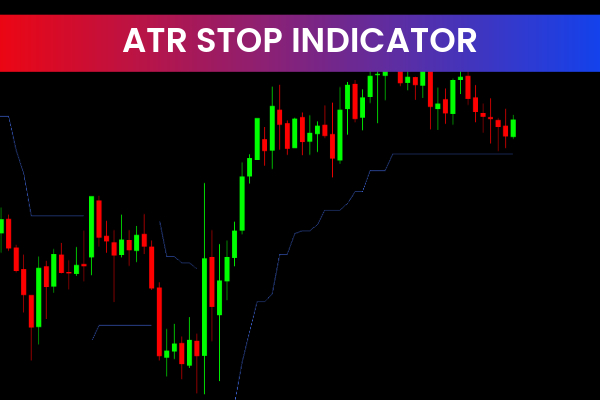
The ATR Stop Indicator MT4 is a popular and useful Forex trading tool designed to help traders place accurate and volatility-based stop-loss levels. Available for free on the MetaTrader 4 (MT4) platform, this indicator is especially valuable for traders who struggle with stop-loss placement or want to improve their risk management.
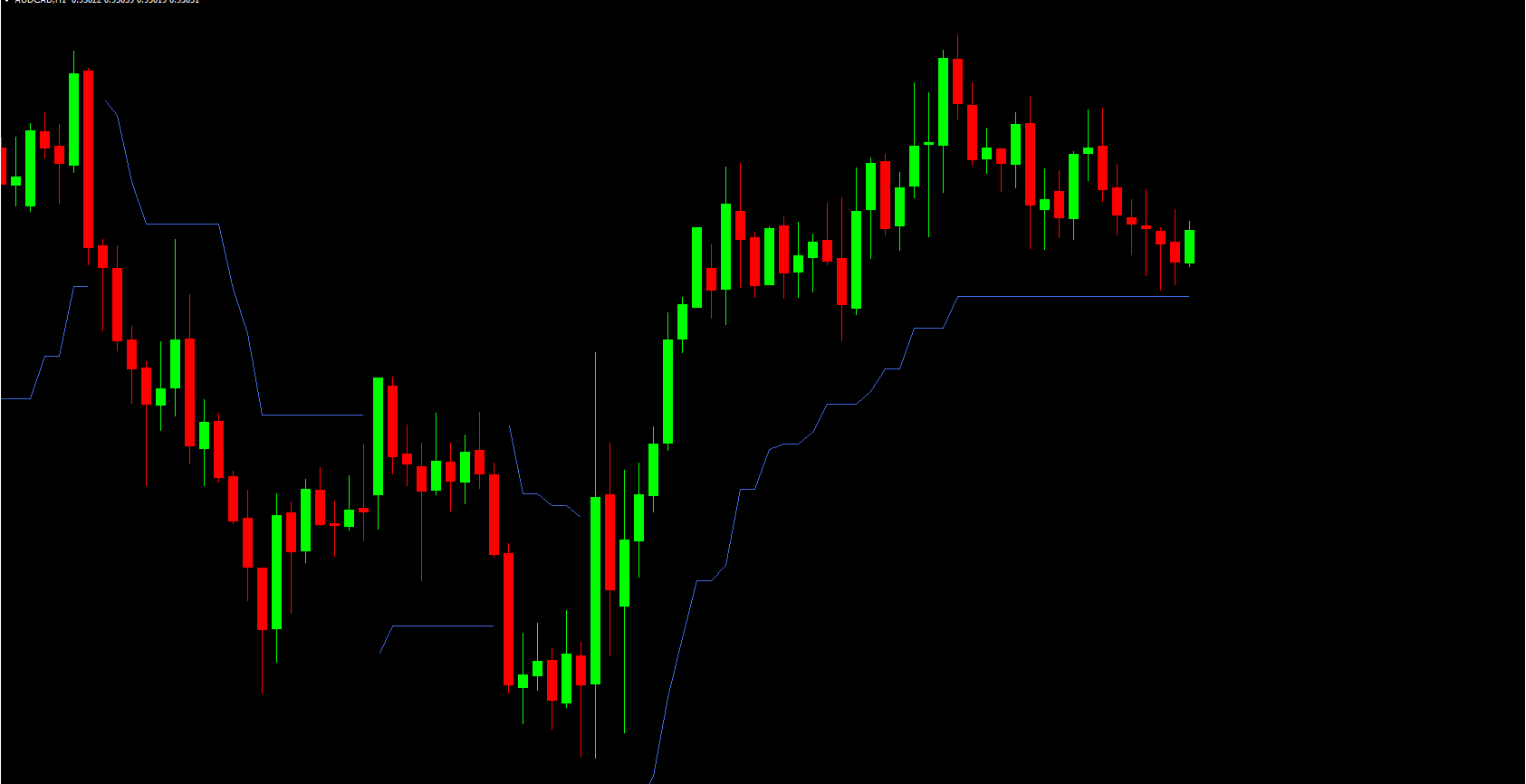
By using the Average True Range (ATR), the indicator adapts stop-loss levels to current market conditions rather than relying on fixed pip distances.
What Is the ATR Stop Indicator
The ATR Stop Indicator is based on the Average True Range, a Volatility Indicator developed by J. Welles Wilder. ATR measures how much price typically moves over a specific period.
Instead of using a fixed stop-loss, the ATR Stop Indicator automatically plots a dynamic stop-loss level that expands or contracts depending on market volatility.
High volatility → wider stop-loss
Low volatility → tighter stop-loss
This helps traders avoid being stopped out by normal market fluctuations.
How the ATR Stop Indicator Works
Once applied to an MT4 chart, the indicator:
Calculates the ATR value for the selected period
Multiplies the ATR by a user-defined factor
Plots a stop-loss line above or below price
For buy trades, the stop-loss line is plotted below price.
For sell trades, the stop-loss line is plotted above price.
The stop level updates automatically as market conditions change.
Key Features of ATR Stop Indicator MT4
Volatility-based stop-loss calculation
Uses Average True Range (ATR)
Automatically adjusts to market conditions
Works on all currency pairs
Compatible with all MT4 timeframes
Simple and beginner-friendly
Free Forex Indicator for MT4
How to Use the ATR Stop Indicator
Step 1: Apply the Indicator
Attach the ATR Stop Indicator to any MT4 chart.
Step 2: Set ATR Parameters
ATR period (commonly 14)
ATR multiplier (e.g., 1.5, 2.0, or 3.0)
Step 3: Use the Stop-Loss Line
Place stop-loss orders at the indicator level
Trail stops as the indicator moves
Trading Strategies Using ATR Stop Indicator
Trend-Following Strategy
Enter trades in the trend direction
Use ATR Stop as a trailing stop
Stay in trades longer during strong trends
Breakout Strategy
Use wider ATR stops to handle volatility
Avoid premature stop-outs after breakouts
Scalping and Day Trading
Use smaller ATR multipliers
Adjust stops dynamically during high volatility
Benefits of Using ATR Stop Indicator MT4
Improved Risk Management
Stops are based on real market volatility, not guesswork.
Reduced False Stop-Outs
Prevents stops from being hit by normal price noise.
Objective Stop Placement
Removes emotional decision-making from stop-loss setting.
Perfect for Beginners
Simple logic and clear visual guidance on the chart.
Best Indicator Combinations
The ATR Stop Indicator works best when combined with:
Trend indicators (Moving Averages, ADX)
Entry indicators (RSI, MACD, Stochastic)
Support And Resistance tools
Use ATR Stop mainly for risk management, not signal generation.
Customization Options
Traders can customize:
ATR calculation period
ATR multiplier value
Line color and style
This makes the indicator adaptable to different trading styles and strategies.
Limitations to Consider
Does not provide buy or sell signals
Less effective in extremely low-volatility markets
Requires proper multiplier selection
It should always be used alongside a solid trading strategy.
Conclusion
The ATR Stop Indicator MT4 is a powerful yet simple tool that helps traders place smarter stop-loss levels using market volatility. By adapting to changing market conditions, it improves risk management and reduces emotional trading mistakes.
Whether you are a beginner or an experienced trader, this free MT4 indicator can significantly enhance your trading discipline and long-term performance.
Discover more professional Forex indicators and trading tools at IndicatorForest.com.
5 Downloads
Published:
Jan 13, 2026 13:16 PM
Category: