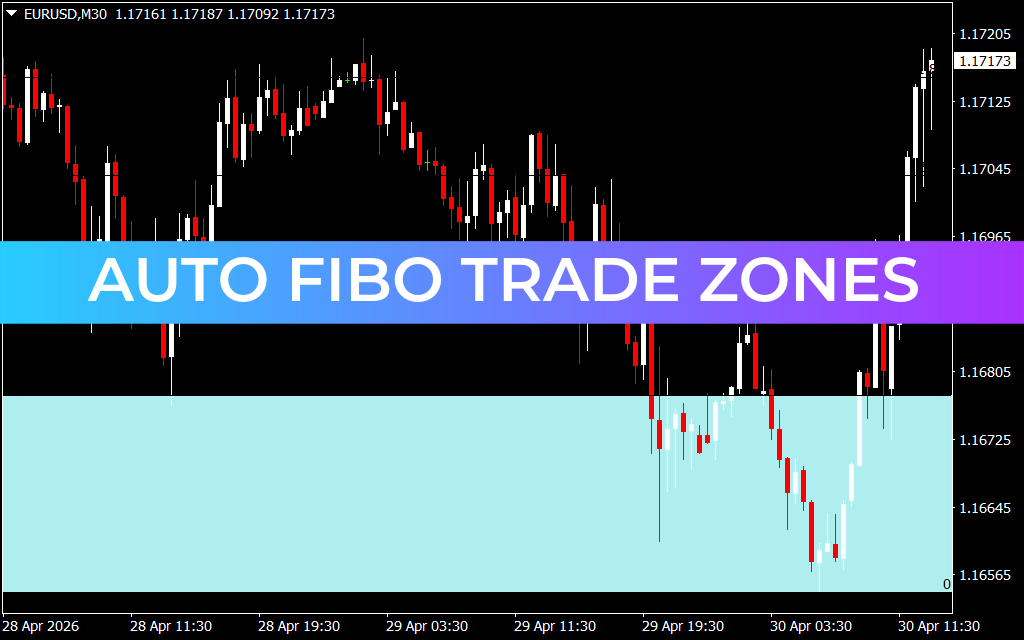
Optimize Your Entries with the Auto Fibo Trade Zones Indicator
Identifying high-probability entry points is the cornerstone of successful financial trading. While many traders rely on standard Fibonacci retracement lines, the Auto Fibo Trade Zones indicator offers a more intuitive, visual approach by highlighting specific "buy" and "sell" areas directly on your chart. This tool is designed to help traders cut through the noise and focus on the price levels that truly matter.
What are Auto Fibo Trade Zones?
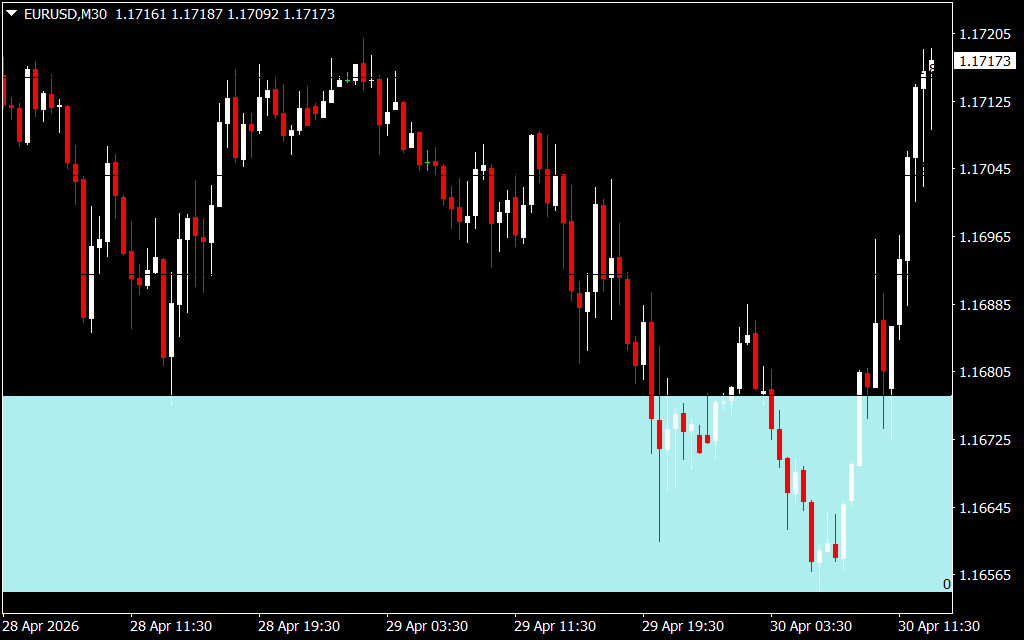
Auto Fibo Trade Zones take the mathematical power of the Fibonacci sequence and translate it into shaded areas of interest. Unlike traditional lines that can feel thin and easy to miss, these zones provide a clear "buffer" where price is statistically likely to stall, reverse, or consolidate.
The algorithm identifies significant market swings and automatically projects these zones onto the chart. This is particularly useful for traders focusing on Supply And Demand or order block strategies, as the Fibonacci zones often coincide with where institutional liquidity is resting.
Key Features of the Indicator
- Automated Zone Detection: No more manual drawing. The indicator identifies the most relevant swing highs and lows to plot zones instantly.
- Visual Clarity: Shaded areas make it easy to see where the "Golden Zone" (typically between the 50% and 61.8% levels) lies.
- Dynamic Adaptation: As the Market Structure changes and new highs or lows are formed, the zones adjust automatically to reflect the current trend.
- Versatile Application: Whether you are a scalper, day trader, or swing trader, these zones provide critical context for any timeframe.
How to Trade Using Fibo Zones
The most effective way to use Auto Fibo Trade Zones is to treat them as Confirmation Zones.
- Identify the Trend: Determine if the market is making higher highs (bullish) or lower lows (bearish).
- Wait for the Pullback: In a bullish trend, wait for the price to drop into the lower shaded Fibo Trade Zone.
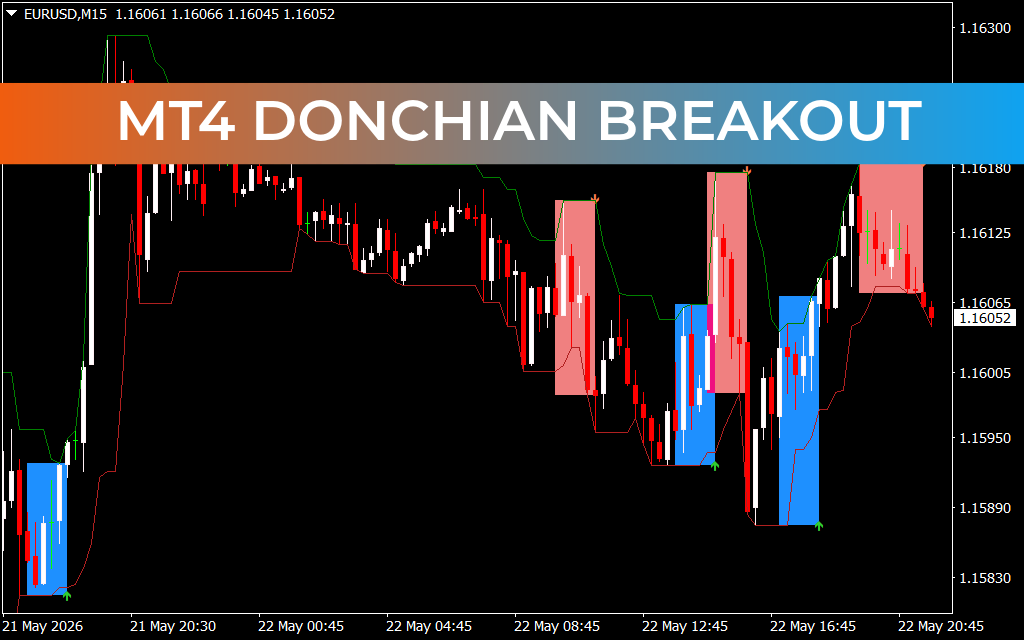
- Look for Rejection: Observe Price Action within the zone. As seen in the provided chart, once the price enters the shaded area, it often faces rejection or finds the support needed to bounce back aggressively.
- Execute: Enter your trade when you see a confirmation signal (like a pin bar or engulfing candle) inside the zone, placing your stop-loss just outside the shaded boundary for a tight risk-to-reward ratio.
Conclusion
The Auto Fibo Trade Zones indicator is an essential upgrade for any technical trader. By transforming abstract mathematical lines into concrete visual zones, it allows for faster decision-making and more disciplined entries. Stop guessing where the market might turn and start trading with the precision of automated Fibonacci zones.
9 Downloads
Last Update:
Apr 30, 2026 16:39 PM
Published:
Jan 30, 2026 19:13 PM
Category: