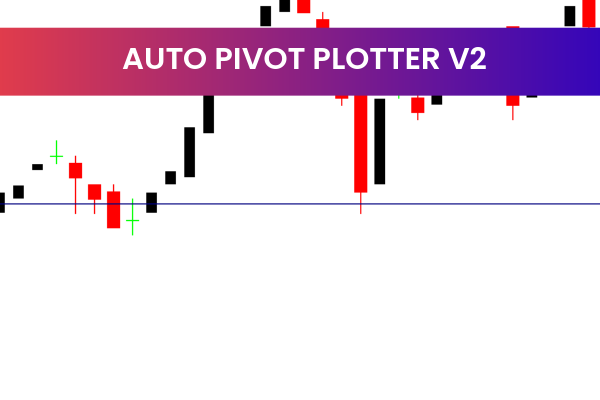
The Auto Pivot Plotter Indicator is a free and popular Forex Indicator designed for the MetaTrader 4 (MT4) platform. It helps traders automatically plot important daily, weekly, and monthly pivot levels, making market analysis faster, clearer, and more accurate. By eliminating the need for manual calculations, this indicator allows traders to focus more on strategy and execution
.
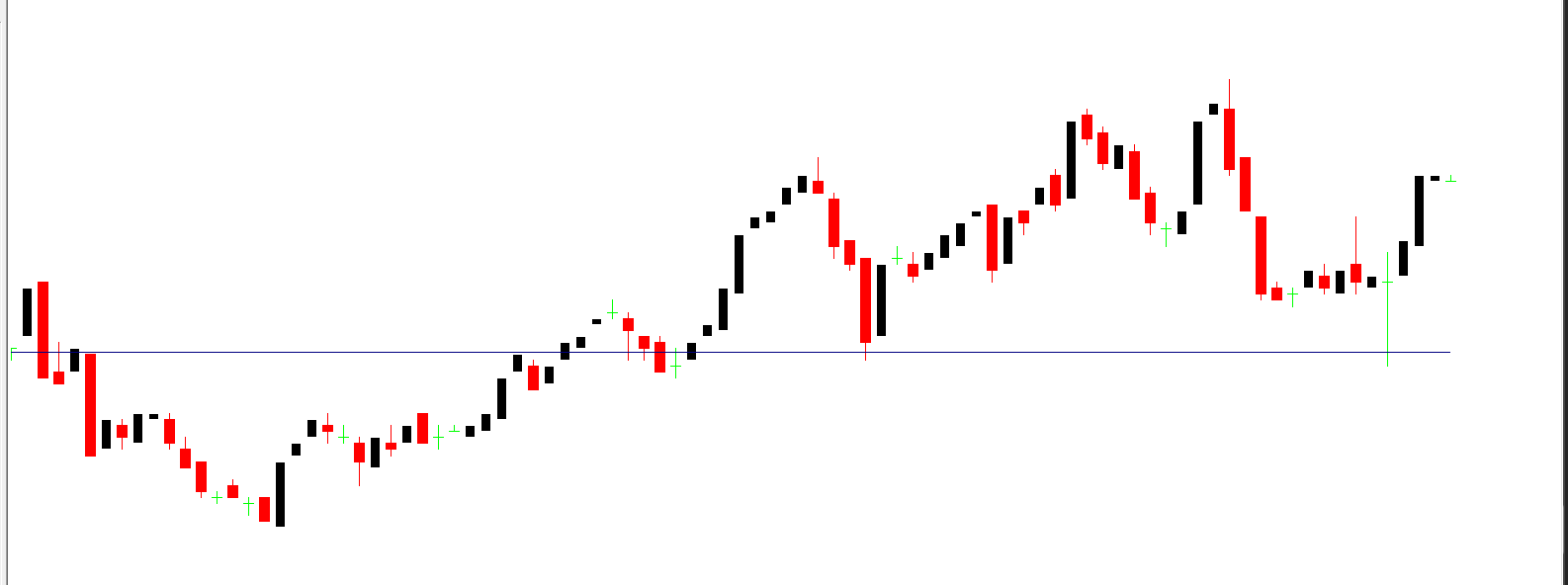
Pivot points are widely used in Forex trading to identify potential Support And Resistance levels, trend direction, and possible market reversals. The Auto Pivot Plotter Indicator simplifies this process by displaying all key levels directly on the chart in an easy-to-read format.
What Is the Auto Pivot Plotter Indicator?
The Auto Pivot Plotter Indicator is an MT4 tool that automatically calculates and plots pivot points based on previous price data. These levels act as potential turning points where price may react, reverse, or break through.
The indicator plots:
Daily pivot levels
Weekly pivot levels
Monthly pivot levels
In addition, it displays these levels in a table, making it easy for traders to quickly reference important price zones without cluttering the chart.
How the Auto Pivot Plotter Indicator Works
Once applied to a chart, the Auto Pivot Plotter Indicator instantly analyzes historical price data and plots pivot levels automatically. There is no manual input required, which makes it ideal for traders who prefer efficiency and accuracy.
The indicator continuously updates levels as the market moves, ensuring that traders always have access to the most relevant support and resistance zones. These levels can be used for both short-term and long-term trading strategies.
Key Features of the Auto Pivot Plotter Indicator
This indicator remains popular among Forex traders because of its simplicity and practical functionality.
Automatic Pivot Level Calculation
The indicator automatically plots pivot points without any manual calculation.
Daily, Weekly, and Monthly Levels
Traders can view multiple time-based pivot levels on the same chart.
Support and Resistance Zones
Clear support and resistance levels help identify potential price reactions.
Table Display for Easy Reference
Pivot levels are displayed in a clean table format, improving readability and decision-making speed.
Free and MT4 Compatible
The Auto Pivot Plotter Indicator is completely free and works seamlessly with MetaTrader 4.
Benefits for Forex Traders
Using the Auto Pivot Plotter Indicator can significantly improve trading accuracy and consistency. Pivot levels are widely respected by institutional and retail traders alike, making them powerful technical tools.
Key benefits include:
Identifying high-probability entry and exit points
Spotting potential trend reversals
Improving trade planning and risk management
Reducing analysis time trend
Because pivot points are objective levels, they help traders avoid emotional decision-making.
How Traders Use Pivot Levels in Forex
Forex traders commonly use pivot levels in several ways:
Buying near support levels and selling near resistance levels
Using pivot points as take-profit or stop-loss targets
Confirming trend direction when price stays above or below the main pivot
The Auto Pivot Plotter Indicator makes these strategies easier by clearly displaying all relevant levels on the chart.
Who Should Use the Auto Pivot Plotter Indicator?
This indicator is suitable for:
Beginner traders learning technical analysis
Day traders and scalpers looking for intraday levels
Swing traders using weekly and monthly pivots signal
It works well across all major currency pairs and timeframes.
Final Thoughts
The Auto Pivot Plotter Indicator is a reliable and easy-to-use MT4 Forex indicator that automatically plots essential pivot levels. Its clear layout, support and resistance zones, and free availability make it a valuable tool for any Forex trader.
If you are looking for high-quality and free Forex indicators to improve your trading performance, visit IndicatorForest.com and explore a wide collection of professional MT4 tools.
2 Downloads
Published:
Jan 08, 2026 12:41 PM
Category: