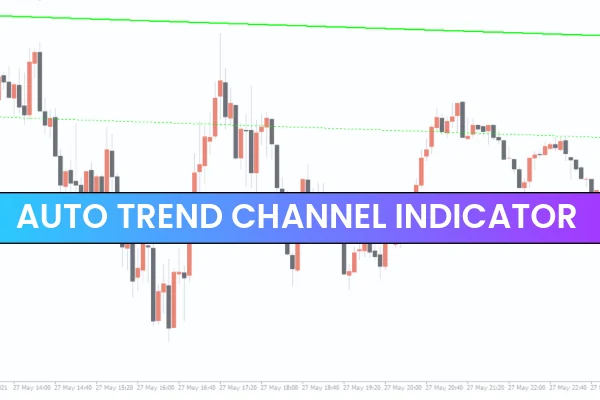
Analyzing market trends can be challenging, especially when manually drawing channels for each trading instrument. The Auto Trend Channel Indicator makes this task effortless by automatically plotting trend channels, allowing traders to save time and improve trading accuracy.
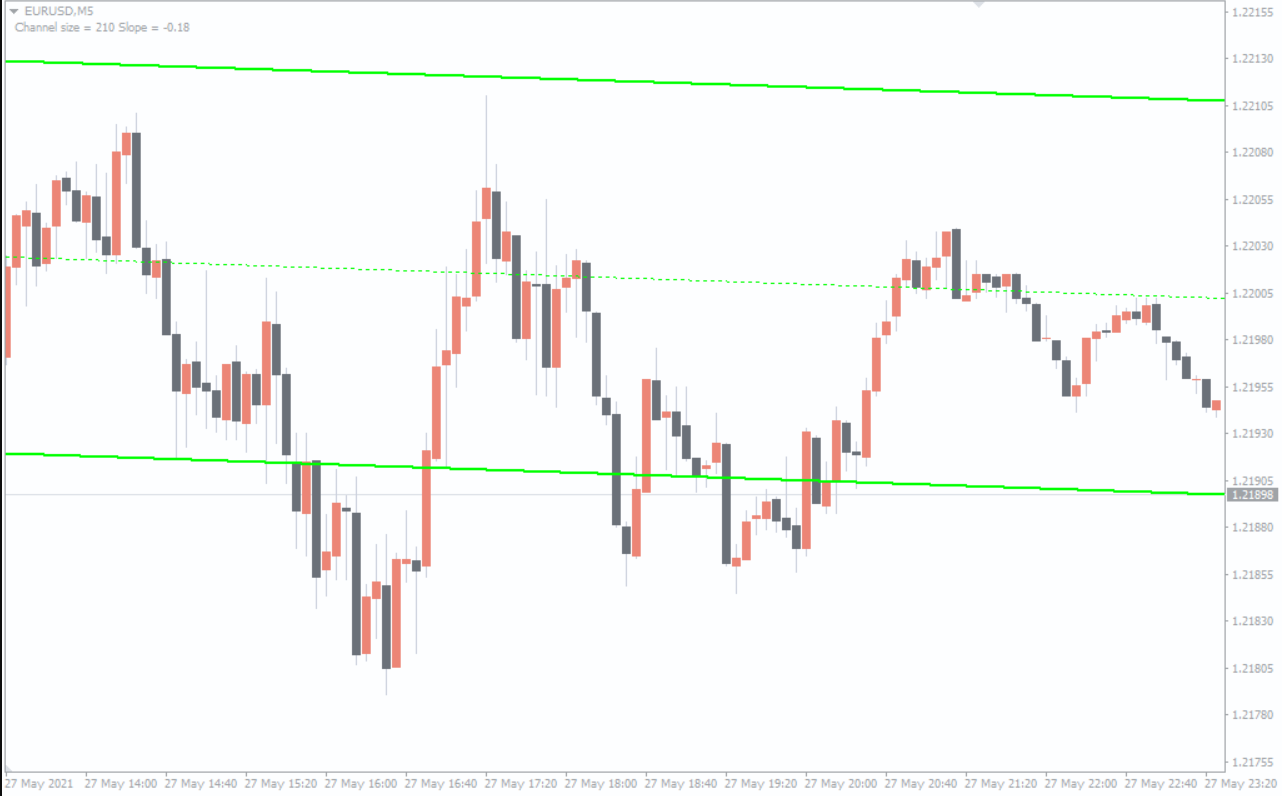
The channel lines act not only as trend boundaries but also as price levels, which can be used to place pending orders or set stops and take profits. The visual settings of the indicator, including line thickness and colors, are fully customizable to suit individual trading preferences.
How Auto Trend Channel Indicator Works
Price moves within trend channels in various ways, and understanding the difference between true and false breakouts is key.
True Breakout: After moving inside the channel, the price breaks the resistance (uptrend) or support (downtrend) line. Confirmation occurs when the broken line transforms into support or resistance, indicating a valid breakout. Traders can then wait for a new price channel formation.
False Breakout: Occurs when the price returns to the trend channel after breaking it. Additional confirmation signals or candlestick patterns should be used before entering trades.
It’s important to note that price channels are rarely perfectly defined. Breakouts may happen without confirmation, and traders should incorporate other indicators or Price Action signals to improve trade accuracy.
Auto Trend Channel Trading Strategies
Buy Setup
Wait for a clear breakout above the trend channel.
Confirm the breakout with a bullish candlestick close.
Place take profit near the nearest horizontal resistance.
Set stop-loss a few pips below the upper boundary of the trend channel.
Sell Setup
Wait for a clear breakout below the trend channel.
Confirm the breakout with a bearish candlestick close.
Place take profit near the nearest horizontal support.
Set stop-loss a few pips above the lower boundary of the trend channel.
Benefits of Using Auto Trend Channel Indicator
Saves time by automatically plotting trend channels.
Provides clear trend boundaries for placing trades.
Helps identify breakout opportunities and key support/resistance levels.
Suitable for forex, stocks, and other trading instruments.
Works on multiple timeframes for Scalping, intraday, and long-term trading.
Conclusion
The Auto Trend Channel Indicator is a valuable tool for traders who want to quickly identify trend channels and trade breakouts efficiently. By automating channel plotting, it eliminates manual errors and helps build systematic trading strategies. However, it is recommended to test your strategy on historical data or a demo account before trading live to ensure optimal results.
FAQ
5 Downloads
Published:
Nov 27, 2025 11:36 AM
Category: