Dominate the Charts with the FX Sniper Trend Indicator for MT4
In the fast-moving world of Forex trading, the difference between a professional and an amateur is the ability to identify a trend the moment it begins. Most retail traders enter the market too late, chasing Price Action after the move is already exhausted. The FX Sniper Trend Indicator is a precision-engineered technical tool designed to solve this problem by providing early trend detection and ultra-clean visual signals on your MetaTrader 4 terminal.
The Anatomy of a High-Confluence Trend
The FX Sniper indicator is built on a sophisticated smoothing algorithm that filters out market "noise"—those minor, erratic price fluctuations that often trigger false signals in standard moving averages. It acts as a dynamic trend filter, changing color to reflect the immediate shift in market sentiment.
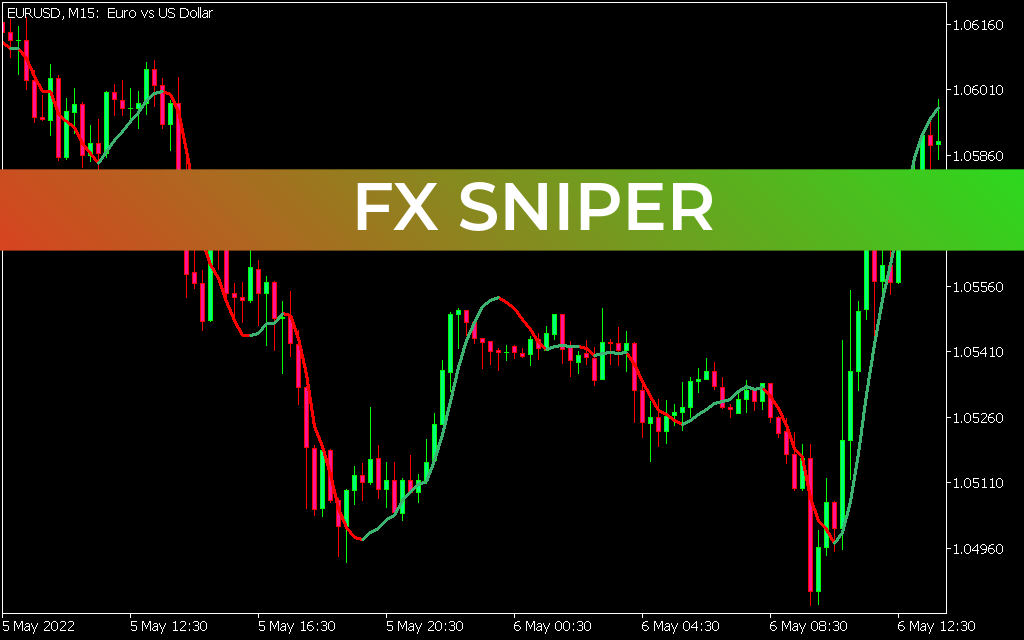
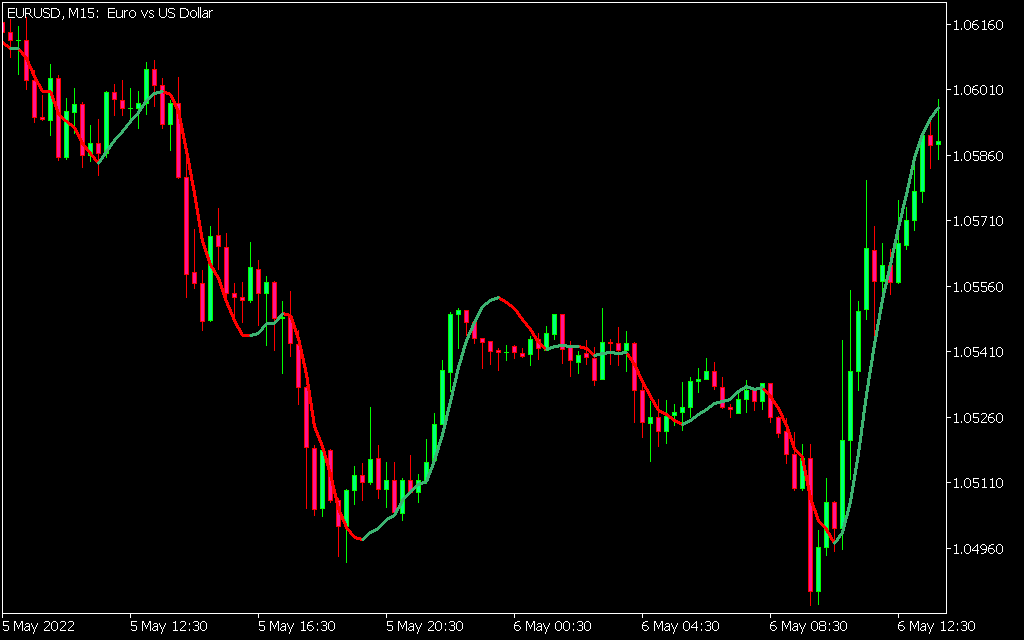
As shown in the EUR/USD M15 chart, the indicator is plotted directly onto the price action:
- The Green Line: Signals an active bullish trend. This is the "Sniper" zone where buyers look for entry points on pullbacks.
- The Red Line: Signals an active bearish trend. This indicates that sellers are in control, suggesting that long positions should be avoided or closed.
Precision Entries and Exit Strategy
The beauty of the FX Sniper indicator lies in its simplicity. By observing the color transitions, traders can identify "turning points" with institutional-level accuracy. In the attached EUR/USD example, notice how the indicator shifts to green at the base of a significant move, allowing a trader to ride the momentum for the entire duration of the uptrend.
- Scalping Strategy: On lower timeframes like M1 or M5, the FX Sniper helps you catch quick momentum bursts during high-liquidity periods like the London or New York open.
- Swing Trading: On the H1 or H4 charts, it acts as a powerful trend-following utility, helping you stay in a trade through minor retracements until the line officially changes color.
- Confirmation Tool: Pair the FX Sniper with a volume oscillator like the Waddah Attar Explosion or OBV. When the FX Sniper turns green and volume "explodes" simultaneously, you have a high-probability trade setup.
Why Every MetaTrader 4 User Needs This Tool
Unlike many lagging indicators, the FX Sniper is optimized for speed. It reacts to price changes in real-time, providing the "Sniper" edge needed to execute trades before the general public catches on. The visual clarity of the red and green lines removes the emotional hesitation that often plagues manual trading.
Whether you are navigating the major pairs like EUR/USD or more volatile crosses like AUD/CAD, the FX Sniper Trend Indicator provides a structured, objective way to view the market. It is not just an indicator; it is a complete trend-management system that helps you trade with discipline, confidence, and mathematical precision.
15 Downloads
Last Update:
May 12, 2026 21:25 PM
Published:
Jan 23, 2026 12:04 PM
Category: