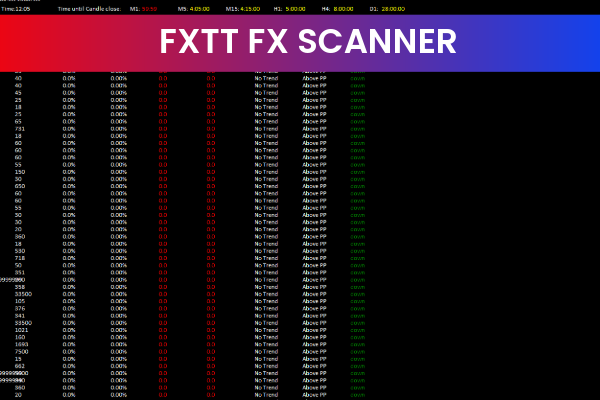
The FXTT FX Scanner Indicator is a popular and free Forex trading tool designed for the MetaTrader 4 (MT4) platform. It is suitable for traders of all experience levels and is especially valuable for those who want to quickly identify high-probability trading opportunities without manually analyzing multiple currency pairs.
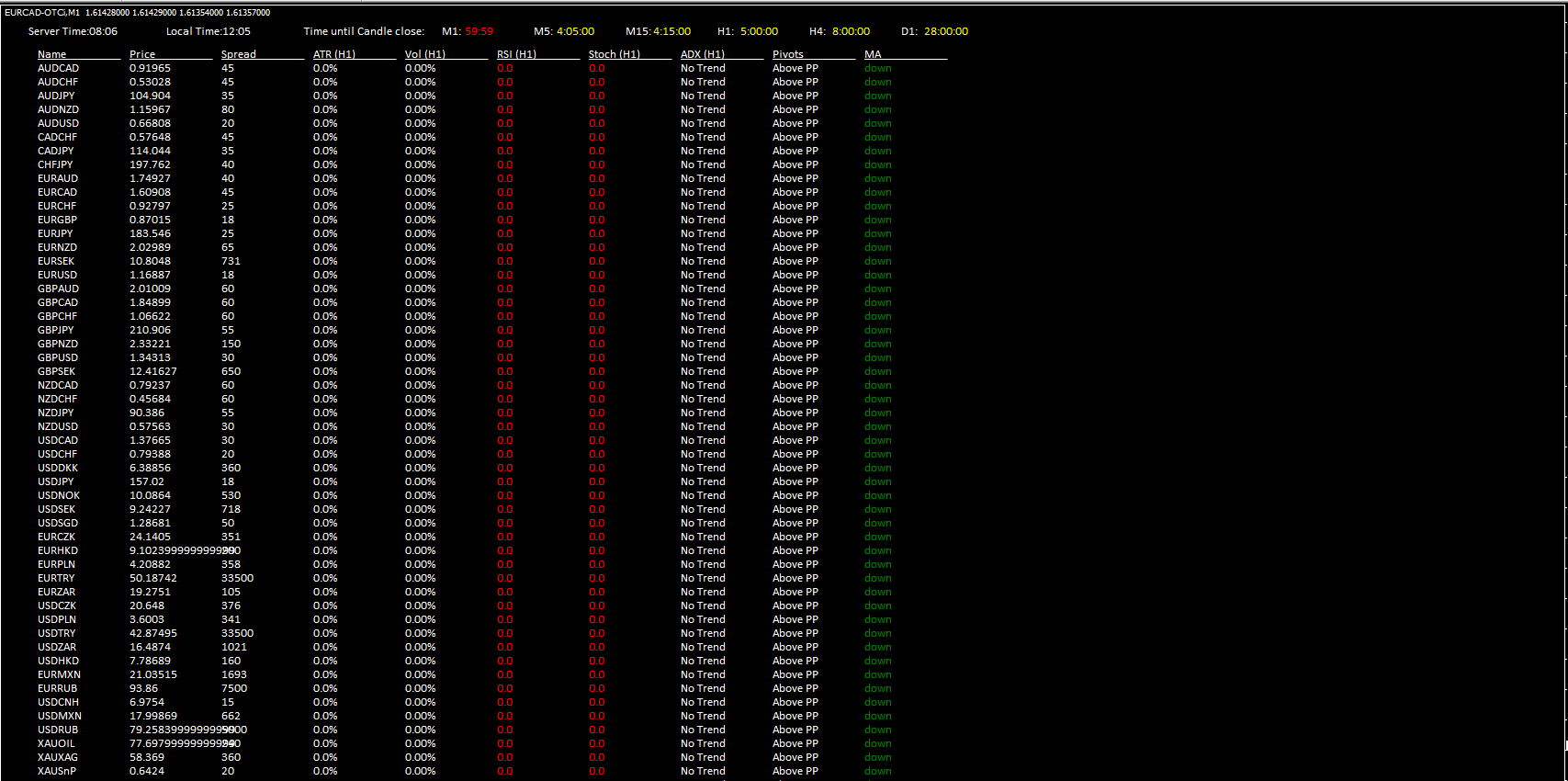
This indicator acts as a market scanner, continuously analyzing Price Action and technical conditions across the Forex market. By presenting trading opportunities in a clear and easy-to-read format, the FXTT FX Scanner Indicator helps traders save time and focus on the best setups available.
How the FXTT FX Scanner Indicator Works
The FXTT FX Scanner Indicator works by scanning the market for predefined technical conditions that may indicate a potential trading opportunity. These conditions are based on a combination of price patterns, trend behavior, momentum, and volatility.
Once a valid setup is detected, the indicator displays the trading opportunity directly on the chart, allowing traders to instantly recognize possible buy or sell scenarios. This real-time scanning process ensures traders stay updated on market movements without constantly switching between charts.
Key Features of the FXTT FX Scanner Indicator
The FXTT FX Scanner Indicator includes several features that make it a powerful Forex trading tool:
Scans the Forex market automatically for trade setups
Displays trading opportunities in a clear and user-friendly format
Provides information on market trend direction
Analyzes volatility and momentum conditions
Works on all currency pairs
Compatible with multiple timeframes
Easy to use for beginners and advanced traders
Free to download and use on MT4
These features make the indicator ideal for traders who want efficiency and clarity in their trading process.
How Traders Use the FXTT FX Scanner Indicator
Traders typically use the FXTT FX Scanner Indicator in the following ways:
Opportunity Detection: Identify high-probability buy and sell setups quickly
Trend Filtering: Trade only in the direction of the prevailing market trend
Momentum Confirmation: Enter trades when momentum supports the setup
Volatility Awareness: Avoid low-quality trades during unfavorable market conditions
Multi-Pair Scanning: Monitor several currency pairs at once without chart overload
The indicator is most effective when used alongside price action analysis or additional technical indicators for confirmation.
Benefits of Using the FXTT FX Scanner Indicator
The FXTT FX Scanner Indicator offers multiple benefits to Forex traders:
Saves time by automating market analysis
Reduces the need to manually scan multiple charts
Helps identify high-probability trading setups
Enhances decision-making with trend, volatility, and momentum data
Suitable for Scalping, day trading, and swing trading
Improves trading consistency and discipline
By simplifying market analysis, the indicator allows traders to focus more on execution and risk management.
Best Practices for Optimal Results
To get the most out of the FXTT FX Scanner Indicator, traders should:
Use higher timeframes to confirm trend direction
Combine signals with Support And Resistance levels
Apply proper risk management and stop-loss rules
Avoid trading during major news events without confirmation
Use the indicator as part of a complete trading strategy
Following these best practices can significantly improve trading accuracy and performance.
Conclusion
The FXTT FX Scanner Indicator is a reliable and user-friendly Forex tool that helps traders identify high-probability trading opportunities with ease. Its ability to scan the market, analyze trend, volatility, and momentum, and present clear trading setups makes it a valuable addition to any MT4 trading system.
Whether you are a beginner looking for structured guidance or an experienced trader seeking efficiency, this free MT4 indicator can enhance your Forex trading workflow.
Call to Action
Improve your trading efficiency with the FXTT FX Scanner Indicator. Download this free MT4 tool and explore more professional Forex indicators at IndicatorForest.com.
6 Downloads
Published:
Jan 05, 2026 12:14 PM
Category: