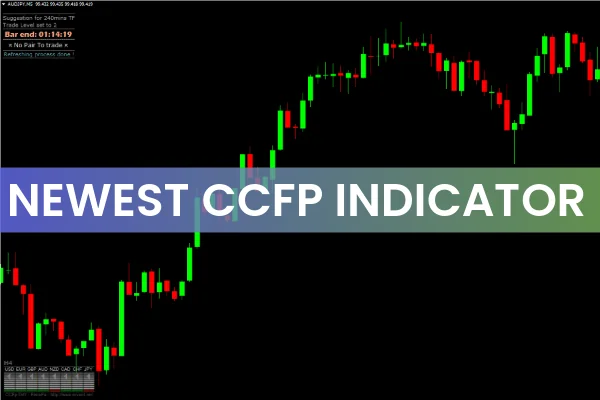
The Newest CCFp Indicator for MT4 is an advanced and upgraded version of the classic CCFp (Currency Correlation and Strength) indicator. Built for modern traders, this version adds intelligent features that make it easier to analyze market strength, identify trend direction, and make confident trading decisions.
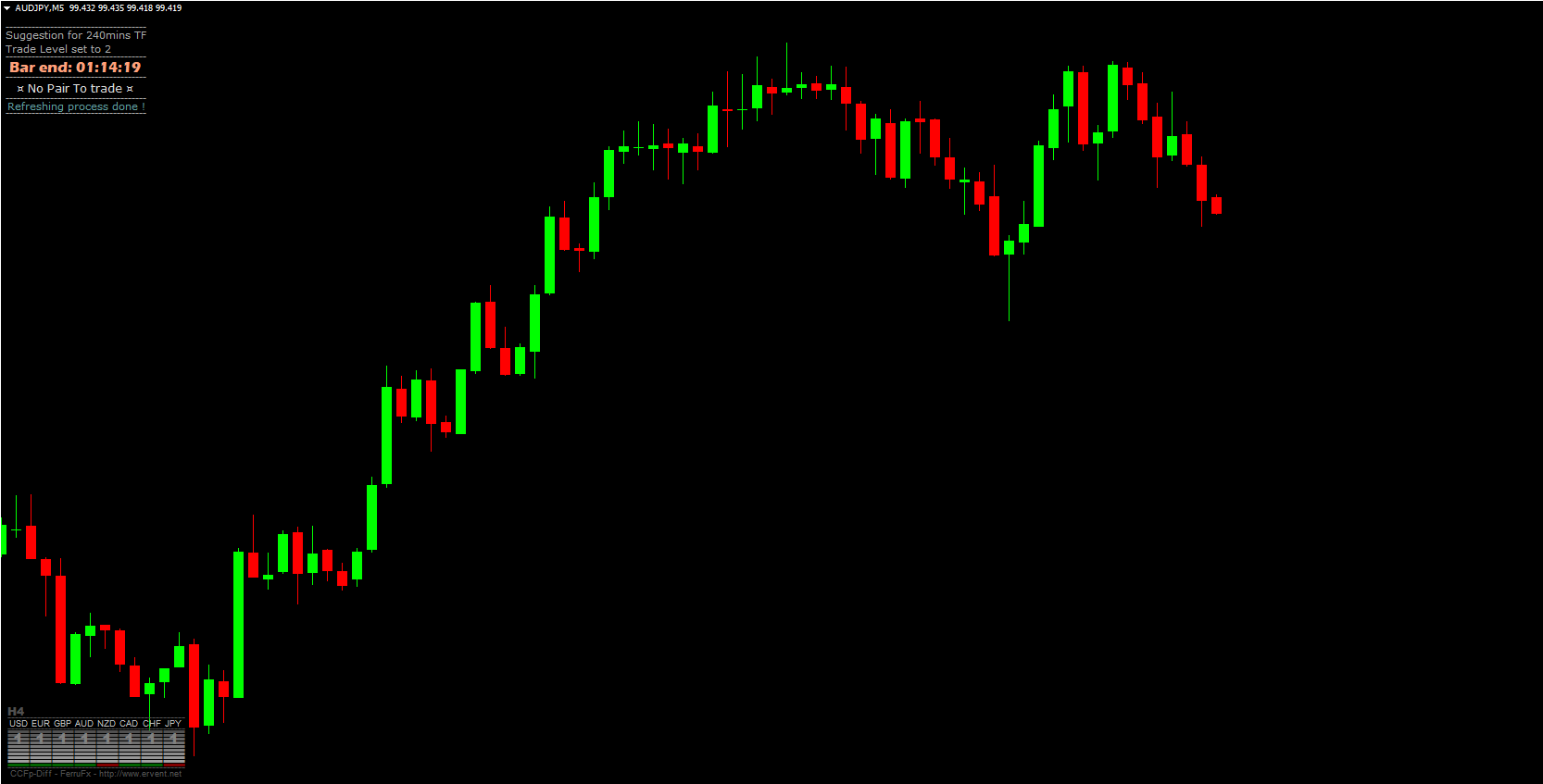
Unlike traditional CCFp indicators that only display currency strength and weakness, the Newest CCFp goes further by showing the remaining time for a candlestick to close, as well as trend recommendations (Buy/Sell) directly on the dashboard. These added features make it more efficient, visual, and beginner-friendly — ideal for traders who want quick and accurate insights into multiple Forex pairs simultaneously.
What Makes the Newest CCFp Indicator Different?
The Newest CCFp Indicator retains the core logic of the standard version, analyzing the strength of individual currencies based on the performance of their related pairs. However, it also integrates real-time visual features and intuitive signals, making analysis faster and easier.
Key Features:
Currency Strength Meter: Displays how strong or weak a base or quote currency is relative to others.
Candlestick Timer: Shows the countdown until the current candle closes — vital for timing entries.
Trend Suggestion Panel: Indicates “Buy” or “Sell” recommendations based on trend confirmation.
Multi-Currency Overview: View the performance of all major Forex pairs on a single dashboard.
Color-Coded Histograms: Green bars show bullish momentum, while red bars indicate bearish strength.
These features combined make the Newest CCFp Indicator for MT4 an excellent tool for both intraday and swing traders.
How to Trade Using the Newest CCFp Indicator
The indicator provides an organized dashboard view that simplifies the process of evaluating multiple currency pairs.
Analyze the Dashboard
Each currency is represented with green or red histogram bars:
Green Bars: Indicate increasing bullish momentum — the currency is strengthening.
Red Bars: Indicate bearish momentum — the currency is weakening.
For example, if the EUR bar is green and rising, it suggests that the Euro is gaining strength.
Identify Confirmed Trends
Next, look at the “Buy” or “Sell” recommendations displayed by the indicator:
“Buy” Suggestion: Indicates that the indicator has detected consistent bullish pressure.
“Sell” Suggestion: Signals that a bearish trend has been confirmed.
However, note that the indicator does not mean you should enter a trade immediately. Instead, the Buy/Sell labels confirm a trend direction, allowing you to time your entries using other tools like Price Action, support/resistance, or moving averages.
Combine with Price Action or Confirmation Tools
Before executing trades, confirm the indicator’s signals with chart analysis:
Look for candlestick confirmations such as bullish engulfing or pin bars.
Identify support/resistance levels to ensure trades align with key market zones.
Use a trend filter like the 50 EMA or RSI to avoid false entries in volatile conditions.
Example: Bullish Setup Using Newest CCFp
Suppose the indicator shows a green histogram for EUR and a “Buy” label for EURNZD:
This means EUR is strong while NZD is weak, suggesting an upward trend on the EURNZD chart.
You can confirm the entry by checking for a bullish candle close above a previous resistance zone.
Place a stop-loss below the last swing low, and aim for the next resistance area as your target.
This process ensures that you trade in the direction of confirmed market momentum.
Advantages of the Newest CCFp Indicator for MT4
Simplified Multi-Pair Analysis: View all currency strengths and trends in one dashboard.
Built-In Candlestick Timer: Helps you monitor candle closings for precise entry timing.
Color-Coded Visualization: Instantly identify bullish or bearish sentiment.
Accurate Trend Confirmation: Provides clear guidance on established market direction.
User-Friendly Interface: Perfect for both new and professional Forex traders.
Conclusion
The Newest CCFp Indicator for MT4 takes currency strength analysis to the next level by integrating enhanced visual cues, a candlestick timer, and trend direction recommendations. These upgrades make it a more intuitive and efficient trading tool for identifying high-probability setups.
Whether you’re a scalper, day trader, or swing trader, this indicator can help you quickly assess the Forex market and align your trades with dominant trends.
You can download the Newest CCFp Indicator for MT4 for free at IndicatorForest.com and start improving your multi-currency trend analysis today.
FAQ
12 Downloads
Published:
Nov 07, 2025 04:49 AM
Category: