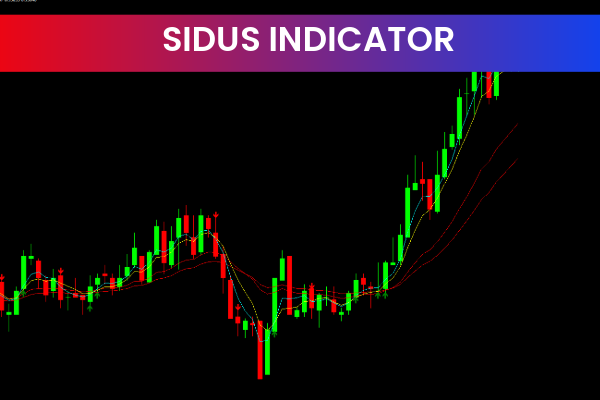
The Sidus Indicator is a useful and popular free Forex Indicator for the MetaTrader 4 (MT4) trading platform. It is designed to help traders generate accurate and timely buy and sell signals by combining two of the most trusted technical indicators in Forex trading: the Moving Average Convergence Divergence (MACD) and the Relative Strength Index (RSI).
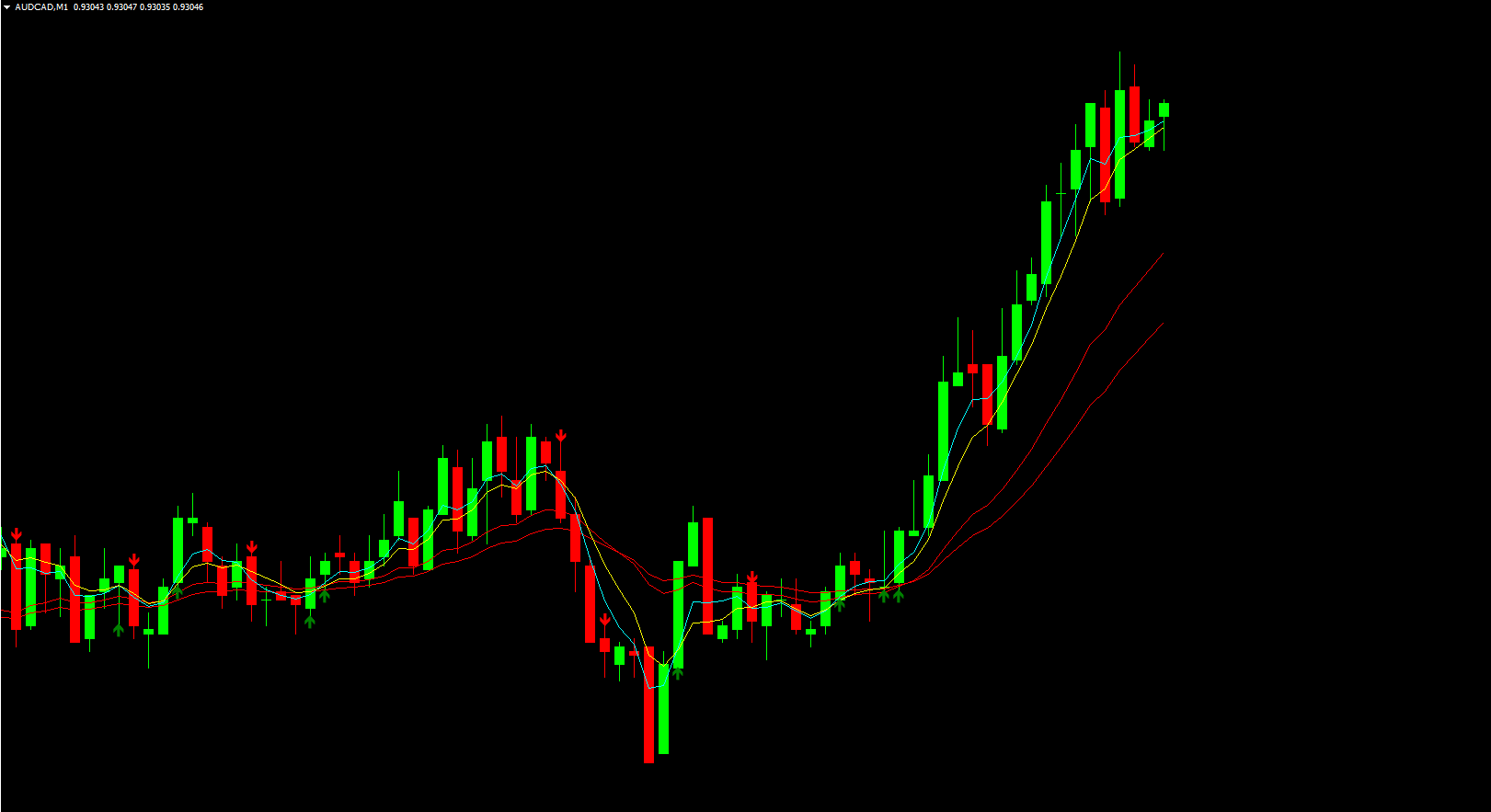
By merging momentum and trend analysis into one tool, the Sidus Indicator provides traders with a clearer understanding of market direction and potential trading opportunities.
How the Sidus Indicator Works
The Sidus Indicator analyzes the Price Action of a currency pair and compares it with MACD and RSI values to determine market direction. The indicator generates trading signals based on alignment between these indicators and current price movement.
When MACD and RSI align with price action, the indicator generates a buy signal
When MACD and RSI move against price action, the indicator generates a sell signal
This confirmation-based approach helps reduce false signals and improves overall trade accuracy.
Key Features of the Sidus Indicator
MACD and RSI Combination
Uses both momentum and trend indicators for stronger confirmation
Accurate Buy and Sell Signals
Helps traders enter and exit trades at optimal points
Trend-Based Analysis
Identifies market direction using proven technical methods
Customizable Settings
Traders can adjust parameters to match their trading style
Easy to Use
Simple setup and clean visual signals on MT4
Free MT4 Indicator
Available at no cost for Forex traders worldwide
Low Chart Clutter
Displays clear signals without overcrowding the chart
How the Sidus Indicator Can Benefit You
Improve Signal Accuracy
Combining MACD and RSI reduces weak or false trade signals
Trade with the Trend
Helps traders stay aligned with the prevailing market direction
Enhance Entry and Exit Timing
Identifies favorable points to open and close trades
Boost Trading Confidence
Clear confirmation signals reduce hesitation and emotional trading
Suitable for All Experience Levels
Easy for beginners while still powerful for advanced traders
Works with Multiple Strategies
Effective for Scalping, day trading, swing trading, and trend trading
How to Use the Sidus Indicator Effectively
Add the Sidus Indicator to your MT4 chart
Wait for alignment between MACD, RSI, and price action
Enter buy trades when indicators confirm bullish momentum
Enter sell trades when indicators confirm bearish momentum
Confirm signals using Support And Resistance levels
Apply proper stop-loss and risk management techniques
Using the Sidus Indicator with confirmation from price action can significantly improve trade reliability.
Best Trading Strategies Using the Sidus Indicator
Trend-Following Strategy
Trade only in the direction confirmed by MACD and RSI
Momentum Confirmation Strategy
Use RSI strength to confirm MACD crossovers
Multi-Timeframe Strategy
Confirm Sidus signals on higher timeframes before trading lower ones
Indicator Combination Strategy
Combine with moving averages or volatility indicators for stronger setups
These strategies help traders focus on high-probability trading opportunities.
Why Traders Choose the Sidus Indicator
Traders choose the Sidus Indicator because it offers clear, confirmation-based trading signals. Its ability to combine MACD and RSI into a single tool simplifies analysis while maintaining accuracy. The indicator is reliable, customizable, and suitable for traders at all levels.
For more professional and free MT4 Forex indicators, visit IndicatorForest.com and explore a complete library of advanced trading tools.
Final Thoughts
The Sidus Indicator is a powerful MT4 Forex tool that helps traders identify trends, generate accurate buy and sell signals, and improve trading consistency. Its combination of MACD and RSI makes it an excellent choice for traders seeking reliable market analysis.
Call to Action:
Discover more free MT4 Forex indicators and improve your trading performance today at IndicatorForest.com.
3 Downloads
Published:
Jan 07, 2026 19:52 PM
Category: