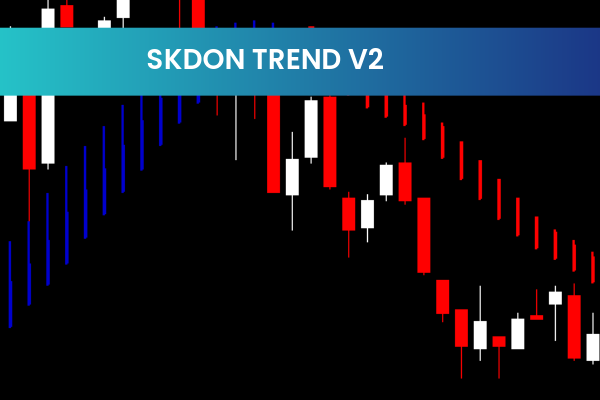
The SKDon Trend Indicator is a powerful and free Forex Indicator for MetaTrader 4 (MT4), designed to help traders of all levels identify market trends quickly and accurately. With its clear visual signals, the indicator allows traders to see at a glance whether the market is in an uptrend or downtrend, helping them make informed trading decisions.
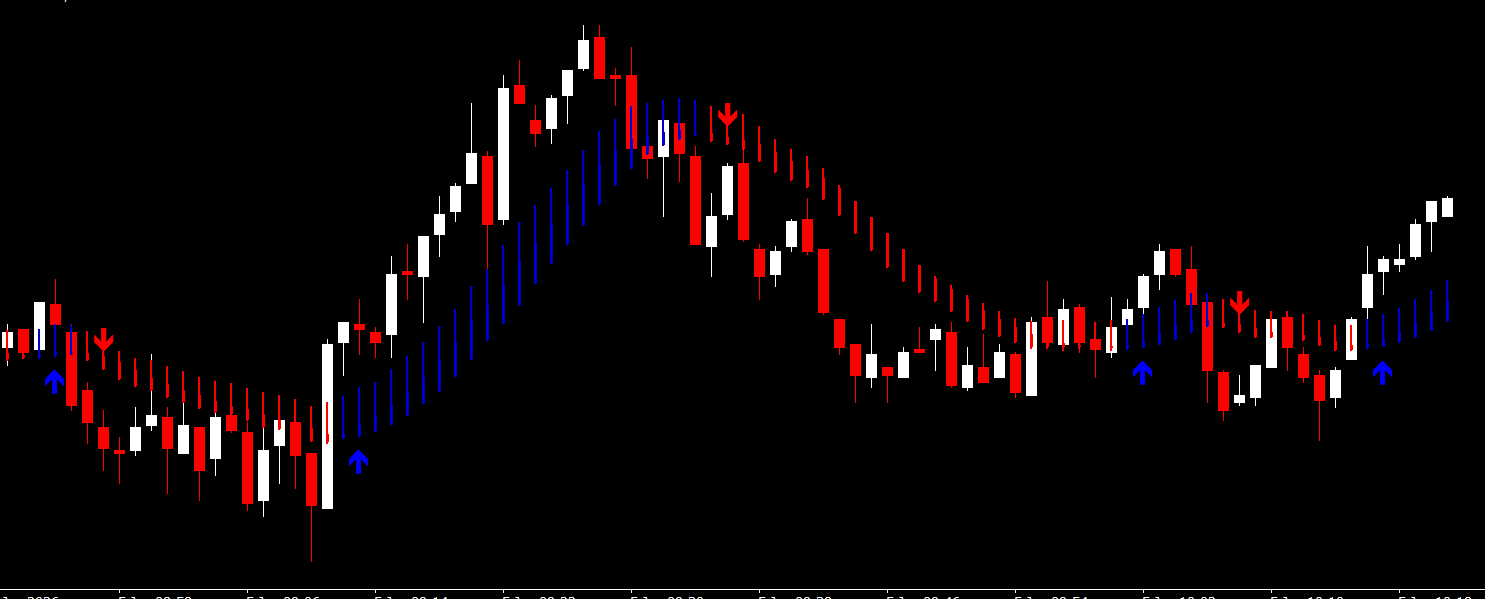
Whether you are a beginner or an experienced trader, the SKDon Trend Indicator simplifies trend analysis and provides reliable trading signals, making it a versatile addition to any trading strategy.
Key Features
Clear Trend Visualization:
Two color-coded lines display the current trend – green for uptrend, red for downtrend.
Reliable Trading Signals:
Signals are generated based on the crossover of the green and red lines, helping traders enter the market confidently.
Multi-Timeframe Compatible:
Works effectively on any timeframe, from 1-minute charts to daily charts.
Easy-to-Use Interface:
Simple visual representation makes trend detection intuitive.
Free and Popular:
The indicator is free to download and widely used among MT4 traders.
How the SKDon Trend Indicator Works
Two-Line System:
Green Line: Indicates an uptrend when above the red line.
Red Line: Indicates a downtrend when above the green line.
Trend Detection:
If the green line crosses above the red line → market is bullish, consider buying.
If the red line crosses above the green line → market is bearish, consider selling.
Reliable Signals:
The crossovers provide clear entry and exit signals.
Can be combined with other indicators like ADX, Support & Resistance, or RSI for trend confirmation.
Benefits for Traders
Quick Trend Analysis: Instantly identify whether the market is bullish or bearish.
Simplifies Trading Decisions: Clear visual signals reduce confusion and increase confidence.
Versatile Application: Works on all currency pairs and timeframes.
Supports Confluence Strategies: Can be used alongside other indicators for higher probability trades.
No Complex Settings Required: Easy to install and use on MT4.
How to Use the SKDon Trend Indicator
Install on MT4: Download the indicator and copy it into your MT4 Indicators folder.
Apply to Chart: Open your preferred currency pair and timeframe, then attach the indicator.
Interpret the Lines:
Green line above red → uptrend.
Red line above green → downtrend.
Enter Trades: Use the line crossovers as entry or exit signals.
Optional Confirmation: Combine with other trend or momentum indicators for added reliability.
8 Downloads
Published:
Jan 05, 2026 14:24 PM
Category: