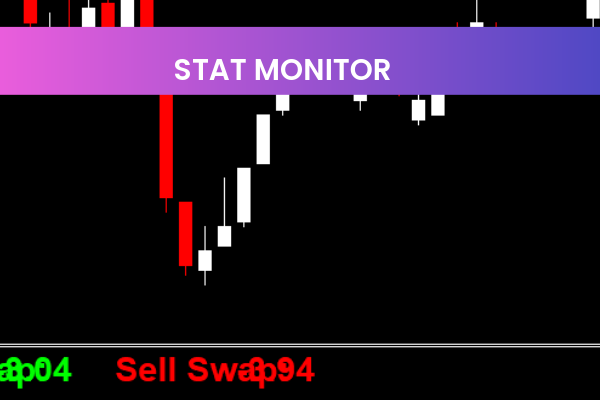
The Stat Monitor Indicator is a powerful and popular tool for forex traders, designed to monitor trade performance in real-time. This free MT4 indicator allows traders to easily track their trades, analyze results, and make informed decisions based on comprehensive performance metrics.
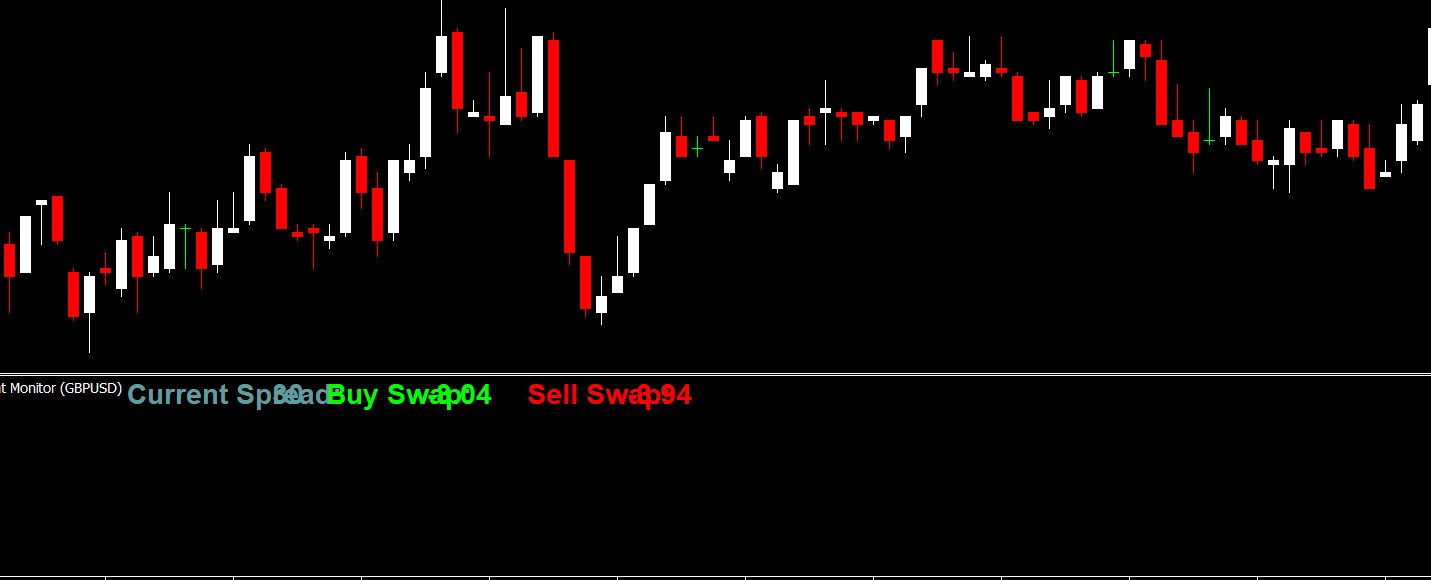
How the Stat Monitor Indicator Works
The Stat Monitor Indicator provides a complete overview of your trading account and individual trades. By displaying key metrics on your MT4 chart, traders can quickly assess trade performance without switching between screens or manually calculating results.
Key features include:
Current Price: Shows the live price of the selected currency pair. signal
Current Profit/Loss: Displays the real-time profit or loss for each trade.
Number of Trades: Tracks how many trades have been executed.
Total Profit/Loss: Provides an overall summary of profits and losses.
Average Profit/Loss per Trade: Helps analyze trade efficiency.
Maximum Profit/Loss per Trade: Identifies the most successful and most risky trades.
Benefits of Using the Stat Monitor Indicator
Real-Time Performance Tracking: Monitor trades instantly to make quick adjustments.
Comprehensive Trade Overview: See all essential trade metrics in one place.
Easy-to-Use Interface: Designed for MT4, it’s simple to install and start using.
Free for All Traders: No cost, making it accessible for both beginner and experienced traders.
Why Traders Prefer the Stat Monitor Indicator
Traders rely on the Stat Monitor Indicator because it consolidates critical trading data in a clear, visual format. Instead of manually calculating performance metrics or reviewing trade history, traders can monitor the efficiency of their trading strategies in real-time. This helps identify strengths, weaknesses, and areas for improvement, boosting overall trading performance.
Tips for Using the Stat Monitor Indicator Effectively
Track All Open Trades: Keep an eye on multiple positions to adjust stop-loss or take-profit levels in real-time.
Analyze Average and Maximum P/L: Use these metrics to refine your trading strategy.
Combine with Other Indicators: Pair with trend or momentum indicators to identify opportunities while monitoring performance.
Monitor Regularly: Regularly review metrics to spot patterns and improve decision-making.
Getting Started with the Stat Monitor Indicator
To start using the Stat Monitor Indicator, download it from IndicatorForest.com and attach it to your MT4 chart. Once installed, you’ll see a comprehensive display of trade performance metrics in real-time, helping you stay on top of every trade. With this tool, traders can monitor performance, minimize risk, and optimize trading strategies effectively.
Visit IndicatorForest.com today to download the Stat Monitor Indicator and take your trade management to the next level.
2 Downloads
Published:
Jan 04, 2026 18:40 PM
Category: