Mastering Market Cycles with Time Modified: The Evolution of MT4 Analysis
In the high-frequency trading environment of 2026, static indicators often fall short because they fail to account for the most critical variable in the market: time. Time Modified for MetaTrader 4 is a revolutionary technical analysis tool designed to bridge the gap between Price Action and temporal cycles. By adjusting traditional calculation periods based on time-of-day volatility and session transitions, this indicator provides a more "fluid" and accurate representation of market intent.
The Temporal Edge in Technical Analysis
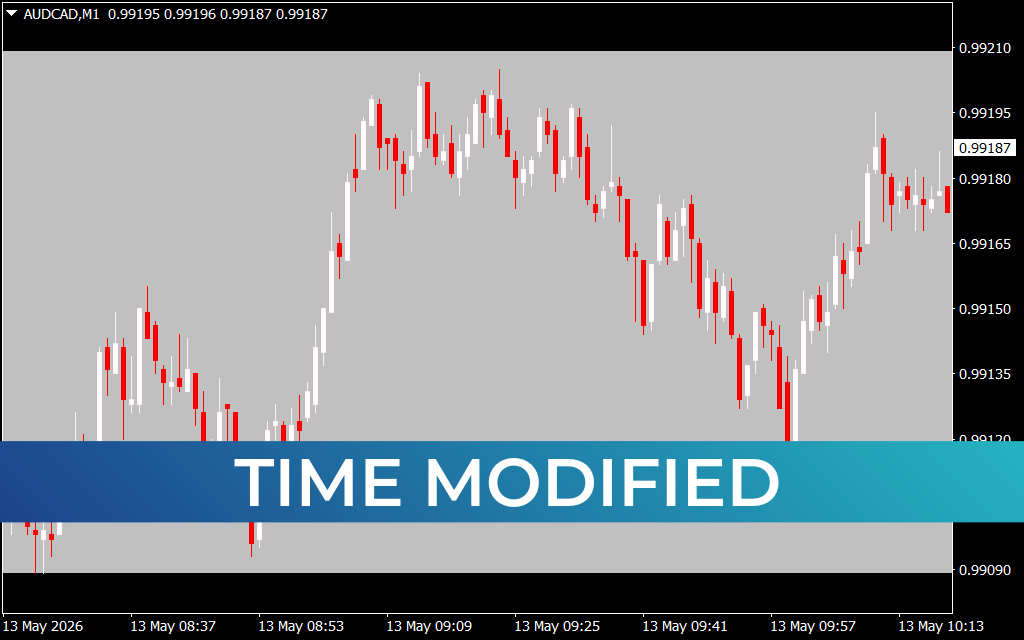
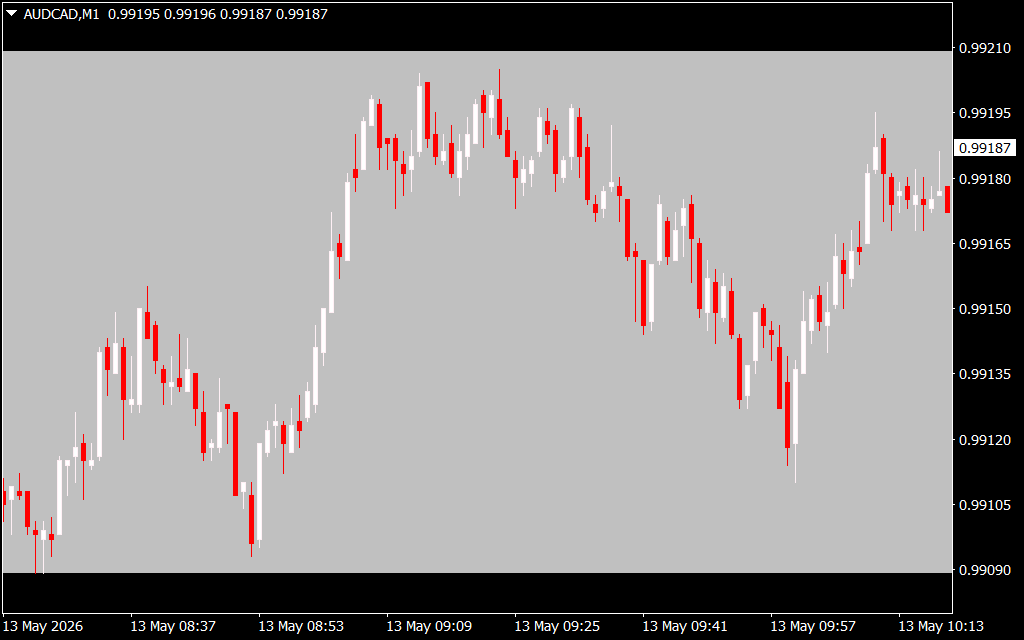
Traditional indicators use a fixed number of candles (e.g., a 14-period RSI). However, 14 candles during the London-New York overlap represent vastly different market energy than 14 candles during the quiet Asian session. The Time Modified system dynamically adjusts its sensitivity. As seen in the provided AUD/CAD M1 chart, the indicator creates a visual "Time Zone" or background shading that highlights specific high-probability trading windows.
During the session starting around 08:37 on May 13th, the market entered a period of structural expansion. Traders using Time Modified would have seen the background shift, signaling that the standard price ranges were about to be tested. This temporal context prevents traders from entering "false breakouts" that occur during low-liquidity hours.
Key Features of the Time Modified System
- Session-Adaptive Scaling: The indicator automatically identifies major global sessions (London, New York, Tokyo) and modifies signal sensitivity to match expected volume.
- Structural Shading: Visual background overlays, as seen on the M1 and M15 charts, help traders instantly identify if they are trading in a "Trending Window" or a "Correction Window."
- Advanced Pivot Smoothing: By incorporating time as a weighted variable, the price action—represented by the white and red candles—appears more structured, making it easier to identify the core trend amidst minor fluctuations.
- Volatility Normalization: The system filters out "dead zones" where price movement is purely random, ensuring you only receive alerts when the market has the necessary momentum to reach a target.
Strategy Application: Trading the "Clock"
Trading is as much about when as it is about where. The AUD/CAD M15 chart illustrates a steady bullish climb from the 0.98735 support level. A Time Modified approach would categorize the initial move as a "Primary Cycle," while the subsequent fluctuations near 0.99173 would be flagged as "Cycle Exhaustion."
By understanding where you are within a time-based cycle, you can avoid the common mistake of "overstaying" a trade. The indicator provides objective exit signals based on time-decay, ensuring that profits are secured before a session transition triggers a reversal.
Conclusion
Time Modified is not just another indicator; it is a lens that adds a fourth dimension to your trading screen. For MetaTrader 4 users who are tired of lagging signals, this system offers a proactive way to engage with the market. By aligning your strategy with the natural pulse of global financial sessions, you gain a statistical advantage that price-only indicators simply cannot provide.
1 Download
Last Update:
May 13, 2026 14:54 PM
Published:
Jan 23, 2026 00:52 AM
Category: