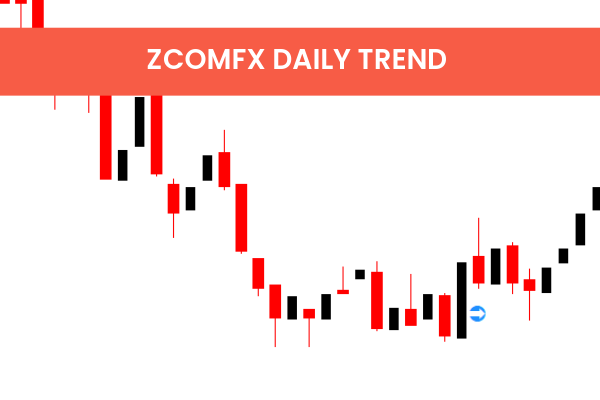
The ZCOMFX Daily Trend Indicator is a popular and free Forex Indicator for MetaTrader 4 (MT4) that helps traders quickly identify the current market trend and its strength. By providing a clear visual representation of trend direction and momentum, this indicator enables traders to make informed trading decisions with confidence.
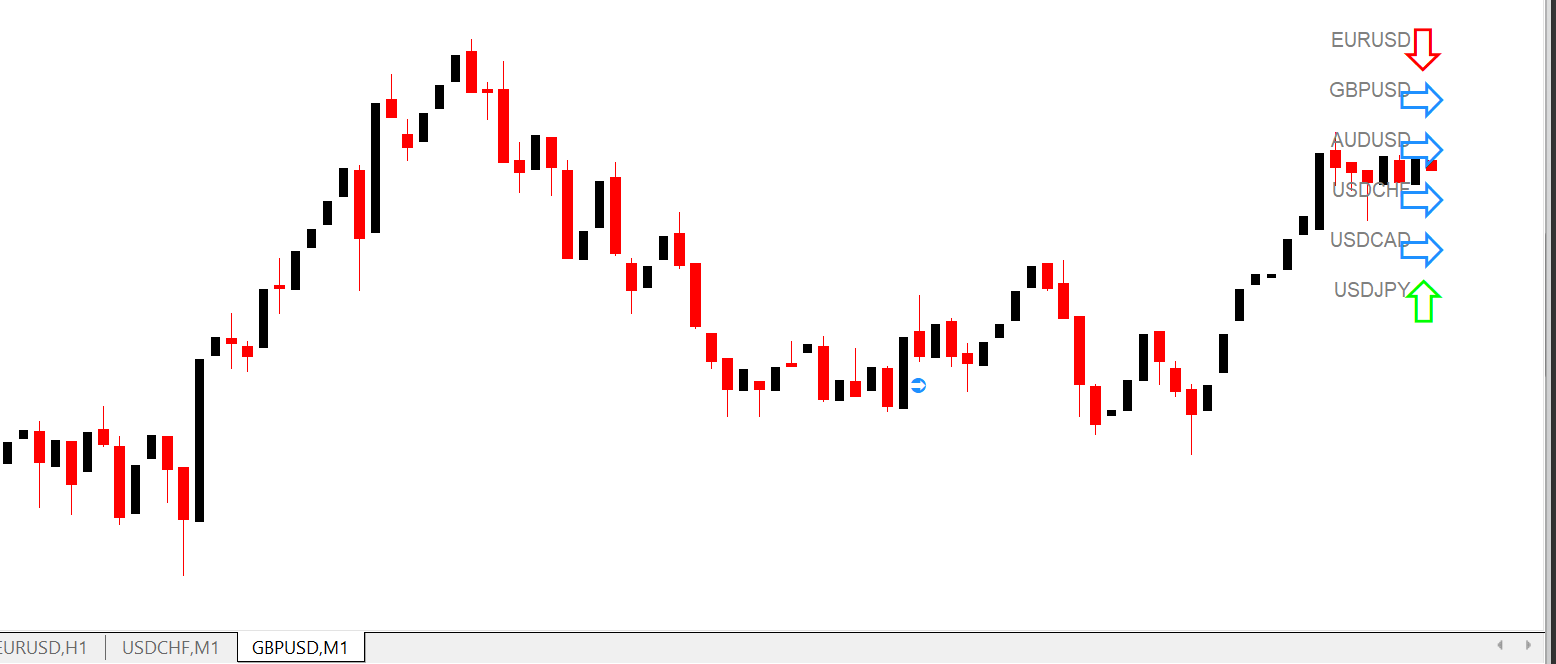
Ideal for both novice and experienced traders, the ZCOMFX Daily Trend Indicator simplifies trend analysis and highlights potential trading opportunities in real time.
Key Features
Clear Trend Direction:
Displays a colored line to indicate market trend – blue for bullish, red for bearish.
Trend Strength Histogram:
Shows the strength of the trend with bars – the higher the bar, the stronger the trend.
Easy-to-Use:
Intuitive design makes it simple to interpret, even for beginners.
Free MT4 Indicator:
Download and use it at no cost on your MetaTrader 4 platform.
Quick Trading Signals:
Helps traders identify potential entry and exit points based on trend direction and strength.
How the ZCOMFX Daily Trend Indicator Works
Trend Line Color:
Blue Line: Indicates an uptrend (bullish market).
Red Line: Indicates a downtrend (bearish market).
Trend Strength Histogram:
Bars represent the strength of the current trend.
Taller bars indicate stronger momentum.
Short bars suggest weaker trends or potential consolidation.
Trading Signals:
Use the trend line direction as a primary signal.
Confirm trend strength using the histogram before entering trades.
Benefits for Traders
Instant Trend Identification: Quickly see whether the market is bullish or bearish.
Improved Decision-Making: Strength indicator helps determine whether to follow the trend or wait for stronger momentum.
Multi-Level Analysis: Can be used alone or combined with other indicators like ADX, SKDon Trend, or Signal Bars for confluence trading.
Beginner-Friendly: Simple visual signals reduce confusion and make trend-following straightforward.
Supports Trend Trading: Perfect for strategies that focus on entering trades in the direction of the market trend.
How to Use the ZCOMFX Daily Trend Indicator
Install on MT4: Download the indicator and copy it into your MT4 Indicators folder.
Attach to Chart: Open any currency pair and timeframe, then apply the indicator.
Read the Trend Line:
Blue → Uptrend → Consider buying opportunities.
Red → Downtrend → Consider selling opportunities.
Check Trend Strength: Use the histogram bars to gauge momentum before entering trades.
Optional Confirmation: Combine with other indicators for higher probability trades.
7 Downloads
Published:
Jan 05, 2026 14:31 PM
Category: