The ZFXI Swap Version Two Indicator MT4 is a practical and essential tool for forex traders who want to monitor and calculate overnight swap fees. Available for free on the MetaTrader 4 platform, this indicator helps traders understand the cost or gain associated with holding positions overnight. By providing accurate swap fee information, traders can make better-informed decisions and manage their trading risk more effectively.
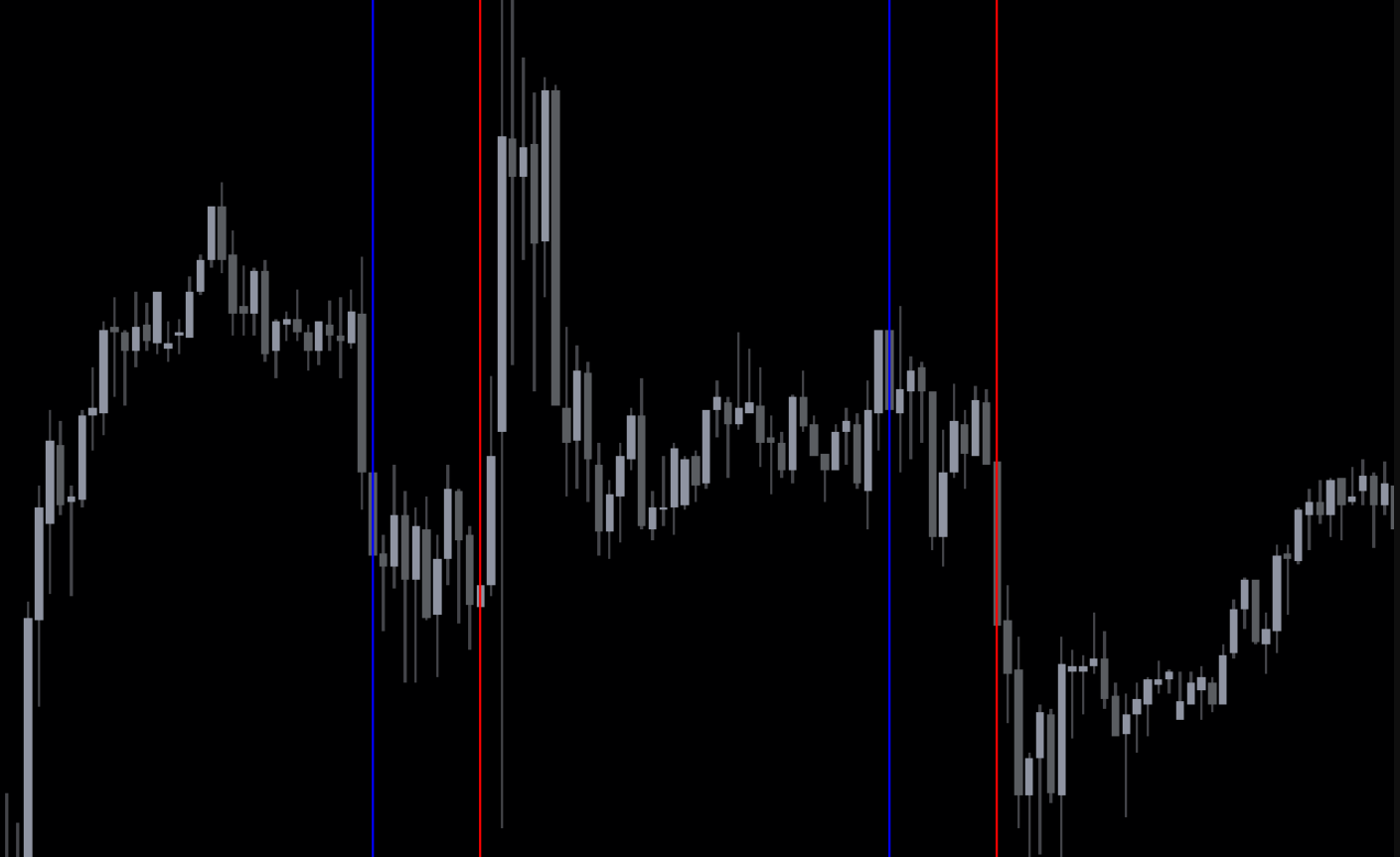
Swap fees, also known as rollover fees, can significantly impact trading profitability, especially for positions held over multiple days. The ZFXI Swap Version Two Indicator MT4 simplifies this calculation and brings transparency to trading costs.
What Is the ZFXI Swap Version Two Indicator
The ZFXI Swap Version Two Indicator is a technical tool designed to calculate and display swap fees for currency pairs on MT4. Unlike manually checking swap rates from brokers, this indicator automatically provides the fees on your chart, making it easier to factor them into your trading strategy.
Traders can use this indicator to:
View overnight swap costs or gains
Plan trades based on swap fees
Manage risk for long-term positions
Optimize trading strategies for profitability
How the Indicator Works
Once installed and attached to a chart, the ZFXI Swap Version Two Indicator MT4 calculates swap fees in real-time.
Key Features
Displays swap fees for long and short positions
Updates automatically with market conditions
Works on all currency pairs supported by MT4
Easy to read interface with clear values
By understanding the swap impact, traders can decide whether to hold positions overnight or close trades before rollover.
Importance of Monitoring Swap Fees
Swap fees can affect overall trading performance, especially in carry trade strategies or when holding positions over extended periods.
Benefits of Using the Indicator
Avoid unexpected negative rollover fees
Calculate potential earnings from positive swap rates
Factor swap costs into trade planning
Enhance risk management for multi-day trades
Traders who consistently monitor swap fees can protect their profits and improve long-term results.
Using the Indicator Effectively
The ZFXI Swap Version Two Indicator MT4 is straightforward and user-friendly.
Steps to Use
Download and install the indicator on MT4
Attach it to the chart of the currency pair you wish to trade
Check the displayed swap fee values for long and short positions
Consider swap costs when planning trade entries, exits, and holding periods
This simple process ensures traders always know the cost implications of their trades.
Advantages of ZFXI Swap Version Two Indicator MT4
Free and easy to install
Provides real-time swap information
Improves trading decisions and risk management
Suitable for beginners and professional traders
Compatible with all MT4 symbols
By clearly displaying swap values, this indicator helps traders make smarter decisions and optimize their trading strategies.
Conclusion
The ZFXI Swap Version Two Indicator MT4 is a valuable tool for forex traders seeking transparency in overnight trading costs. By calculating and displaying swap fees directly on MT4 charts, it allows traders to manage risk, improve strategy planning, and enhance profitability.
👉 Visit IndicatorForest.com to explore more free MT4 indicators, trading tools, and expert guides to boost your forex trading performance.
FAQ
ZFXI SWAP VERSION TWO is an enhanced version that helps traders identify market trends and potential reversal points. It uses advanced calculations to filter out market noise and provide clearer trading signals.
Version Two includes improved signal filtering, reduced false signals, better trend detection accuracy, and enhanced visual clarity. It provides more reliable entries and exits compared to the original version.
Use it for trend-following strategies when signals align with the dominant trend, reversal trading at key support/resistance levels, swing trading on higher timeframes, and scalping on lower timeframes with proper confirmation.
Yes, you can adjust sensitivity levels, signal filtering parameters, visual display options, and timeframe settings to match your trading style. Customization helps adapt the indicator to different market conditions.
Combine with moving averages for trend confirmation, support and resistance levels for entry timing, RSI or MACD for momentum analysis, and volume indicators to validate signal strength.
2 Downloads
Published:
Dec 17, 2025 11:44 AM
Category: