The Zwinner Trend Indicator is a powerful trading tool designed to help traders quickly identify market trends without relying on complex analysis. Available on IndicatorForest.com, this indicator provides an easy-to-read visual display that simplifies the decision-making process. By highlighting bullish and bearish trends through color-coded bars, it enables both beginner and advanced traders to act with confidence in fast-moving markets.
How the Zwinner Trend Indicator Works
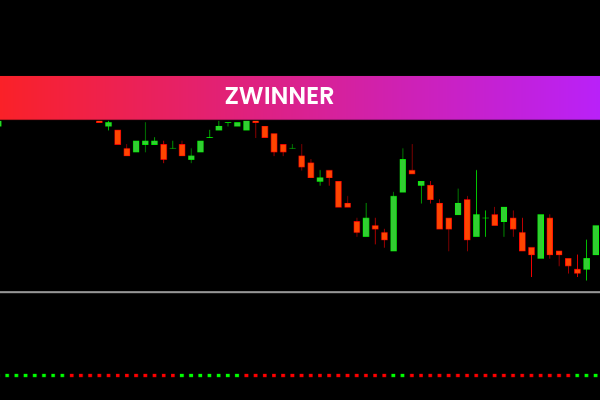
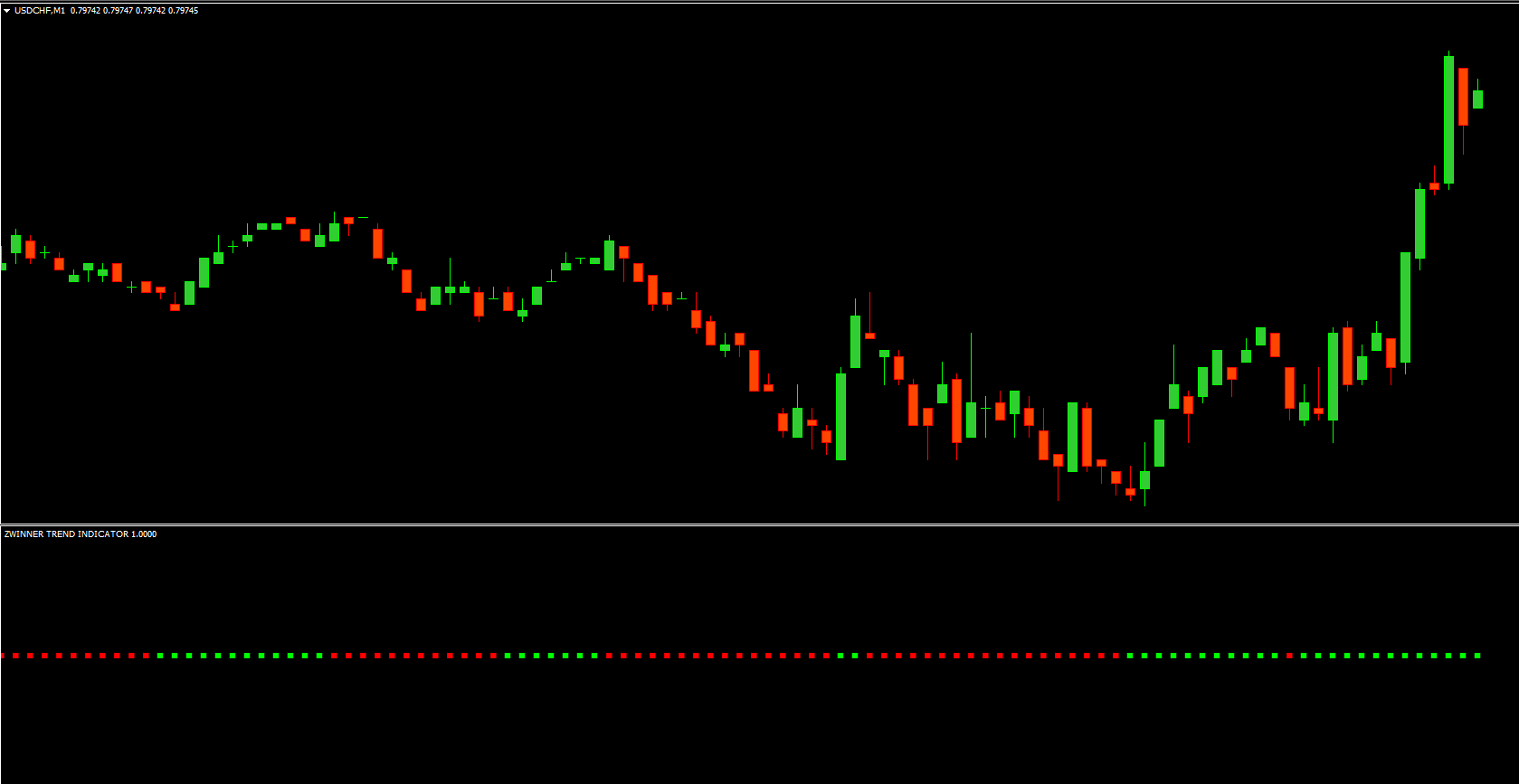
The Zwinner Trend Indicator uses a color-coded system to display market direction. When green bars appear, it indicates a bullish trend, signaling a potential buying opportunity. Conversely, red bars represent a bearish trend, suggesting that selling or shorting positions might be more favorable.
This visual clarity eliminates guesswork and helps traders stay aligned with the dominant market direction. Whether you’re trading forex, stocks, or cryptocurrencies, the Zwinner Trend Indicator adapts seamlessly to various chart types and timeframes.
Key Features of the Zwinner Trend Indicator
Color-Based Trend Signals: The green and red bars provide instant clarity on market conditions.
User-Friendly Interface: No technical expertise required—ideal for both beginners and professionals.
Customizable Settings: Adjust parameters to suit your trading strategy and preferred asset.
Multi-Timeframe Compatibility: Works efficiently across all major timeframes, from Scalping to swing trading.
Improved Decision-Making: Offers consistent visual cues that help reduce emotional trading and increase accuracy.
By integrating this indicator into your strategy, you can easily spot trend reversals, confirm entries, and exit trades more efficiently.
Zwinner Trend Indicator Trading Signals
The trading signals generated by the Zwinner Trend Indicator are straightforward yet highly effective:
Green Bars = Bullish Trend: The market is showing upward momentum, signaling potential buy opportunities.
Red Bars = Bearish Trend: The trend is moving downward, indicating possible selling or short setups.
The alternating colors help traders visually confirm shifts in market momentum. When green bars begin turning red, it’s often a sign of trend exhaustion or reversal—an ideal moment to reassess positions. This simplicity makes the indicator a perfect complement to other trading tools, such as moving averages or Support And Resistance levels.
Why Traders Choose the Zwinner Trend Indicator
Traders around the world trust the Zwinner Trend Indicator for its accuracy, clarity, and efficiency. Unlike overly complex systems filled with confusing signals, this indicator provides real-time visual guidance.
It’s lightweight and doesn’t slow down chart performance.
It works on multiple trading platforms, including MetaTrader and TradingView.
It’s easy to interpret, even during volatile market conditions.
By reducing the noise and focusing purely on trend direction, traders can make faster, more confident trading decisions.
How to Use the Zwinner Trend Indicator Effectively
To get the best results:
Combine with Support & Resistance: Use it alongside key price levels for stronger confirmation.
Monitor Multiple Timeframes: Check higher timeframes for overall trend context.
Follow Risk Management Principles: Always set stop-loss and take-profit targets.
With these practices, the Zwinner Trend Indicator becomes a strategic asset in your trading toolkit.
Conclusion
The Zwinner Trend Indicator is a simple yet highly effective tool for identifying market trends. Its color-based system allows traders to determine when to buy or sell with confidence—without getting lost in complex data or indicators. The customizable options make it adaptable to any trading style, from day trading to swing trading.
If you’re ready to enhance your market analysis and improve your trading performance, visit IndicatorForest.com to get the Zwinner Trend Indicator today and experience a smarter way to trade.
4 Downloads
Published:
Jan 03, 2026 06:42 AM
Category: