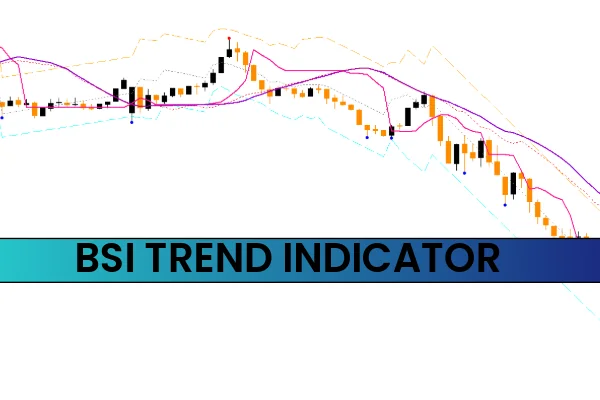
The Bsi Trend Indicator is a simple yet powerful MT4 tool that identifies trend direction using channels formed by multiple trendlines. BSI stands for Bar Strength Index, measuring the strength of price bars to highlight market momentum.
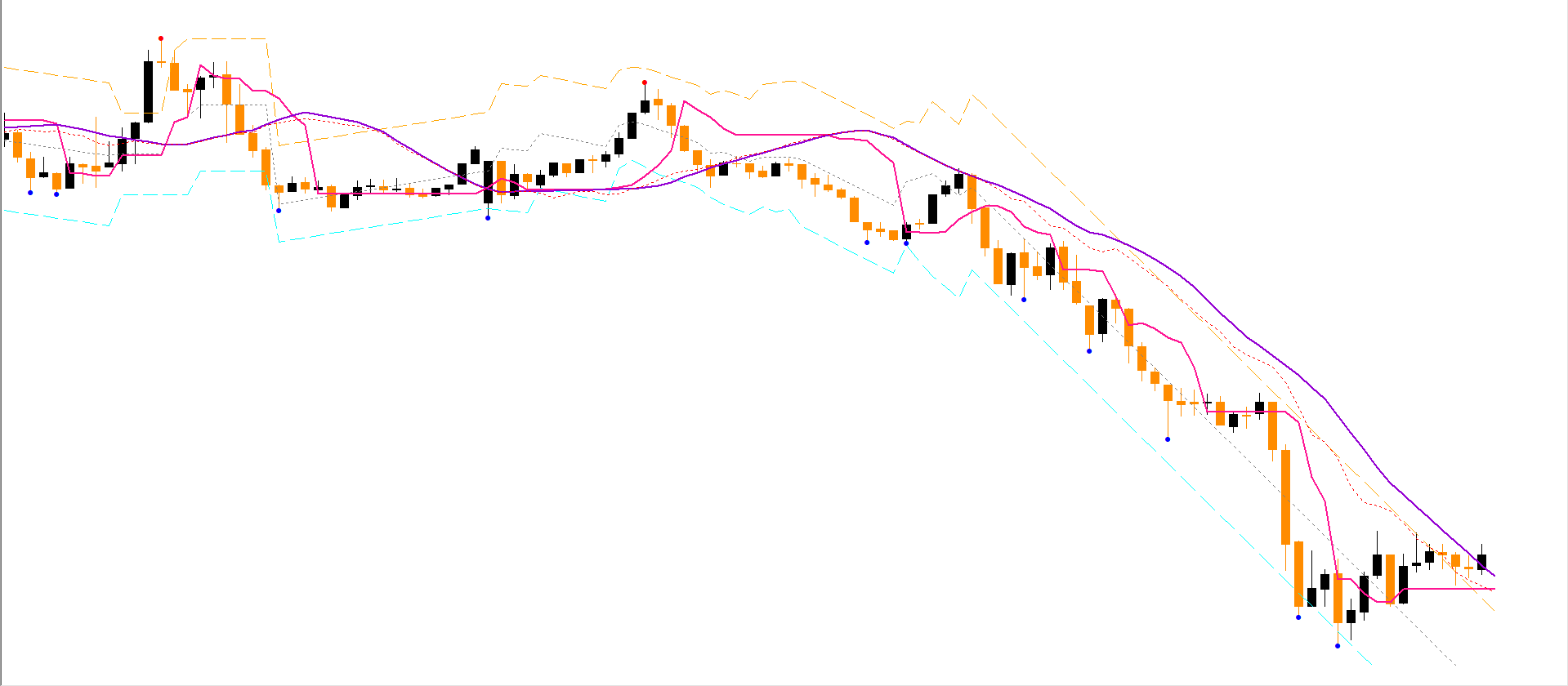
Unlike traditional indicators, the Bsi Trend Indicator forms a channel similar to Ichimoku Clouds and provides clear entry and exit points through plotted dots. It works across all timeframes, but longer timeframes yield more reliable signals.
How the Bsi Trend Indicator Works
The indicator plots several lines forming a trend channel:
Trend High (yellow line) – upper boundary of the channel
Tango Line – secondary resistance/support
Trend Regression Line – middle trend line
Tango MA Line – moving average of the channel
Trend Low (blue line) – lower boundary of the channel
The channel acts as both Support And Resistance, guiding traders on trend direction.
BSI Trend Indicator BUY/SELL Signals
Traders can identify buy and sell setups using the channel and confirmation dots:
BUY Signal
Price goes below the Trend Low (blue line).
Blue dot appears confirming the uptrend.
Traders can enter long positions with confidence.
SELL Signal
Price moves above the Trend High (yellow line).
Red dot emerges confirming the downtrend.
Traders can enter short positions.
⚠️ Note: If the price crosses the channel but no dot appears, wait for confirmation. Combine with other indicators like RSI or MACD for higher accuracy.
What is BSI in Trading?
BSI stands for Bar Strength Index, which measures the relative strength of price bars in a given period. The Bsi Trend Indicator differs slightly as it forms a trend channel with multiple lines rather than a single strength reading.
Best Trend Indicators for Forex
No indicator is 100% reliable. Top-performing trend indicators include:
RSI – momentum and overbought/oversold signals
MACD – trend direction and momentum
Moving Averages – trend smoothing and crossovers
Bollinger Bands – volatility and breakout zones
Bsi Trend Indicator – channel-based trend direction
Conclusion
The Bsi Trend Indicator for MT4 is a versatile tool that helps traders identify trend direction, support and resistance levels, and provides clear entry and exit signals. By using the channel lines and confirmation dots, traders can improve their accuracy and timing.
✅ Download the Bsi Trend Indicator for free from IndicatorForest.com and start trading with enhanced trend analysis today.
FAQ
7 Downloads
Published:
Nov 11, 2025 12:16 PM
Category: