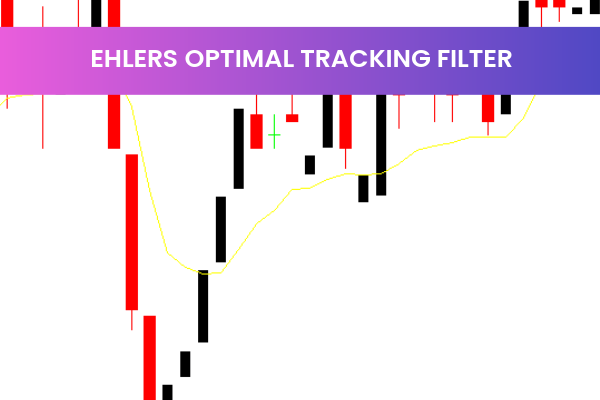
The Ehlers Optimal Tracking Filter is a highly useful and popular free Forex Indicator for the MetaTrader 4 (MT4) platform. Developed by John Ehlers, this indicator is based on his MESA adaptive filter and is designed to detect market cycles and trends with precision. By filtering out noise from price data, it reveals the underlying trend, allowing traders to make more informed trading decisions.
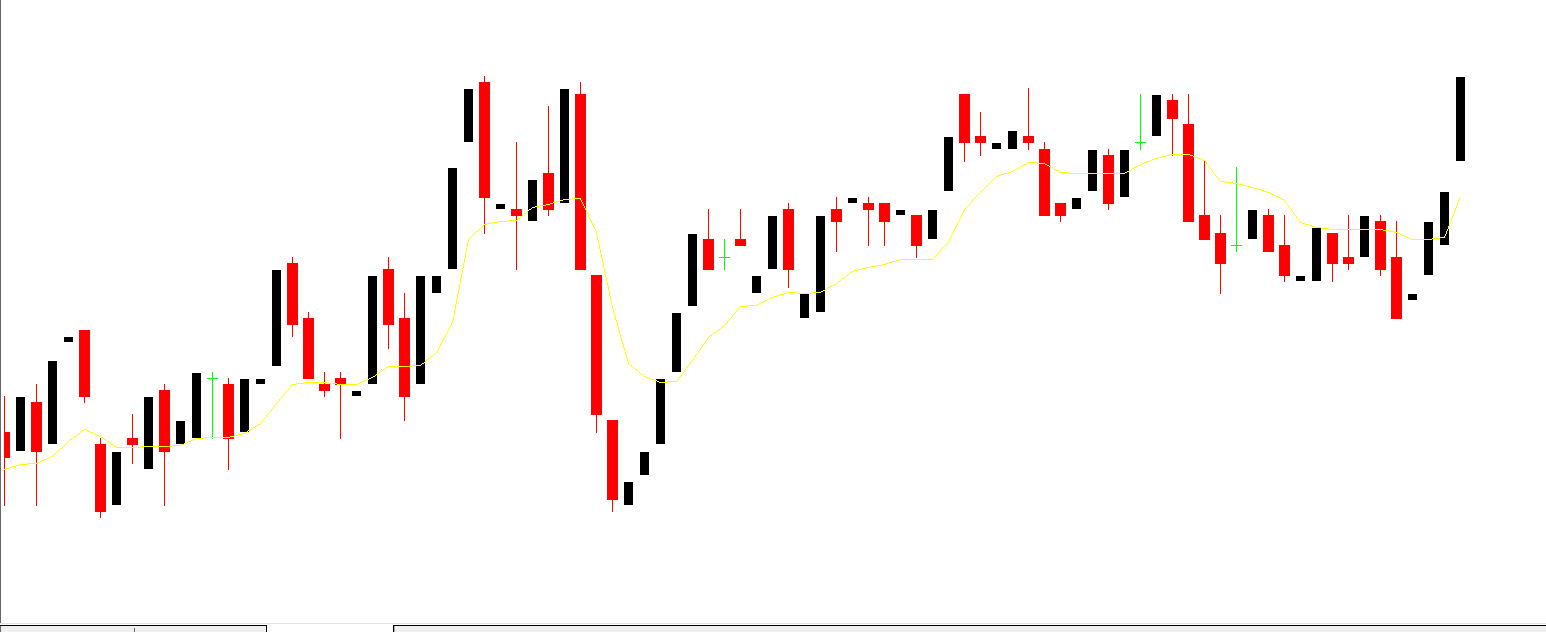
How the Ehlers Optimal Tracking Filter Works
This indicator works by analyzing price data and removing random fluctuations to highlight the true market trend. The resulting trend is displayed as a histogram on the MT4 chart, making it easy to identify bullish and bearish conditions.
Bullish Trend: When the histogram is above the zero line, it signals an upward trend.
Bearish Trend: When the histogram is below the zero line, it indicates a downward trend.
Overbought and Oversold Signals: The indicator also provides cues for potential entry and exit points, helping traders maximize profits.
Benefits of the Ehlers Optimal Tracking Filter
Noise Reduction: Filters out market noise for clearer trend identification.
Easy-to-Read Histogram: Visual representation simplifies trend analysis.
Reliable Buy and Sell Signals: Identifies potential market cycles and reversals.
Suitable for All Traders: Works for both beginners and experienced traders.
Why Traders Choose the Ehlers Optimal Tracking Filter
Traders rely on the Ehlers Optimal Tracking Filter because it combines the power of MESA adaptive filters with simple visual signals, making trend analysis both precise and easy. By focusing on the underlying market cycle rather than short-term price fluctuations, this indicator helps traders avoid false signals and trade more confidently.
Tips for Using the Ehlers Optimal Tracking Filter Effectively
Combine with Other Indicators: Pair it with RSI or MACD for stronger confirmation of entry and exit points.
Use Across Multiple Time Frames: Analyzing higher time frames improves accuracy of trend identification.
Watch Zero Line Crossings: Histogram crossing the zero line can signal trend reversals.
Getting Started with the Ehlers Optimal Tracking Filter
To begin using the Ehlers Optimal Tracking Filter, download it from IndicatorForest.com and attach it to your MT4 chart. The histogram display makes it easy to identify market trends at a glance. Customize the settings to match your trading style, then monitor for trend signals and potential trading opportunities. This indicator is a powerful tool for traders looking to follow market cycles and make low-risk trading decisions.
Enhance your trading toolkit and improve trend detection by visiting IndicatorForest.com to download the Ehlers Optimal Tracking Filter today.
Image Suggestions:
8 Downloads
Published:
Jan 04, 2026 18:36 PM
Category: