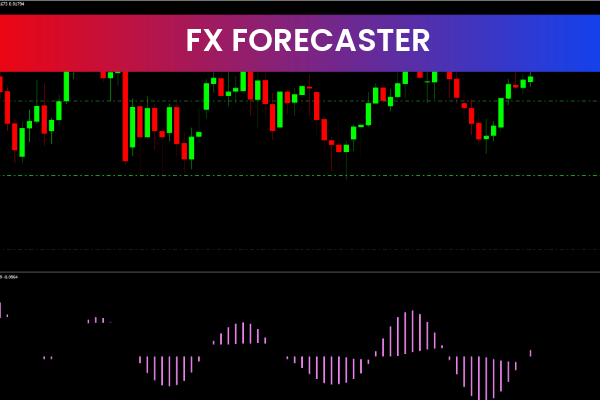
The FX Forecaster Indicator is a popular and free Forex Indicator for the MetaTrader 4 (MT4) platform, designed to help traders anticipate market movements and identify high-probability buy and sell opportunities. By analyzing price data, trends, and volatility, the indicator provides clear signals and valuable context about current market conditions.
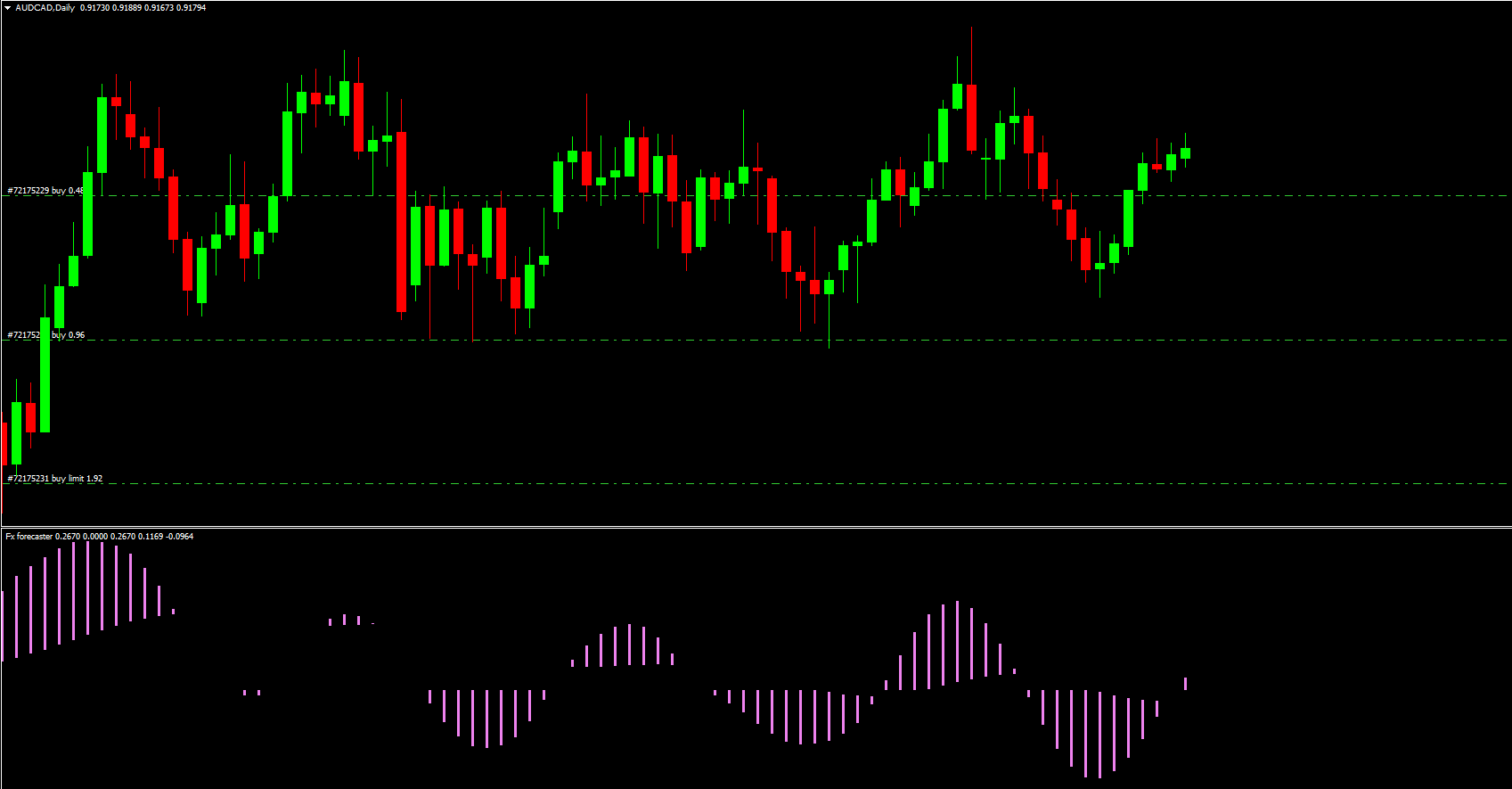
This makes the FX Forecaster Indicator suitable for traders who want both directional bias and timely entries, without cluttering their charts with multiple tools.
How the FX Forecaster Indicator Works
The indicator processes historical and real-time market data to detect:
Trend direction
Market volatility
Potential continuation or reversal patterns
Based on this analysis, the FX Forecaster Indicator generates BUY and SELL signals that align with prevailing market conditions. Traders can use these signals to time entries, manage exits, or confirm setups identified through Price Action or other indicators.
Unlike simple signal tools, the FX Forecaster Indicator also provides context, helping traders understand why a signal appears rather than blindly following arrows.
Key Features of the FX Forecaster Indicator
Buy and Sell Signals
Generates timely trade signals based on trend and pattern recognition.
Trend Direction Analysis
Helps traders quickly determine whether the market is bullish, bearish, or transitioning.
Trend Strength Measurement
Identifies whether a trend is strong enough to trade or weakening and prone to reversal.
Volatility Insight
Provides information about market volatility, helping traders avoid low-momentum or choppy conditions.
MT4 Compatibility
Works on all MT4 timeframes and currency pairs, from Scalping charts to swing and position trading.
Trading Strategies Using the FX Forecaster Indicator
Trend-Following Setup
Identify the dominant trend using the indicator’s trend direction output.
Enter trades only in the direction of the trend when a BUY or SELL signal appears.
Place stop loss beyond the most recent swing high or low.
Take profit at key support or resistance levels, or when the indicator signals trend weakening.
Reversal or Transition Trades
Use the indicator’s trend strength and volatility readings to spot exhaustion.
Confirm with candlestick patterns or divergence before entering counter-trend trades.
Signal Confirmation Tool
Many traders use the FX Forecaster Indicator as a confirmation tool, combining it with:
Support And Resistance levels
Moving averages
Price action patterns (pin bars, engulfing candles)
Benefits of Using the FX Forecaster Indicator
Improved Market Timing
Helps traders enter trades closer to optimal points instead of chasing price.
Reduced Analysis Time
Automates complex market evaluation, saving time and reducing decision fatigue.
Versatile Trading Styles
Suitable for scalpers, day traders, and swing traders.
Beginner-Friendly
Signals and market information are easy to interpret, even for new traders.
Risk Management Tips
Never rely solely on indicator signals — always apply proper risk management.
Risk a fixed percentage of your account per trade (commonly 1–2%).
Avoid trading during extremely low volatility or major news events unless your strategy allows it.
Combine FX Forecaster signals with higher-timeframe trend analysis for better accuracy.
Who Should Use the FX Forecaster Indicator?
Traders seeking early insight into market direction
Forex traders who prefer signal-based trading with context
Beginners who want structured guidance
Experienced traders looking for a confirmation and forecasting tool
Final Thoughts
The FX Forecaster Indicator for MT4 is a powerful and versatile trading tool that combines trend analysis, volatility insight, and signal generation into one indicator. While it can be used as a standalone system, its effectiveness increases significantly when combined with price action and solid risk management.
Used correctly, the FX Forecaster Indicator can help traders stay aligned with market momentum, reduce emotional trading, and improve overall consistency in the Forex market.
3 Downloads
Published:
Dec 29, 2025 11:32 AM
Category: