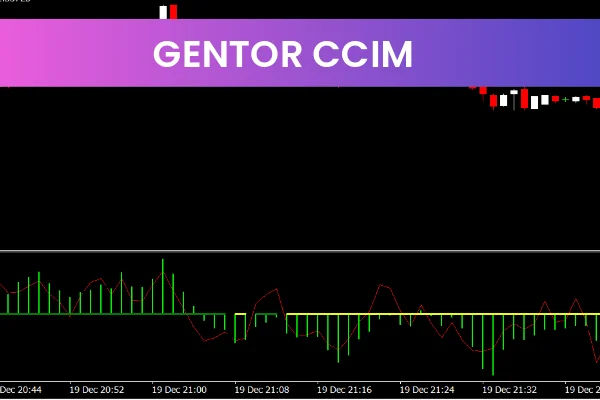
The Gentor CCIM Indicator is a popular and powerful free Forex Indicator designed for the MetaTrader 4 trading platform. It is widely used by traders who want to clearly identify trend direction, measure trend strength, and detect potential entry and exit points with higher confidence. By combining multiple well-known technical indicators into one tool, the Gentor CCIM Indicator delivers reliable market insights while keeping charts clean and easy to read.
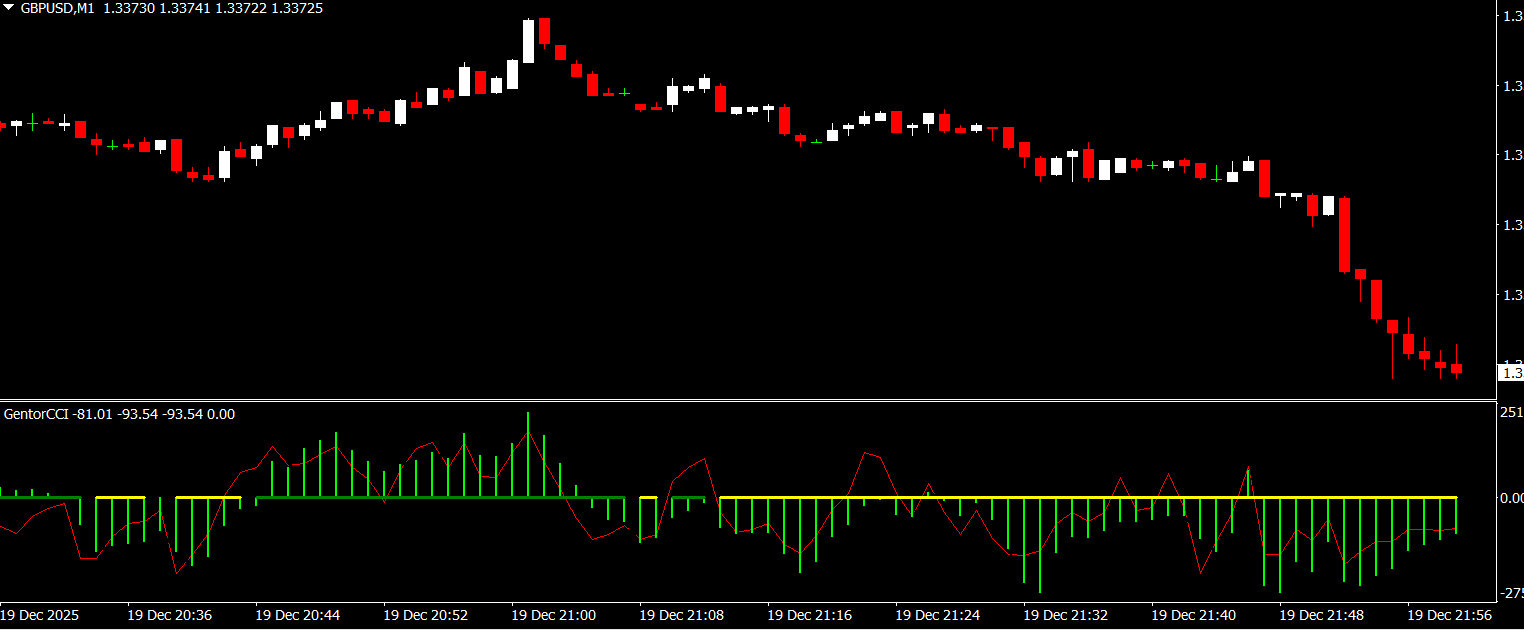
This indicator integrates the Commodity Channel Index, Relative Strength Index, and Moving Average Convergence Divergence into a single histogram-based display. As a result, traders can evaluate momentum, trend bias, and strength at a glance without switching between multiple indicators. The Gentor CCIM Indicator is suitable for beginners and advanced traders alike.
How the Gentor CCIM Indicator Works
The Gentor CCIM Indicator uses a complex internal formula that blends signals from CCI, RSI, and MACD. Each of these indicators plays a specific role in analyzing market behavior. The CCI component helps identify cyclical price movements, RSI measures momentum and overbought or oversold conditions, and MACD evaluates trend direction and momentum changes.
All of this information is displayed as a histogram on the chart. Green histogram bars indicate bullish trend conditions, suggesting upward momentum and buying pressure. Red histogram bars indicate bearish trend conditions, signaling downward momentum and selling pressure. The strength and consistency of the bars help traders assess whether a trend is strong, weak, or potentially reversing.
The Gentor CCIM Indicator also includes an audible alert system. When a new trading signal is generated, traders receive an alert, allowing them to react quickly even when they are not actively watching the chart.
Key Features and Benefits
Combines CCI, RSI, and MACD into one indicator
Displays trend direction using a clear histogram
Measures Trend Strength and momentum
Green bars indicate bullish conditions
Red bars indicate bearish conditions
Helps identify potential entry and exit points
Includes audible alerts for new signals
Easy to interpret and beginner-friendly
Works on all currency pairs
Suitable for all timeframes
Free to download and use on MT4
Using the Gentor CCIM Indicator in Trading
To use the Gentor CCIM Indicator, traders simply attach it to any MT4 chart. Once applied, the indicator automatically begins analyzing price data and displays the histogram below the chart. Traders can adjust visual settings such as colors and alert preferences to match their trading style.
A common trading approach is to trade in the direction of the histogram color. When green bars appear and remain consistent, traders may look for buy opportunities aligned with the trend. When red bars dominate, sell opportunities may be favored. Changes in histogram color or weakening bar strength can signal potential trend exhaustion or reversals.
The Gentor CCIM Indicator is often used as a confirmation tool alongside price action, Support And Resistance levels, or moving averages. This combination helps filter out false signals and improves trade timing. Proper risk management should always be applied when using any indicator-based strategy.
Why Traders Choose the Gentor CCIM Indicator
Traders choose the Gentor CCIM Indicator because it delivers multi-indicator analysis in a simple and visually effective format. Instead of interpreting separate RSI, MACD, and CCI indicators, traders receive a unified signal that reflects overall market conditions. This saves time and improves focus during fast-moving markets.
Its histogram design makes trend strength easy to spot, while audible alerts ensure traders never miss an important signal. Because it is free, customizable, and compatible with all MT4 brokers, the Gentor CCIM Indicator remains a trusted tool among Forex traders worldwide.
To download the Gentor CCIM Indicator and explore more professional Forex indicators, visit IndicatorForest.com and upgrade your MT4 trading strategy today.
Image Suggestions:
FAQ
1 Download
Published:
Dec 21, 2025 11:15 AM
Category: