Master Market Sentiment with the Heat Map Multi Color Indicator
In the complex landscape of financial trading, visual clarity is often the bridge between a missed opportunity and a profitable trade. The Heat Map Multi Color Indicator for MetaTrader 4 (MT4) is a premium visualization tool designed to transform how traders perceive Price Action. By applying a dynamic gradient overlay directly onto the price chart, this indicator provides an intuitive, at-a-glance representation of market strength, volatility, and trend exhaustion.
Visualizing Market Intensity
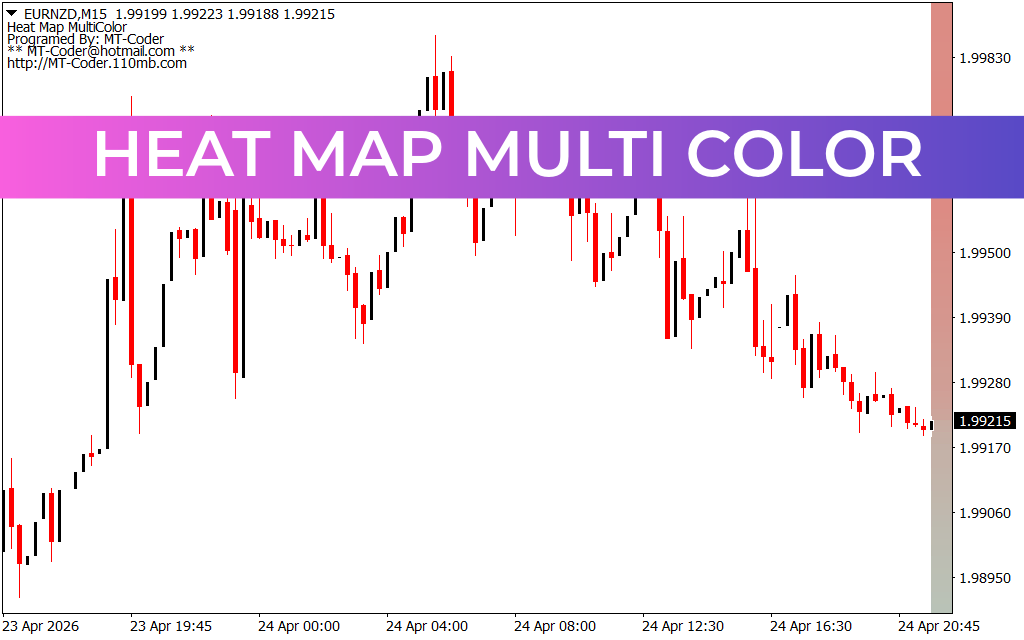
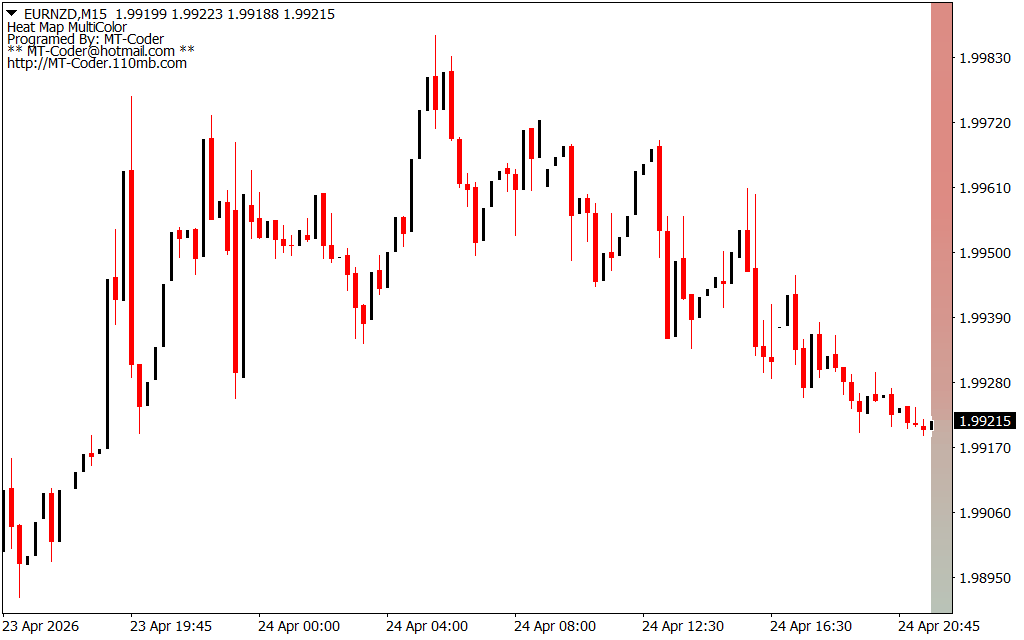
Traditional indicators often clutter the screen with lines and histograms that can obscure price action. The Heat Map Multi Color takes a different approach. It uses a vertical color gradient—typically positioned on the right side of the chart or as a background overlay—to illustrate the "temperature" of the current market.
When the market is in a high-intensity trend, the heat map reflects vibrant colors, signaling strong momentum. Conversely, as the trend loses steam or enters a consolidation phase, the colors shift toward neutral tones. This allows traders to identify overbought and oversold zones naturally, without having to cross-reference multiple oscillators.
Key Trading Advantages
The Heat Map Multi Color is not just an aesthetic upgrade; it is a functional tool built for precision. Its primary benefits include:
- Trend Strength Identification: Instantly distinguish between a weak retracement and a powerful Trend Reversal based on the color intensity.
- Volatility Mapping: Understand the current market environment. High-heat zones indicate high volatility where price swings are larger, while low-heat zones suggest a tightening market.
- Reduced Cognitive Load: By integrating sentiment data directly into the chart’s visual field, traders can maintain focus on price action while still receiving critical momentum data.
- Enhanced Entry and Exit Timing: Use the heat gradients to spot "hot" zones where price is likely to react or "cool" zones where a trend might be stalling, helping you time your exits to capture maximum profit.
Seamless Integration and Customization
Designed by MT-Coder, this indicator is optimized for the MT4 platform and works across all asset classes, including Forex pairs like EURNZD, commodities, and indices. It is particularly effective for day traders and scalpers who operate on lower timeframes (like the M15 or H1) and need to make split-second decisions based on shifting market sentiment.
The settings are fully customizable, allowing you to adjust the sensitivity of the heat calculations and the specific color palette to suit your personal trading style or chart background. Whether you are a price action purist or a systematic trader, the Heat Map Multi Color provides the visual edge necessary to navigate today’s volatile markets with confidence.
4 Downloads
Last Update:
Apr 27, 2026 12:19 PM
Published:
Feb 01, 2026 20:35 PM
Category: