Forex trading operates 24 hours a day across multiple trading sessions. Knowing which session is active—Asian, European, or American—can help traders understand volatility patterns and price behavior. The i-Session Indicator is a custom MT4 tool designed to visually separate these trading sessions directly on your chart.
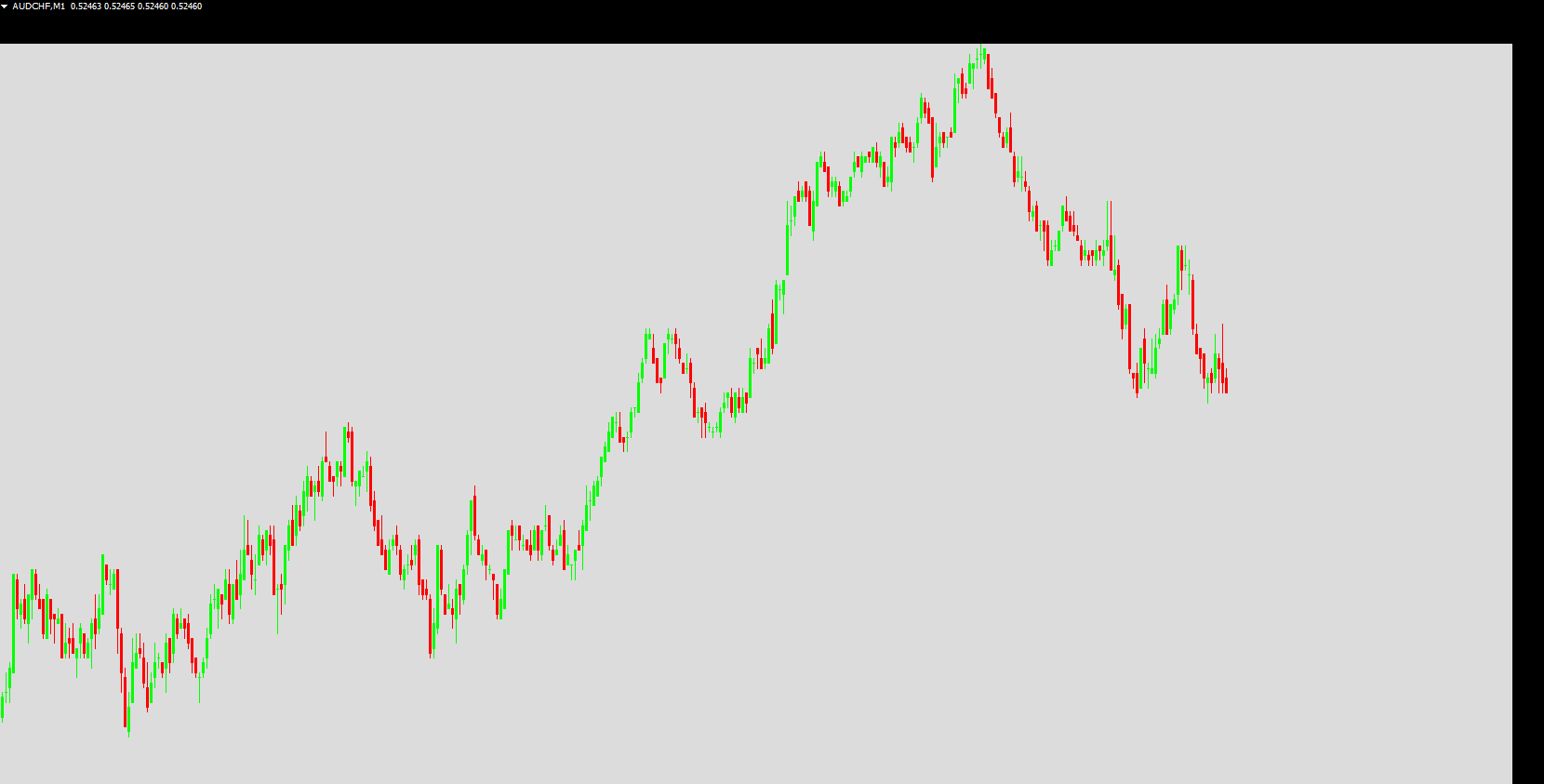
With the i-Session Indicator, traders can color code each session, quickly identify the current session, and analyze price behavior and range during specific trading hours. This allows better decision-making for intraday trades and breakout strategies.
What is the i-Session Indicator?
The i-Session Indicator is a session separator for MT4 charts. It highlights:
Asian Session
European Session
American Session
By displaying these sessions, traders can focus on the most volatile hours and plan trades around predictable session-based price movements. It is particularly helpful for spotting session-specific trends, ranging periods, and potential breakouts.
How to Use the i-Session Indicator
The i-Session Indicator provides two major benefits:
Identify Price Patterns During a Session
Determine whether the price is trending, ranging, or counter-trending during a particular session.
Determine Price Range
Understand the high and low boundaries for each session.
Use these boundaries to plan trades, either by trading a bounce-back within the range or a breakout above or below the session range.
i-Session Indicator Trading Strategies
Buy Setup
Observe the close of the Asian session and the start of the European session.
If the price breaks above the Asian session range, prepare for a buy opportunity.
Enter a long position after a bullish candle closes.
Set stop-loss below the recent consolidation.
Take profit should be 1.5 times the stop-loss.
Avoid trading if the session’s spread exceeds 50 pips.
Sell Setup
Observe the close of the Asian session and the start of the European session.
If the price breaks below the Asian session range, look for a sell opportunity.
Enter a short position after a bearish candle closes.
Set stop-loss above the recent consolidation.
Take profit should be 1.5 times the stop-loss.
Avoid trading if the session’s spread exceeds 50 pips.
By using session ranges and breakouts, traders can anticipate the next leg of the price and trade with a higher probability of success.
Advantages of Using i-Session Indicator
Visual Separation of Trading Sessions: Clearly marks Asian, European, and American sessions on the chart.
Session-Based Analysis: Helps determine price behavior, trends, and breakout zones.
Trading Efficiency: Focus on high-volatility sessions for better trading opportunities.
Flexible Timeframes: Works on any MT4 chart timeframe for intraday or swing trading.
Beginner-Friendly: Makes session analysis straightforward for traders of all levels.
Conclusion
The i-Session Indicator is a valuable MT4 tool for traders who want to track Forex trading sessions and plan trades around session-specific price patterns. It allows traders to understand market behavior, identify session ranges, and trade breakout opportunities with more confidence.
However, like all indicators, it should be tested on a demo account or backtested before using it in live trading. Proper application ensures safer and more effective trading decisions.
Visit IndicatorForest.com to download the i-Session Indicator and enhance your Forex session analysis today.
FAQ
4 Downloads
Published:
Nov 27, 2025 01:35 AM
Category: