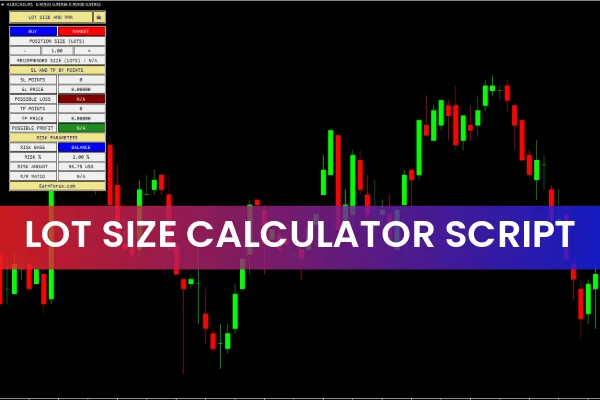
The Lot Size Calculator is a user-friendly MetaTrader script that calculates the appropriate lot size for your intended trade directly on the chart. It is designed to be chart-friendly and is highly beneficial for novice, intermediate, and advanced traders alike. By providing precise lot size calculations, this script helps manage risk effectively and plan trades accurately.
How MT4 and MT5 Calculate Lot Size
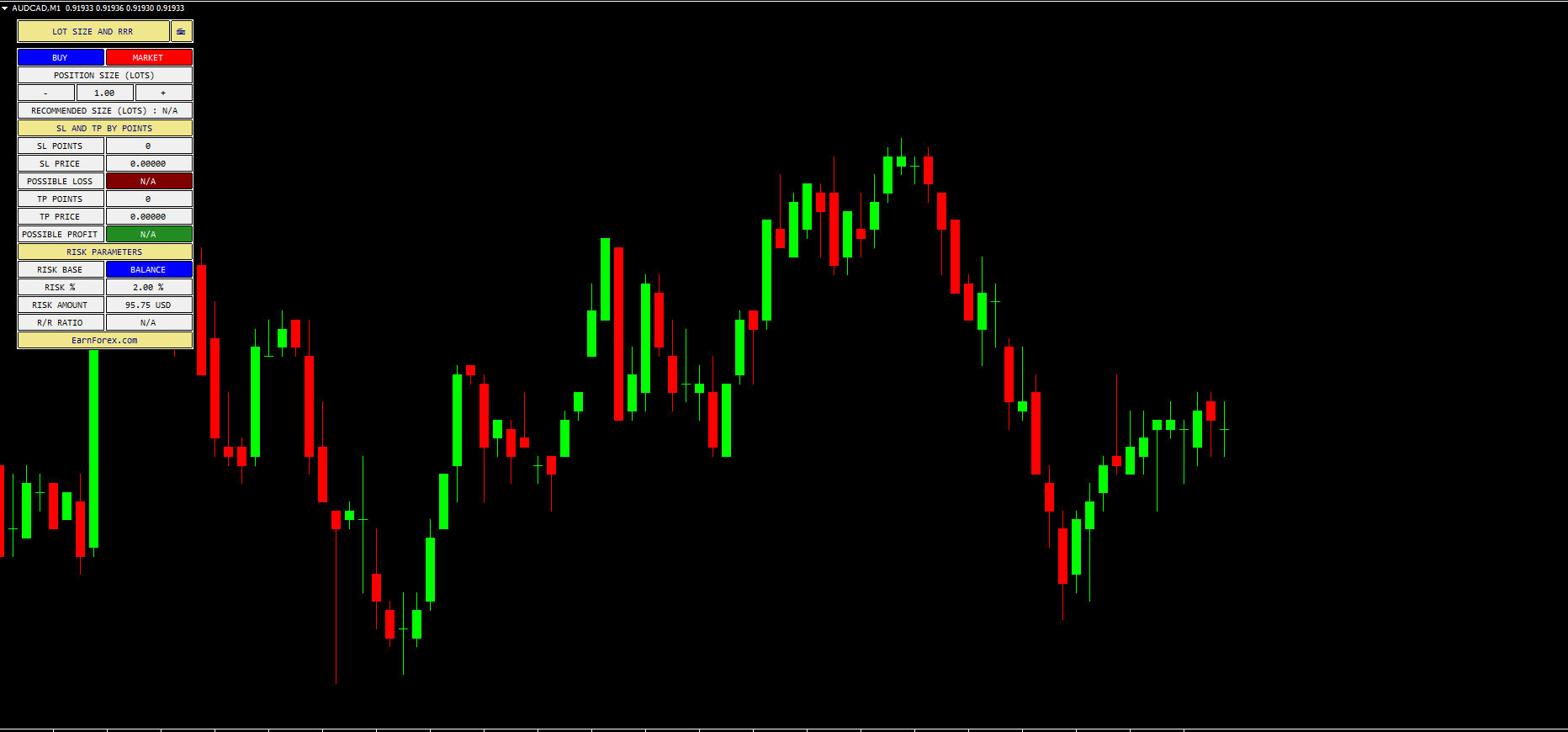
The MetaTrader platform does not have a built-in feature for calculating lot sizes for intended trades. The Lot Size Calculator script solves this problem by generating the recommended lot size based on your account risk, Stop Loss, and Take Profit levels.
How to Use the Lot Size Calculator
Using the script is simple:
Select the type of trade (Buy or Sell) and execution type (instant or pending order).
Enter the Stop Loss and Take Profit values.
The script calculates:
Recommended lot size for the trade
Stop Loss and Take Profit prices
Possible profit or loss
Note that the script calculates by points, so 10, 20, or 30 pips correspond to 100, 200, and 300 points, respectively.
For example, on a USDCHF chart, if you set a 30-pip Stop Loss and 90-pip Take Profit, the script will generate the lot size suitable for a 2% account risk and display potential profit and loss.
Benefits of the Lot Size Calculator
Accurate lot calculation for each trade
Visual and chart-friendly interface
Helps manage risk effectively
Suitable for all levels of traders
Supports both MT4 and MT5 platforms
Free to download
This script ensures you never over-leverage your trades and provides clear guidance on trade planning, helping maintain consistent risk management.
Conclusion
The Lot Size Calculator for MT4/MT5 is an essential tool for traders looking to calculate the perfect lot size, Stop Loss, and Take Profit directly on the chart. By using this script, traders can plan trades confidently and manage risk more effectively. Download the Lot Size Calculator for free at IndicatorForest.com to simplify trade sizing today.
FAQ
14 Downloads
Published:
Dec 03, 2025 01:51 AM
Category: