Multi-time frame (MTF) trading is a strategy that involves analyzing different timeframes—such as 15 minutes, 1 hour, 4 hours, and daily—to determine trend direction and optimal entry points. However, monitoring multiple charts simultaneously can be tedious, time-consuming, and prone to missed signals.
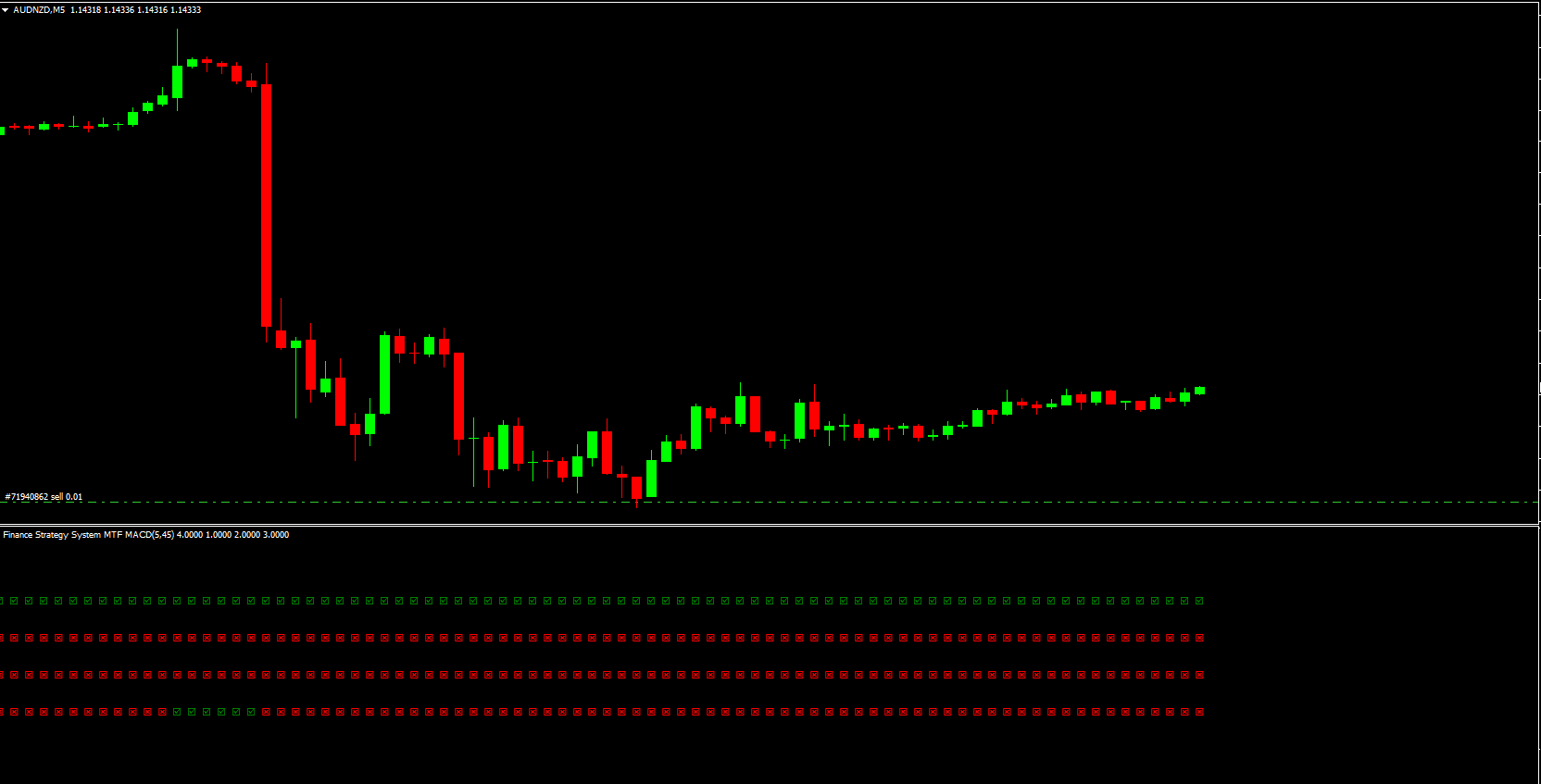
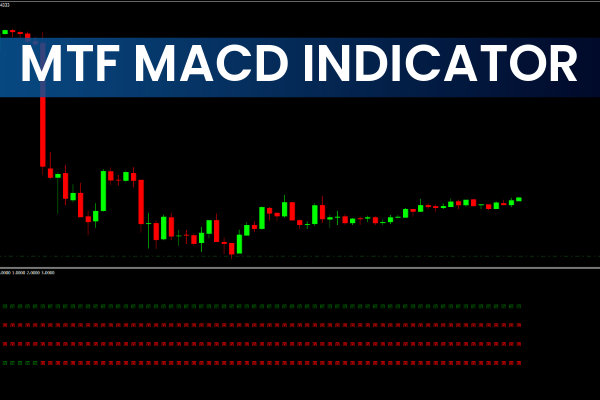
The MTF MACD Indicator solves this problem by displaying four timeframes in a single chart. Regardless of the timeframe you are trading on, the indicator shows what is happening across all four specified timeframes, making it easier to align trades with the overall trend.
How the MTF MACD Indicator Works
The MTF MACD Indicator displays four colored lines, each representing a different timeframe:
Closest to the chart – Daily timeframe
Second line – H4 timeframe
Third line – 1-hour timeframe
Furthest from the chart – 15-minute timeframe
The color coding allows traders to quickly see trend direction:
Green line – Uptrend
Red line – Downtrend
Using the MTF MACD Indicator
The MTF MACD Indicator can help traders filter trades or optimize entry points:
Scalpers – Focus on the shorter timeframes (15 min, 1 hour)
Long-term traders – Focus on the longer timeframes (H4, Daily)
Trend-following strategy – Use higher timeframes to confirm the overall trend, and lower timeframes to pick precise entry points
Example:
If you want to go long, wait for the daily timeframe to turn green. When the lower timeframes retrace (turn red), wait for them to resume the green signal, confirming the trend has resumed. This is the ideal entry point for a long position.
Trading Example
Suppose the daily, 4-hour, and 1-hour timeframes are bearish, indicating a short trade. However, the market may retrace briefly, as shown by a green 15-minute line. Enter the trade after the retracement ends, once the indicator turns red again, ensuring you follow the main downtrend while avoiding poor entry timing.
Advantages of the MTF MACD Indicator
All-in-one trend view – Check four timeframes without switching charts
Ideal entry identification – Improves precision in opening trades
Supports multiple trading styles – Suitable for Scalping, intraday, and swing trading
Time-saving – Reduces the need to monitor multiple charts
Compatible with MT4 and MT5 – Works on both platforms for forex trading
Best Practices for Using the MTF MACD Indicator
Always align trades with the higher timeframe trend
Wait for retracements to optimize entry points
Combine with other technical tools like Price Action, support/resistance, or trendlines
Manage risk with stop-loss and take-profit orders
Conclusion
The MTF MACD Indicator is an essential tool for traders who want to simplify multi-time frame analysis while improving trade accuracy. By showing four timeframes on one chart, it saves time, reduces confusion, and helps traders enter trades at ideal points.
The MT MTF MACD is not available in the standard MT4 database, but you can download it for free on IndicatorForest.com and start using it to enhance your trading strategy.
FAQ
9 Downloads
Published:
Nov 26, 2025 01:25 AM
Category: