Master Global Markets with the Multipaires Indicator for MT4
In the modern era of algorithmic trading, viewing a single currency pair in isolation is no longer sufficient for professional-grade technical analysis. The financial markets are deeply interconnected; a move in the Euro often ripples through the Dollar, which in turn impacts commodity currencies like the Australian or Canadian Dollar. The Multipaires Indicator (Multi-Pair Indicator) for MetaTrader 4 (MT4) is a definitive solution designed to give traders a "macro" perspective directly from a single chart. By overlaying the Price Action or momentum of multiple assets, it provides an unparalleled view of market correlation and relative strength.
The Power of Comparative Analysis
The Multipaires Indicator operates on the principle of relative performance. Rather than guessing which pair will move the most, this tool allows you to visually compare the velocity of different instruments in real-time. This is essential for identifying "divergence"—situations where one pair breaks out while another remains stagnant, often a leading signal for high-probability trade setups.
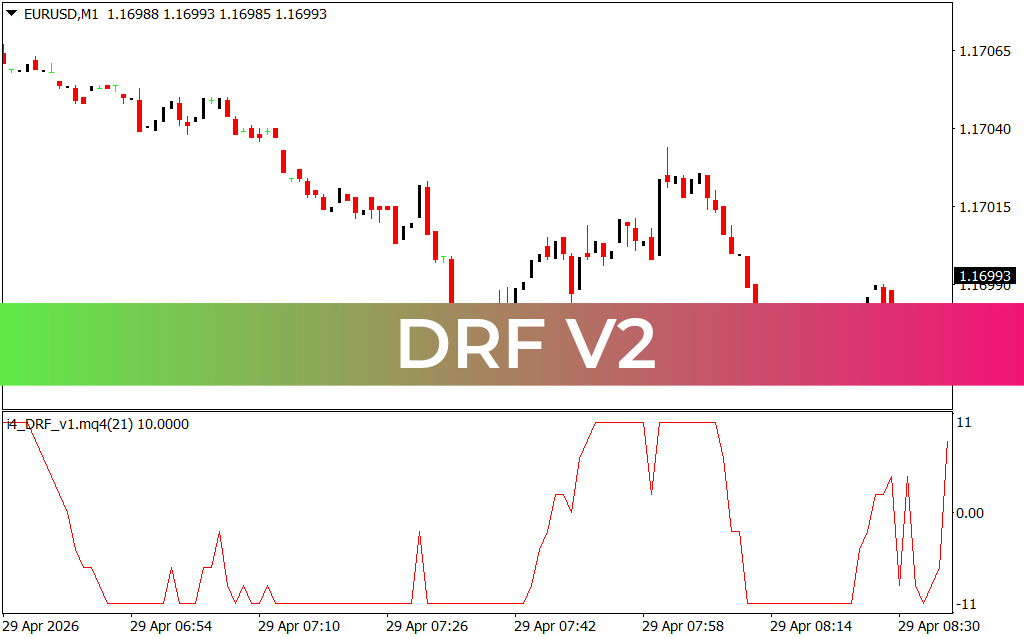
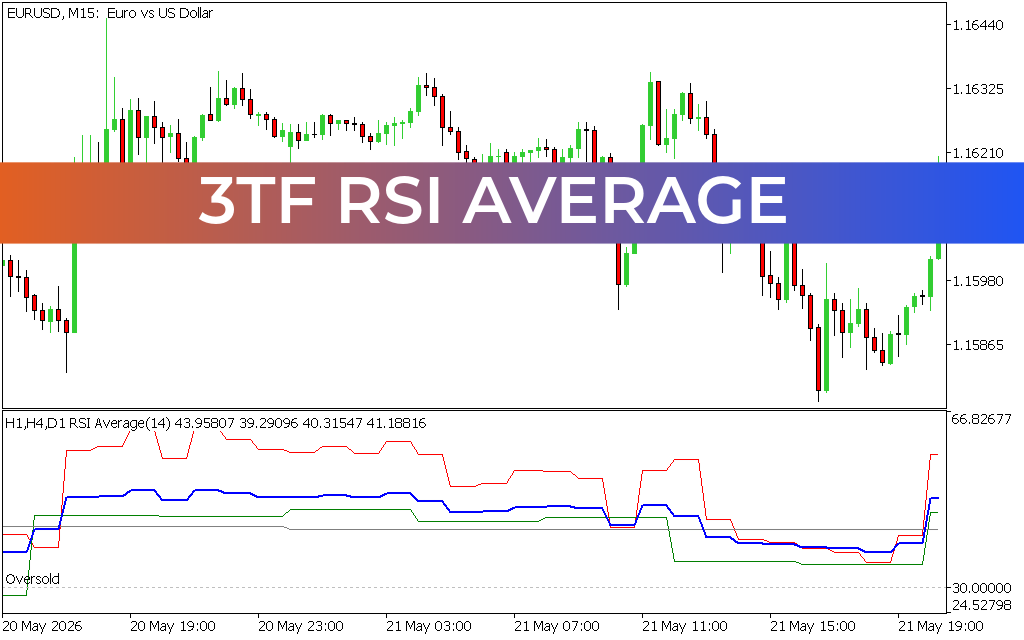
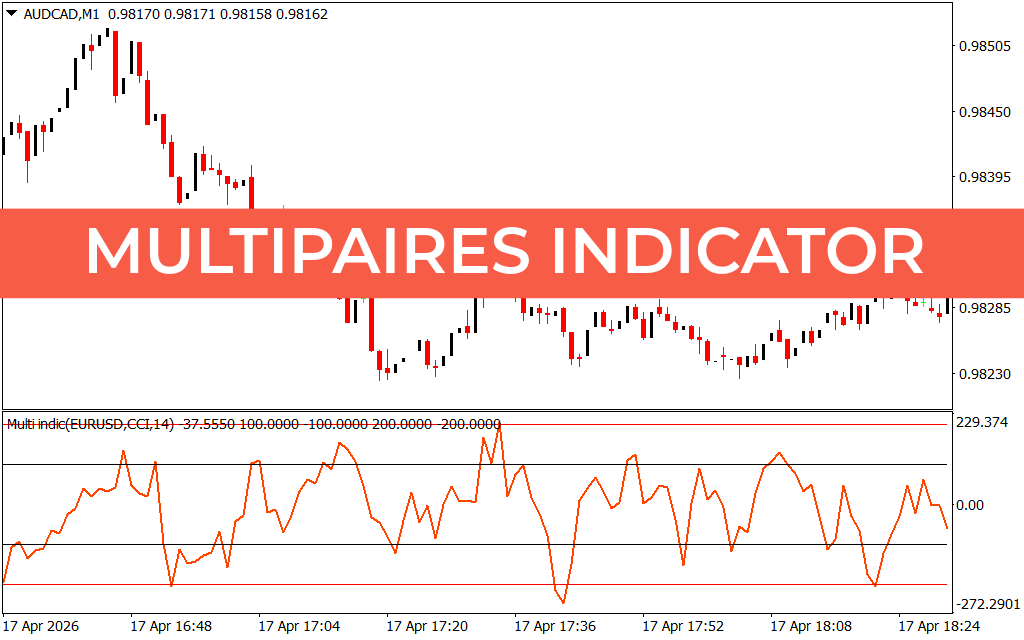
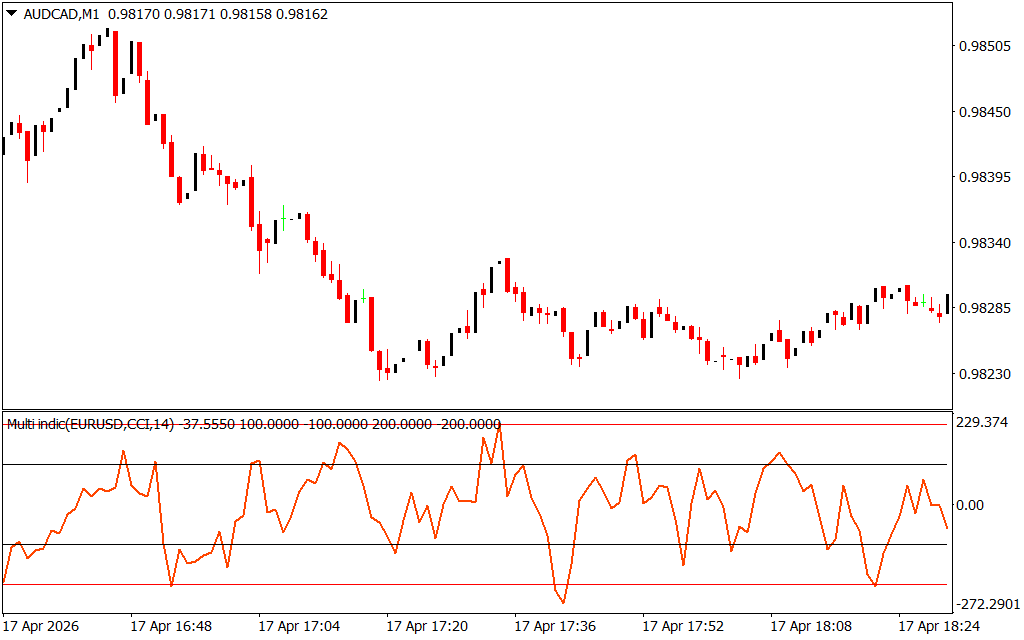
As demonstrated in technical analysis on complex structures like AUD/CAD or EUR/USD across various timeframes, the Multipaires system provides several definitive operational advantages:
- Synchronized Market Oversight: The indicator features a dedicated sub-window where multiple data streams are normalized. As seen on recent M1 and M15 charts, you can monitor the momentum of a secondary pair (e.g., EUR/USD) while actively trading another (e.g., AUD/CAD). This ensures you are never caught off-guard by a sudden move in a correlated asset.
- Precision Correlation Identification: By visualizing the relationship between two or more pairs, traders can identify when correlations are strengthening or breaking down. If the EUR/USD is trending upward but the AUD/CAD remains in a range, the Multipaires indicator highlights this disparity, allowing for advanced "pairs trading" or arbitrage-style strategies.
- Reduced Screen Clutter: Professional trading requires focus. Instead of having ten different windows open, the Multipaires Indicator distills essential global data into a single, easy-to-read interface. This reduces cognitive load and allows for faster execution during high-volatility sessions like the London or New York open.
- Customizable Momentum Filters: The algorithm often includes a smoothing layer, such as a Commodity Channel Index (CCI) or Relative Strength Index (RSI) applied to the external pairs. This provides a "clean" signal of momentum across the entire market board.
Strategic Implementation for Professional Traders
The Multipaires Indicator is an essential asset for any trader who values a systematic, correlation-based approach to the markets.
- The Correlation Confirmator: Before entering a trend-following trade on a minor pair, check the Multipaires window. Only enter when the major correlated pair is also showing synchronized momentum. This dramatically increases the "win rate" by ensuring you are trading with the overall market tide.
- Relative Strength Scalping: On the M1 timeframe, use the indicator to find the strongest currency versus the weakest. By constantly monitoring a basket of pairs, you can pivot your capital toward the instrument with the highest velocity and cleanest price action.
- Hedge and Risk Management: Use the indicator to identify when your current positions are overly exposed to a single currency (e.g., being long on three different USD pairs). The visual layout makes it easy to spot over-concentration and balance your portfolio risk.
Conclusion
The Multipaires Indicator for MT4 is a definitive tool for traders who demand institutional-grade oversight. By bridging the gap between isolated chart analysis and global market correlation, it empowers you to navigate the markets with grounded, professional confidence. Elevate your technical analysis today and master market interconnectedness with the Multipaires system.
15 Downloads
Last Update:
Apr 18, 2026 20:06 PM
Published:
Feb 04, 2026 14:49 PM
Category: