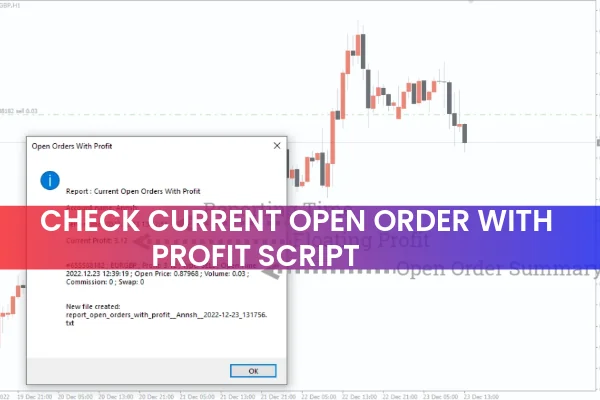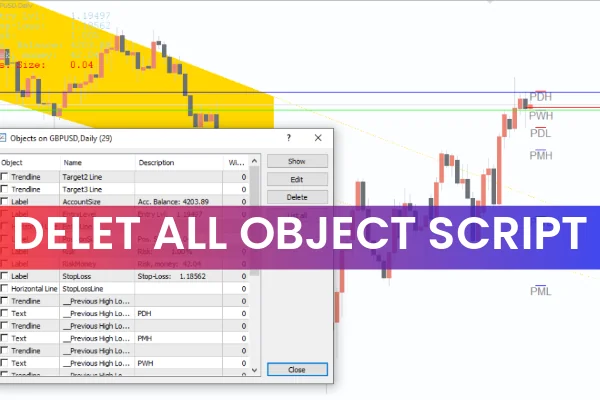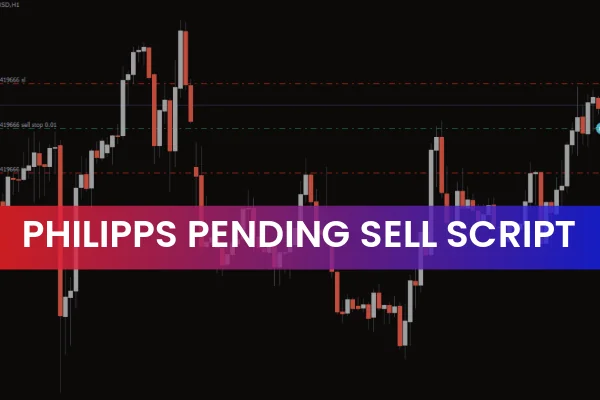
The Philipps Pending Sell Script is a simple but highly effective MT4 script designed to automatically place a Sell Stop order as soon as it is applied to the chart. A Sell Stop order allows traders to set a price below the current market price, and once the market reaches that level, the order becomes a live market order.
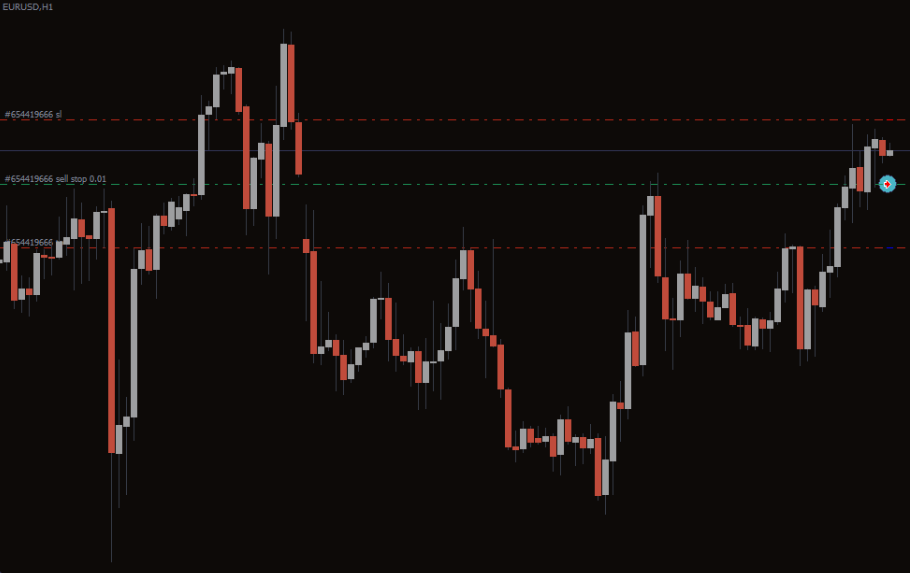
This script works with any forex pair or MT4-supported asset, making it useful for traders of all styles—scalpers, day traders, swing traders, and algorithmic traders who rely on automation and precision.
Why Use the Philipps Pending Sell Script?
Setting pending orders manually can be time-consuming and prone to mistakes, especially when trading fast-moving markets. This script simplifies the process:
Automatically places a Sell Stop order
Works on any chart or symbol
Reduces errors when entering pending trades
Saves time during active trading sessions
Great for breakout traders and trend-followers
It’s especially helpful when planning trades ahead of time, as the script ensures your Sell Stop order is ready and waiting at your chosen price.
How to Use the Philipps Pending Sell Script for MT4
To get started, follow these simple steps:
Download and install the script into your MT4 Scripts folder.
Drag and drop the script onto the chart where you want to place your order.
The script will display an input box containing settings you can modify if needed.
Enter your desired Sell Stop price—it must be lower than the current market price.
When activated, the script confirms that it has been applied to the chart.
Once the price reaches your specified level, the script will automatically convert the pending order into an executed Sell position.
Example
If EUR/GBP is trading at 0.8600, you may set your Sell Stop at 0.8570.
When the price touches 0.8570, the order becomes active and executes instantly.
Conclusion
The Philipps Pending Sell Script for MT4 is a powerful tool that helps traders automate Sell Stop orders with ease. It not only places the order automatically but also notifies you of the exact price and time the order becomes active. For traders who rely on technical setups or want to avoid missing key market levels, this script is extremely valuable.
You can download the script for free on our website.
FAQ
3 Downloads
Published:
Dec 04, 2025 01:31 AM
Category: