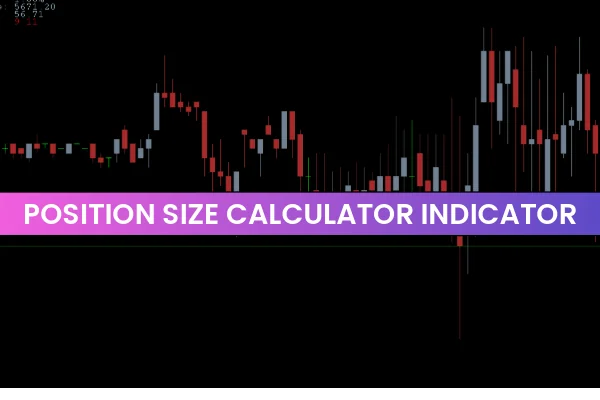
Effective risk management is the cornerstone of profitable trading in the forex market. Determining the appropriate position size ensures traders do not risk too much of their capital on a single trade. While manual calculations are possible, they can be time-consuming, especially during fast-moving markets or Scalping strategies. The Position Size Calculator for MT4 streamlines this process, allowing traders to calculate the optimal trade size, stop loss, and risk in real-time.
How the Position Size Calculator Works
The Position Size Calculator Indicator automatically calculates your ideal trading position based on:
Account balance
Risk tolerance
Currency pair volatility
Desired stop-loss level
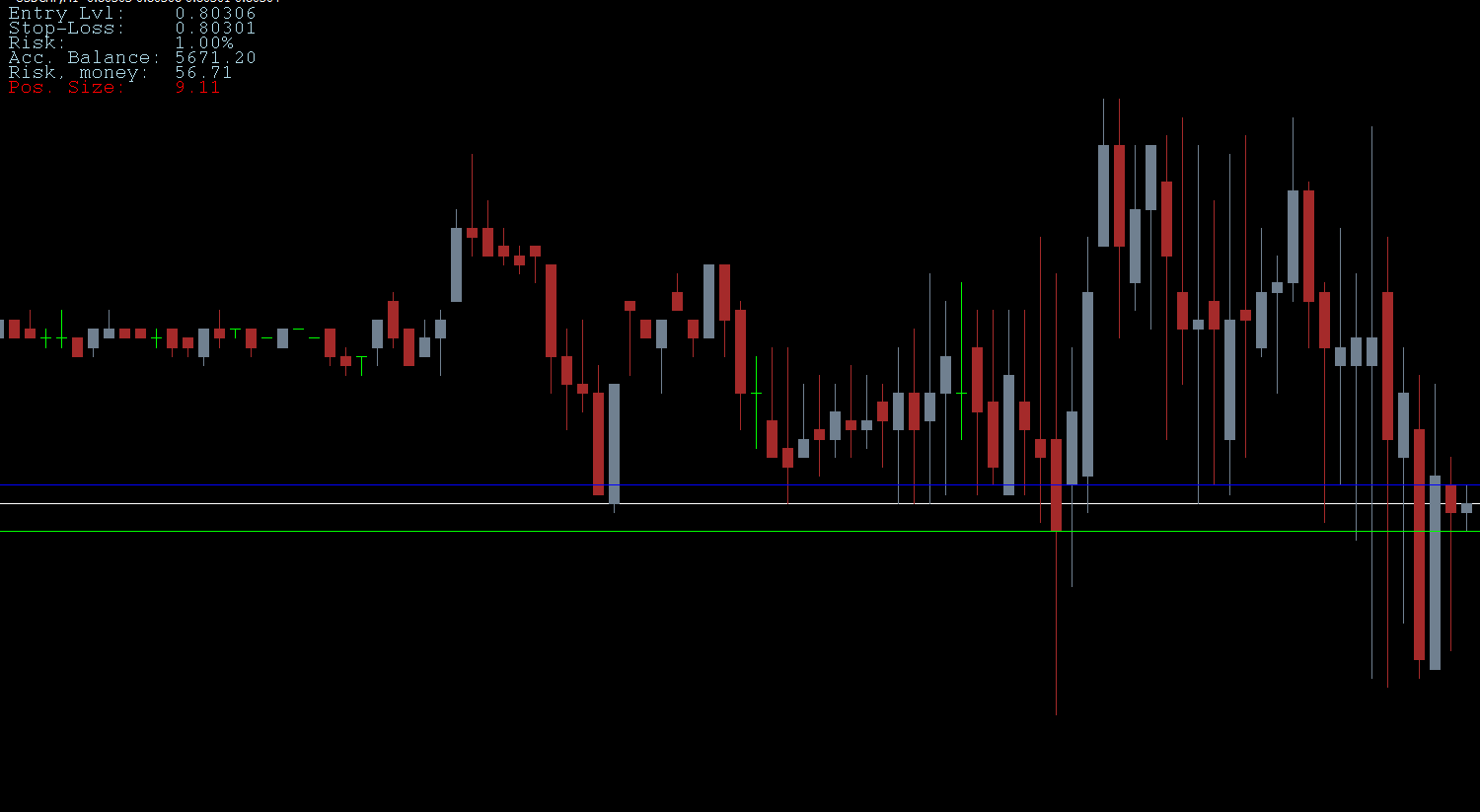
Once installed on MT4, the indicator displays all relevant information on a panel at the top left of your chart. You can see position size, risk money, stop-loss, and other details without manually switching between charts and calculators. This feature is particularly valuable for scalpers or intraday traders who require rapid trade execution.
Using the Pip Calculator for MT4
Download and Install: Get the indicator free from IndicatorForest.com and run it on your MT4 platform.
Set Risk Parameters: By default, the risk is set to 1% of your account balance. You can adjust this based on your trading strategy, such as 2% risk tolerance.
View Trade Information: The indicator displays the trade entry, stop-loss, risk money, and position size on the chart.
Adjust Stop-Loss and Take-Profit: Use the displayed data to implement risk-reward strategies, like 1:2 or 1:3 ratios, and employ trailing stops to lock profits.
Real Trade Example
On a EUR/USD chart, the indicator panel shows the following:
Account Balance: $5000
Risk Money: $50 (1% of balance)
Position Size: 1.16 lots
Entry Level: 1.10457
Stop Loss: 1.10414 (risk = 43 pips)
The indicator sets the stop-loss automatically and calculates the ideal position size, allowing the trader to focus on market analysis instead of manual calculations. Combining the Position Size Calculator with a risk-reward strategy ensures safer and more efficient trading.
Benefits of the Position Size Calculator
Efficient Risk Management: Calculates risk money and position size automatically.
Saves Time: Eliminates manual calculations and speeds up trade execution.
Easy to Use: Simple panel on MT4 shows all required trading information.
Improves Trading Discipline: Helps avoid overtrading and account blowouts.
Suitable for All Traders: Useful for beginners and experienced traders across all instruments.
Conclusion
The Position Size Calculator for MT4 is an essential tool for any serious trader. By automating risk management, it ensures that your trades remain within safe limits, preventing overexposure and potential losses. This indicator not only calculates ideal position size but also sets stop-loss levels, helping traders execute trades efficiently. Incorporate it into your trading strategy to improve consistency, protect your capital, and trade with confidence.
Download the Position Size Calculator for MT4 today from IndicatorForest.com and take your trading to the next level.
FAQ
1 Download
Published:
Nov 30, 2025 09:24 AM
Category: