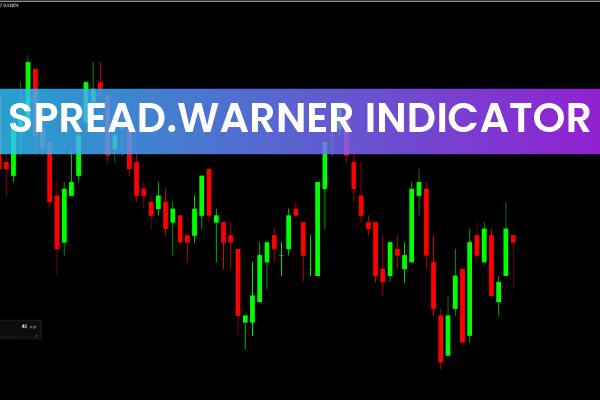
Spread and commission are unavoidable costs in forex trading. Immediately after opening a position, traders see a negative floating profit because the spread and commission must first be overcome. While commissions are fixed and can be checked on your broker’s website, spreads are determined by market conditions—and they can change rapidly.
Unfortunately, MetaTrader 4 does not display the real-time spread by default. The SpreadWarner Indicator for MT4 solves this problem by giving traders a clear, visual histogram showing spread changes as they occur. This makes it easier to manage trading costs, avoid volatile conditions, and plan entries with maximum efficiency.
Indicator Description and Features
The SpreadWarner indicator shows the difference between the Bid (buy price) and the Ask (sell price)—a value known as the spread. This cost is deducted immediately when you open any trade.
The indicator displays this information in a separate window, featuring:
A real-time spread value display
A histogram showing the history of spread changes
Color-coding to highlight normal vs widened spreads
For example, if the spread for GBP/USD is 1 point, this is the amount you must pay when entering a trade. The indicator helps you monitor such changes instantly.
When the Spread Increases
Spreads commonly widen due to:
High volatility during major economic news events
Low liquidity, especially in exotic pairs or off-market hours
Key technical levels, where large orders cause rapid price movement
The green histogram bars represent periods of normal, stable spreads—ideal conditions for placing trades when aligned with your strategy.
Why Spread Monitoring Matters
Monitoring spreads should be part of every trader’s routine. The spread size varies depending on:
The asset being traded
Your trading strategy
The time you hold trades
For example, exotic pairs like EUR/SEK can have spreads as high as 490 pips even in stable conditions. During volatility spikes, spreads may widen 1.5x or even 2x.
When spreads widen significantly, SpreadWarner highlights these events by coloring both the spread value and histogram bars. This visual alert helps you avoid entering the market during unfavorable conditions.
Key Trading Tips Using SpreadWarner
Before entering a trade, consider the following:
Check Instrument Liquidity
Different pairs have different average spreads. Major pairs (e.g., EUR/USD, GBP/USD) are typically tight, while exotics are much wider.
Account for Spread in Trade Planning
Include the spread when calculating:
Stop-loss levels
Profit targets
Risk-reward ratio
By knowing the pip value and spread cost beforehand, you can determine whether a trade is worth taking.
Monitor News Events & Technical Zones
Spreads often widen:
During news announcements
At market opens
Around major support/resistance levels
SpreadWarner allows you to see these changes instantly, helping you avoid unnecessary losses.
Conclusion
The SpreadWarner Indicator for MT4 is a simple yet highly practical tool that helps traders monitor live spread conditions—a crucial but often overlooked aspect of forex trading. Its clear histogram, color alerts, and minimal interface make it suitable for traders of all levels. By keeping you aware of spread behavior, SpreadWarner helps improve your trade timing, cost management, and overall profitability.
Download it now to enhance your trading precision and protect yourself from unexpected spread widening.
FAQ
1 Download
Published:
Nov 16, 2025 11:31 AM
Category: