Master Market Hours with the Show Your Local Time Indicator
In the global arena of Forex trading, time is not just a measurement; it is a critical variable of liquidity and volatility. Because the market operates 24 hours a day across multiple financial hubs—from London and New York to Tokyo and Sydney—traders often struggle to align their local schedule with the server time of their MetaTrader platform. The Show Your Local Time indicator is an essential utility tool designed to bridge this gap, ensuring you never miss a New York open or a London close due to time-zone confusion.
Why Time Synchronization Matters
Most brokerage servers are set to Eastern European Time (EET) or Greenwich Mean Time (GMT) to align with daily candle closes. For a trader sitting in New York, Tokyo, or London, this creates a constant mental hurdle of adding or subtracting hours to determine when a specific news event will occur or when a session will gain peak liquidity.
The Show Your Local Time indicator removes this friction by overlaying a real-time clock directly onto your active chart. It allows you to see exactly what time it is in your specific region without looking away from the Price Action. This is particularly vital during "Power Hours"—those overlapping periods where two major markets are open simultaneously and trading volume is at its highest.
Precision Execution on the M1 Chart
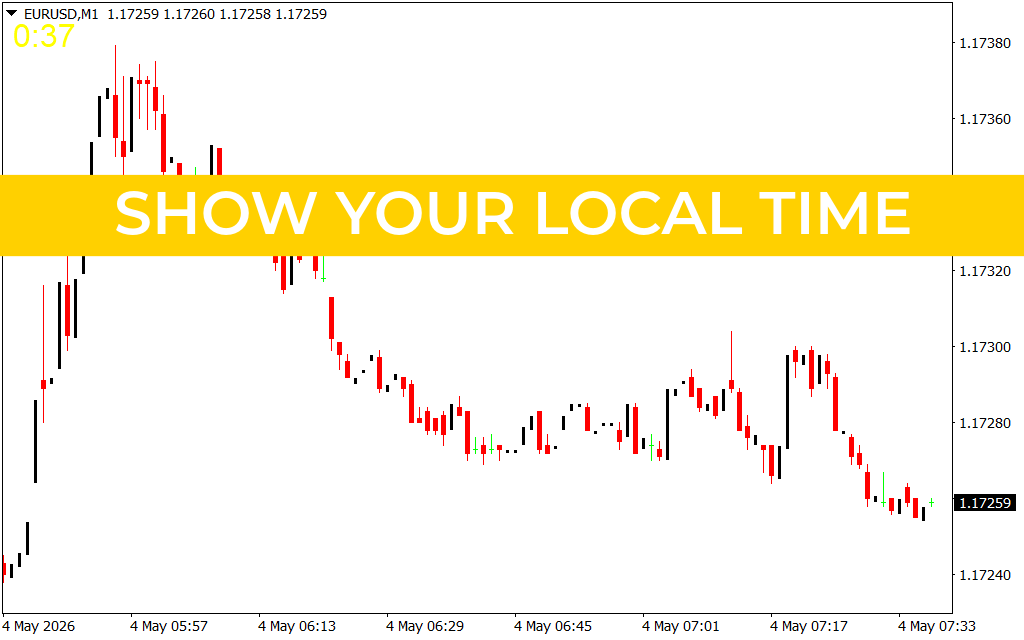
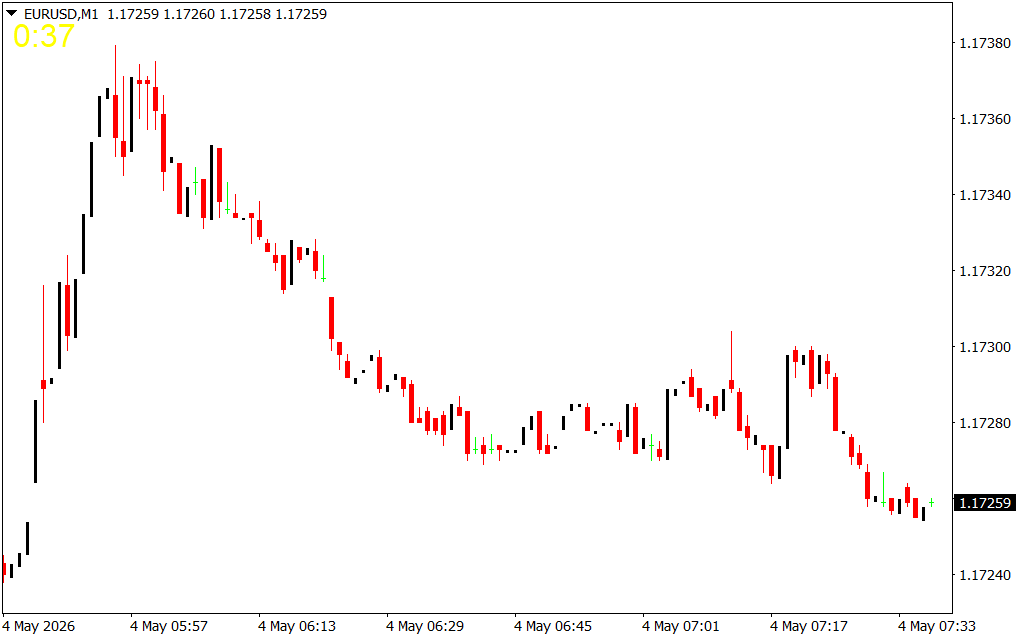
As shown in the EURUSD M1 chart, timing is everything for scalpers and high-frequency traders. On a 1-minute timeframe, a delay of just a few minutes in recognizing a session open can result in missing the initial "impulse" move.
The indicator features a clean, high-visibility display—often located in the corner of the chart—that tracks the current candle's remaining time alongside your local time. Notice how the yellow digital display in the upper-left corner provides an instant reference. This allows traders to synchronize their execution with economic calendar releases down to the second. If a high-impact news event is scheduled for 8:30 AM local time, you can prepare your entries with the confidence that your chart clock is perfectly in sync with your local reality.
Strategic Benefits for Every Trader
Beyond simple convenience, the Show Your Local Time indicator provides several structural advantages:
- Session Transition Awareness: Identify exactly when the Asian session transitions into the European session. These "handovers" are often periods of significant trend reversals or breakouts.
- Economic Calendar Alignment: Most news websites detect your location and show event times in your local zone. Having a matching clock on your MT4/MT5 platform ensures your technical analysis and fundamental timing are perfectly unified.
- End-of-Day Discipline: For swing traders, knowing exactly when your local "end of business" aligns with the market close helps in managing overnight risk and swap fees.
By transforming your trading platform into a localized command center, the Show Your Local Time indicator eliminates one of the most common sources of trader error. It provides the clarity and discipline needed to trade the right markets at the right time, ensuring you are always operating with maximum situational awareness.
7 Downloads
Last Update:
May 04, 2026 10:38 AM
Published:
Jan 28, 2026 17:07 PM
Category: