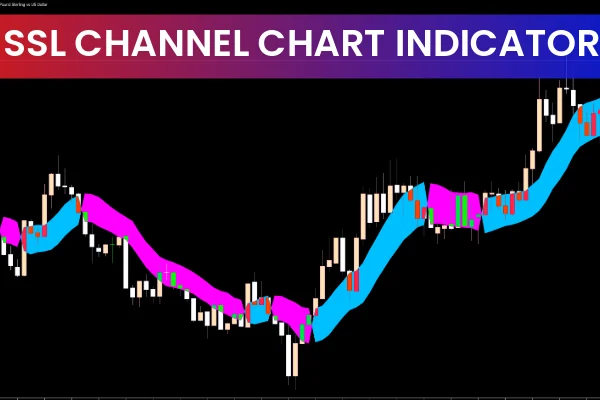
The SSL Channel Chart Alert Indicator for MT5 is a powerful technical analysis tool that combines moving averages to produce clear, reliable BUY and SELL signals. SSL stands for Semaphore Signal Level, a methodology used to highlight trend changes visually. The indicator is especially popular among forex traders because it plots BULLISH and BEARISH trends based on line crossovers and zone color shifts. This makes it ideal for traders who rely on trend-following strategies and need a fast, intuitive way to interpret market movement.
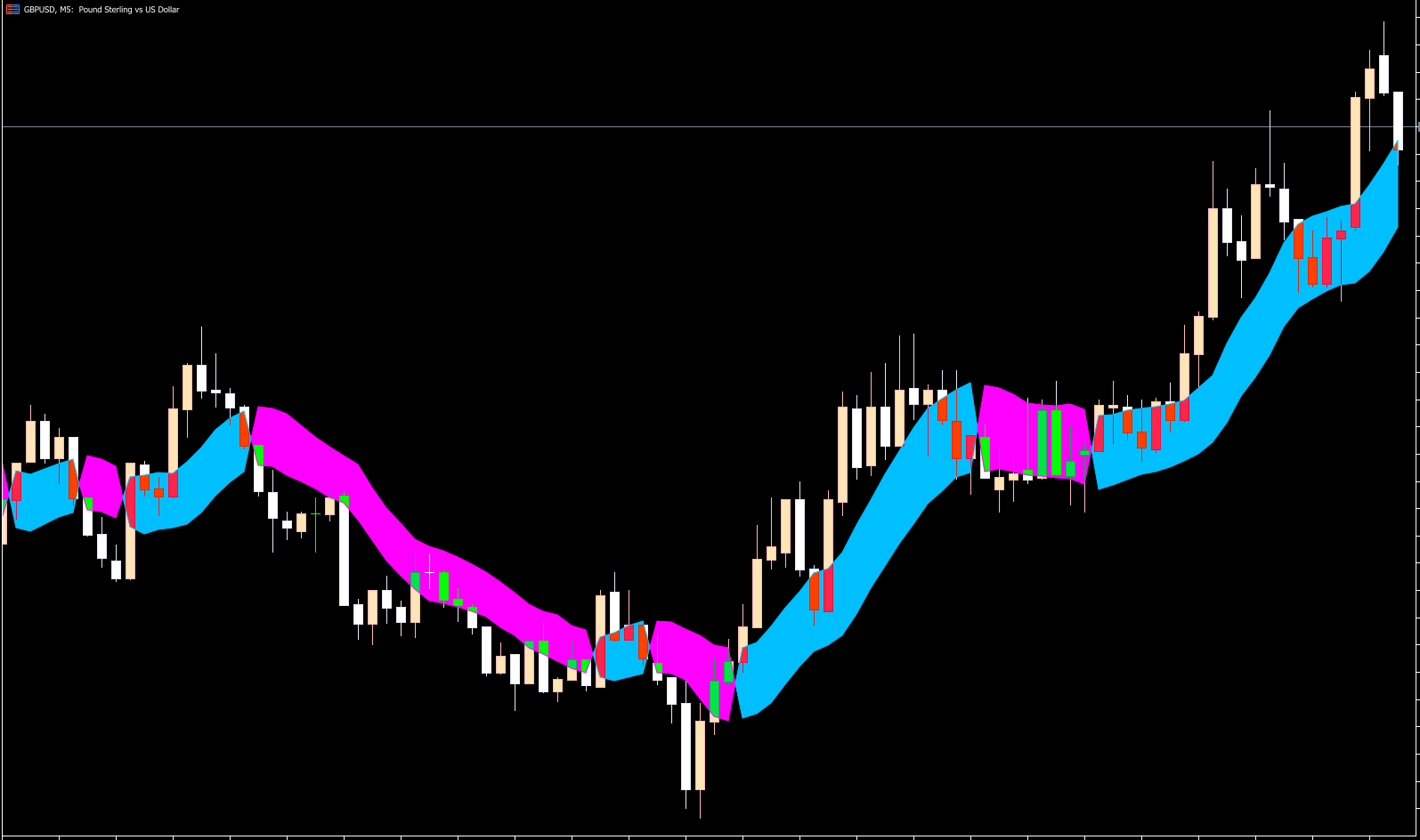
A standout feature of the SSL Channel Chart Alert MT5 indicator is that it is fully non-repaint. This means the indicator does not change past signals once price evolves, giving new traders confidence in the validity of alerts. When the SSL lines cross, the indicator immediately changes color—blue for BULLISH and magenta for BEARISH—making BUY and SELL signals easy to interpret. These simple visual cues help traders quickly understand when market sentiment shifts from bullish to bearish or vice versa.
For beginner traders, this indicator simplifies analysis by sending alert notifications whenever the SSL lines cross. This removes the need to constantly monitor charts and helps traders execute trend-based entries with greater confidence.
Advanced forex traders also find value in the indicator, as it works seamlessly with momentum tools like RSI, MACD, CCI, and stochastic oscillators. Combining these can help filter false signals and create a robust trading strategy tailored to the trader’s preference.
SSL Channel Chart Alert Indicator Trading Signals
The SSL Channel Chart Alert indicator visually represents market direction using color changes. When the channel turns blue, the indicator identifies a BULLISH trend, and traders may consider placing BUY positions. A reliable stop-loss level for such a trade is the previous swing low, while the profit target can be set at the next opposite signal or at a favorable risk-to-reward ratio.
When the indicator color shifts from blue to magenta, it signals a BEARISH trend, allowing traders to open SELL positions. A suitable stop loss for a SELL trade lies at the recent swing high, with profit targets set at the next bullish signal or based on your strategy’s preferred risk-reward structure.
This mechanical and color-coded approach helps traders reduce emotional decision-making and stick to a disciplined trend-trading method.
Timeframes and Market Application
The SSL Channel Chart Alert Indicator for MT5 can be applied to all timeframes, from intraday charts (M1, M5, M15) to long-term charts (H4, Daily, Weekly). While higher timeframe signals tend to be stronger and more reliable, lower timeframe signals appear more frequently. However, lower timeframes may produce noise or mini-trends, so pairing the SSL indicator with filtering tools is recommended.
The indicator works across all markets supported in MT5, including:
Forex currency pairs
Indices
Commodities
Metals
Cryptocurrencies
Because of its flexibility, the SSL indicator is widely used for both manual and automated trading systems.
Why Traders Prefer the SSL Channel Indicator
The popularity of the SSL indicator is based on its:
Non-repaint nature
Visual clarity and simple interpretation
Fast reaction to trend changes
Compatibility with algorithmic trading
Ability to work on all timeframes
Whether you're building an MT5 Expert Advisor or trading manually, the indicator provides clean BUY/SELL zones based on moving average structure.
Conclusion
The SSL Channel Chart Alert Indicator for MT5 is a non-repaint trend-based tool that uses moving average crossovers and color changes to provide clear BULLISH and BEARISH signals. It is suitable for beginners who want simple alerts and for advanced traders who combine multiple indicators for confirmation. With its ease of use and reliability, this indicator helps traders implement effective trend-following strategies across multiple markets. You can download and install the indicator for free and start improving your MT5 setup today.
For more expert trading tools and premium indicators, visit IndicatorForest.com.
FAQ
15 Downloads
Published:
Dec 07, 2025 01:52 AM
Category: