Master Global Markets with the Time Zone Indicator for MT4
In the decentralized world of Forex trading, the market never sleeps, but its volatility certainly does. The global currency market operates across four major trading sessions: Sydney, Tokyo, London, and New York. For a trader, knowing exactly when these sessions overlap is critical, as these periods represent the highest liquidity and most explosive price movements. The Time Zone Indicator for MetaTrader 4 is an essential utility tool that overlays session boundaries directly onto your charts, transforming a standard price display into a strategic timing map.
The Power of Session Overlaps
The most significant market moves often occur during the "overlap" periods—specifically the London-New York overlap. This is when the world’s two largest financial hubs are active simultaneously, leading to tightened spreads and high-volume breakouts. The Time Zone Indicator automates the tracking of these hours, accounting for different broker server times and Daylight Savings adjustments.
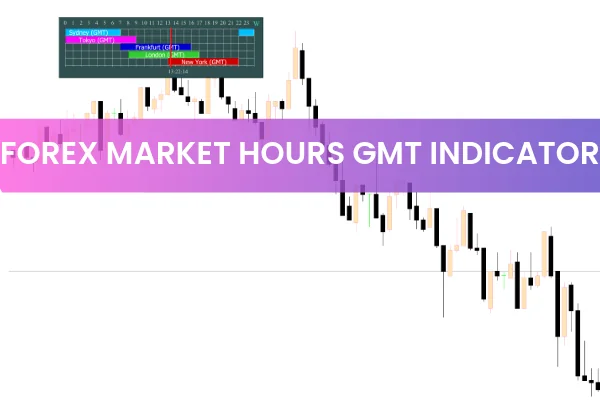
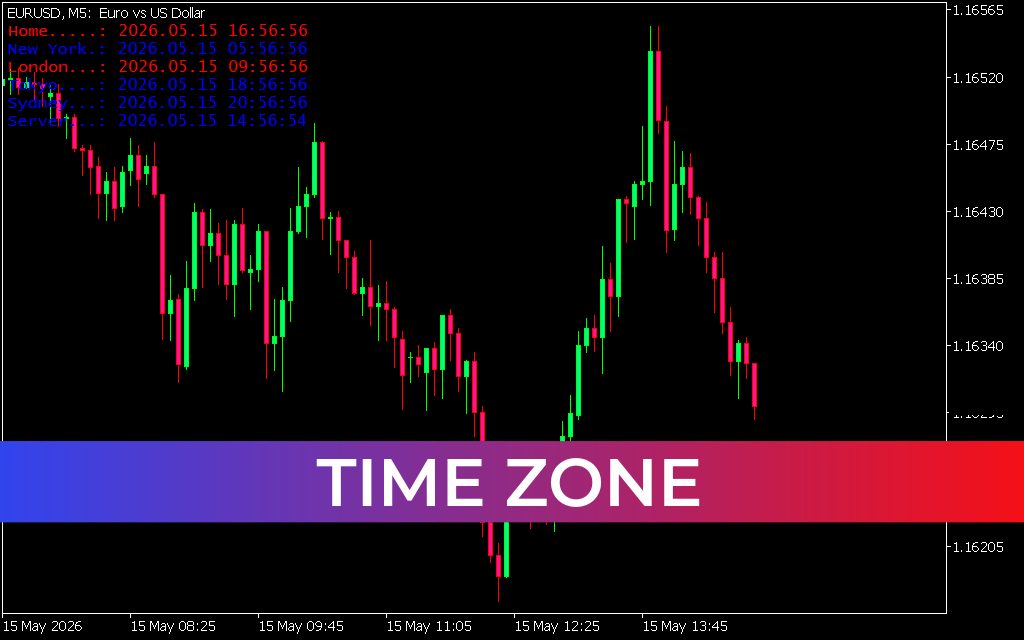
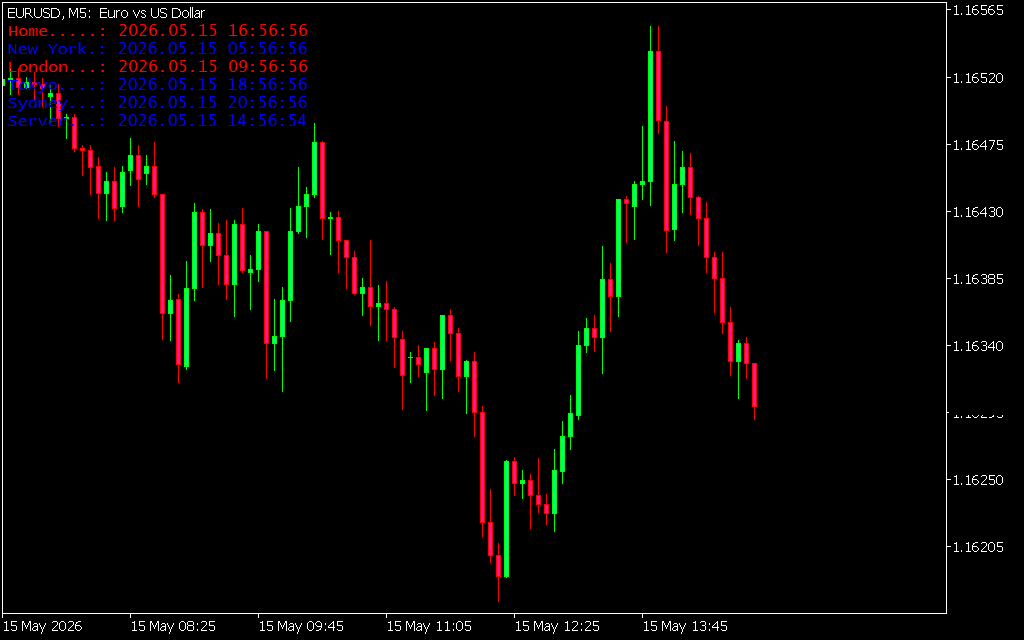
As shown in the EURUSD M5 chart, the indicator uses vertical markers or color-coded boxes to delineate the start and end of specific market sessions. This visual structure allows traders to:
- Identify Liquidity Surges: See exactly when the "smart money" enters the market at the London open.
- Avoid "Dead" Zones: Recognize periods of low volatility, such as the late Asian session, where Price Action often remains range-bound and prone to fakeouts.
- Anticipate Reversals: Many intraday trends reverse or consolidate as a major session (like London) begins to wind down.
Strategic Implementation: Timing Your Trades
The Time Zone Indicator is more than just a clock; it is a filter for your existing strategy. Whether you are a scalper or a day trader, session context is vital for execution.
- The London Breakout Strategy: Many traders look for the "initial balance" set during the first hour of the London session. By using the Time Zone Indicator, you can mark the high and low of this session-start and trade the subsequent breakout with high confidence.
- Volatility Awareness: If your strategy requires high momentum, the indicator tells you exactly when to be at your desk. Conversely, if you prefer mean-reversion, the lower-volatility Asian session identified by the tool may be your primary target.
- End-of-Day Management: For day traders, knowing when the New York session is closing is vital for avoiding the erratic price gaps and widened spreads that occur during the "rollover" period.
Why Integration is Essential for MT4
The primary struggle for many retail traders is synchronizing their local time with the MT4 broker server time and the actual market hours in GMT. The Time Zone Indicator handles all these calculations automatically.
- Clean Visual Interface: It replaces manual vertical lines with professional, automated session shading that remains accurate as you scroll through historical data.
- Multi-Timeframe Utility: Whether you are analyzing the M5 for entry or the H1 for trend structure, the session boxes scale perfectly to maintain context.
- Global Synchronization: Never be caught off guard by a bank holiday or a time shift again.
By integrating the Time Zone Indicator into your trading setup, you ensure that you are always trading in harmony with the global flow of capital. Timing is everything in Forex—ensure yours is perfect.
6 Downloads
Last Update:
May 15, 2026 16:58 PM
Published:
Jan 21, 2026 18:44 PM
Category: