Precision Execution with the Visual Orders Indicator for MT4/MT5
In the high-stakes world of Forex and CFD trading, speed and clarity are the foundations of success. Many traders struggle with the native terminal’s clunky order management system, which often requires multiple clicks to adjust a stop-loss or take-profit level. The Visual Orders Indicator is a professional-grade utility designed to bridge this gap, providing a seamless, interactive interface that allows you to manage your entire portfolio directly from the chart.
The Power of On-Chart Order Management
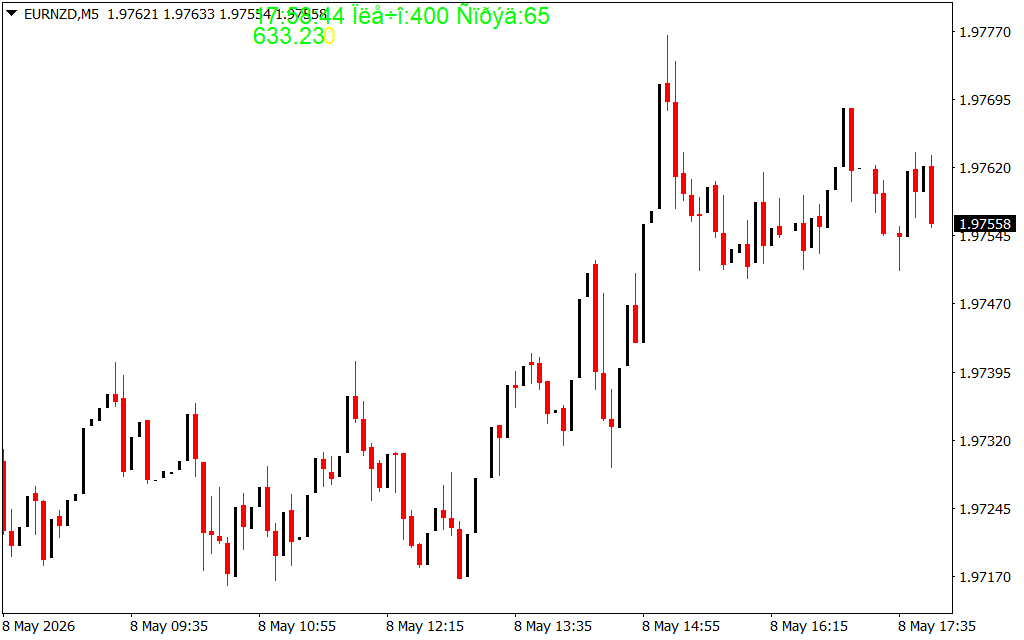
The Visual Orders utility turns your MetaTrader chart into a command center. By representing trades as interactive lines and labels, it provides immediate situational awareness that is impossible to achieve through a standard terminal window.
- Drag-and-Drop Adjustment: Move your stop-loss (SL) or take-profit (TP) levels by simply clicking and dragging the lines on your screen. The indicator automatically updates the order on the broker server in real-time.
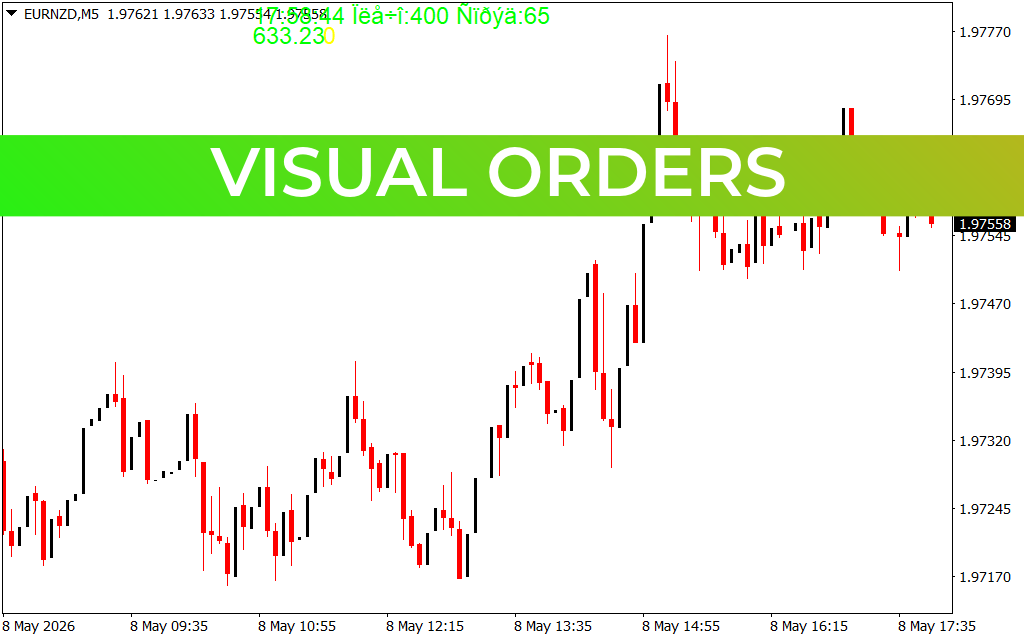
- Visual Risk Assessment: As seen on the EURNZD H4 chart, the indicator can display the exact dollar amount or percentage of risk associated with a specific SL placement before you even commit to the trade.
- Pending Order Clarity: Easily visualize where your "Buy Stop" or "Sell Limit" orders sit in relation to major Support And Resistance levels, ensuring your entries are perfectly timed.
- One-Click Execution: Many versions of this suite include "Quick Buy" and "Quick Sell" buttons, allowing for lightning-fast entries during news events or high-volatility breakouts.
Strategic Benefits for Every Trader
- Eliminate Manual Errors: Manually typing in price levels for SL and TP is prone to human error. Visual Orders ensures that your levels are placed exactly where your technical analysis dictates.
- Master Scalping: For scalpers operating on M1 or M5 timeframes, every second counts. The ability to visually "snap" a profit target to a recent swing high without opening an order ticket is a game-changing advantage.
- Psychological Edge: By seeing your risk/reward ratio visually on the chart, you are more likely to stick to your trading plan and avoid the temptation to move your stop-loss in the heat of a losing trade.
- Uncluttered Workspace: The indicator is designed to be non-intrusive, providing critical data labels that vanish or minimize when not in use to keep your Price Action analysis clear.
How to Optimize Your Workflow
The most effective way to use the Visual Orders indicator is to combine it with a "Smart Money" or "Price Action" strategy. Once you identify a key supply or demand zone, you can use the indicator to "pre-set" a trade. By dragging the entry, SL, and TP lines into position, you can see the mathematical outcome of the trade before hitting the execution button.
Whether you are managing a single pair or a complex basket of correlated currencies, the Visual Orders Indicator for MT4/MT5 provides the transparency and tactile control required for professional-level execution. Stop fighting the terminal and start trading with visual precision.es with ease.
3 Downloads
Last Update:
May 08, 2026 21:00 PM
Published:
Jan 25, 2026 18:15 PM
Category: