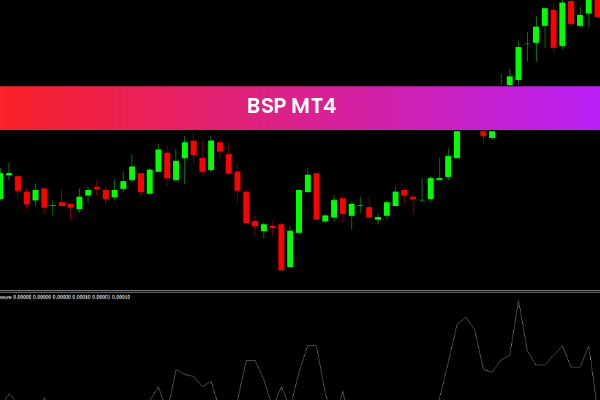
The BSP Indicator is a popular and useful free Forex Indicator for the MetaTrader 4 (MT4) trading platform. It is designed to help traders identify profitable trading opportunities by analyzing market trends, price movements, and key technical levels.
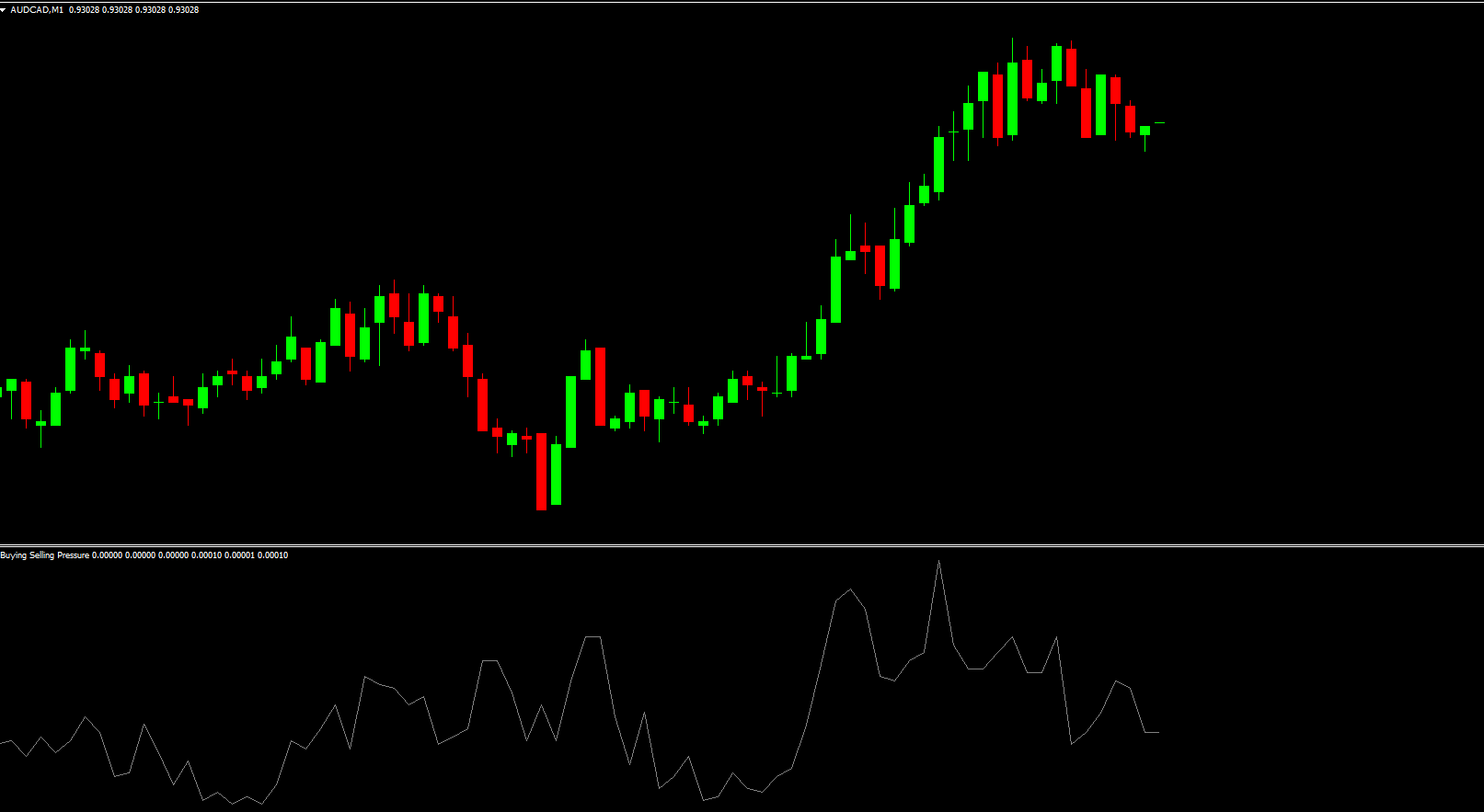
By combining multiple technical indicators into one powerful tool, the BSP Indicator provides clear visual signals that help traders make more informed and confident trading decisions.
How the BSP Indicator Works
The BSP Indicator analyzes currency pair price movements and overall market trends using a combination of proven technical analysis tools. These include:
Moving Averages
Bollinger Bands
Oscillators
Proprietary Support And Resistance algorithms
By processing this data, the indicator generates signals that suggest when price is likely to move upward or downward, allowing traders to anticipate potential entries and exits.
Key Features of the BSP Indicator
Multi-Indicator Analysis
Combines moving averages, Bollinger Bands, and oscillators
Trend Identification
Helps traders determine bullish and bearish market conditions
Support and Resistance Detection
Automatically identifies key price levels
Clear Visual Signals
Easy-to-read graphical format on MT4 charts
Customizable Settings
Adjust parameters to match individual trading styles
Free MT4 Indicator
Available at no cost for Forex traders
Low Chart Clutter
Displays essential information without overcrowding charts
Beginner and Advanced Friendly
Simple enough for new traders, powerful for professionals
How the BSP Indicator Can Benefit You
Identify High-Probability Trades
Combines multiple confirmations into one indicator
Trade with Market Structure
Support and resistance levels help improve trade accuracy
Improve Entry and Exit Timing
Signals help traders avoid late or premature entries
Reduce Emotional Trading
Clear visual cues support disciplined decision-making
Adapt to Any Strategy
Works for Scalping, day trading, swing trading, and trend trading
Enhance Risk Management
Better entries help improve stop-loss placement
How to Use the BSP Indicator Effectively
Add the BSP Indicator to your MT4 chart
Observe trend direction using moving averages
Watch Bollinger Bands for volatility and price expansion
Use oscillator signals to confirm momentum
Enter trades when multiple confirmations align
Set stop-loss near identified support or resistance levels
Confirm signals with higher timeframe trend direction
Using multiple confirmations significantly improves trade reliability.
Best Trading Strategies Using the BSP Indicator
Trend-Following Strategy
Trade in the direction confirmed by moving averages
Breakout Strategy
Use Bollinger Bands expansion to spot volatility breakouts
Support and Resistance Strategy
Enter trades near key levels identified by the indicator
Momentum Confirmation Strategy
Use oscillators to confirm strength before entering trades
Multi-Timeframe Strategy
Confirm BSP signals on higher timeframes for stronger setups
These strategies help traders focus on consistent, high-quality trading opportunities.
Why Traders Choose the BSP Indicator
Forex traders choose the BSP Indicator because it delivers clear trend analysis, accurate signals, and reliable support and resistance levels in one tool. Its customizable settings allow traders to adapt it to different market conditions and personal strategies.
Being free, powerful, and easy to use, the BSP Indicator is a valuable addition to any MT4 trading setup.
For more professional trading tools, visit IndicatorForest.com and explore a complete collection of free MT4 Forex indicators.
Final Thoughts
The BSP Indicator is a powerful MT4 Forex tool designed to help traders identify trends, anticipate price movements, and trade with greater confidence. Its multi-indicator approach provides strong confirmations that can improve consistency and reduce trading errors.
Call to Action:
Download more free MT4 Forex indicators and enhance your trading strategy today at IndicatorForest.com.
2 Downloads
Published:
Jan 12, 2026 08:41 AM
Category: