The Delete All Pending Orders Script for MT4 is a custom trading tool designed to automate the removal of pending orders from your charts. Managing multiple pending orders manually can be time-consuming, especially during volatile market conditions. This script simplifies the process by closing all pending orders with a single click, allowing traders to act quickly and reduce risk exposure.
Pending orders, such as Buy Limit, Sell Limit, Buy Stop, and Sell Stop, are often used to plan entries in advance. However, when the market moves against your strategy or unexpected news hits, manually deleting each order can be inefficient. The Delete All Pending Orders Script provides a convenient solution for traders managing multiple positions at once.
Why Use the Delete All Pending Orders Script?
Traditionally, canceling a pending order in MT4 involves right-clicking on each order and selecting “Delete.” While effective for a single order, this method becomes tedious when handling multiple pending trades. The script offers several advantages:
Deletes all pending orders instantly
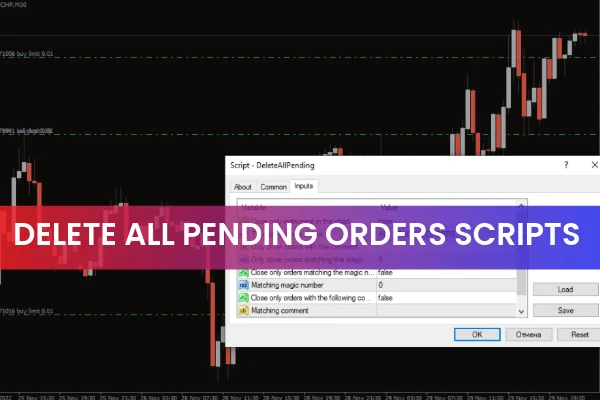
Can target specific order types via the input tab
Saves time for scalpers, intraday, and EA users
Reduces manual errors and ensures quick execution
Enhances trade management efficiency during high-volatility events
By automating pending order deletion, traders can maintain better control over their trading strategy without being slowed down by repetitive tasks.
How to Use the Delete All Pending Orders Script
Step-by-Step Application
Download the Delete All Pending Orders Script and place it in the Scripts folder of MT4.
Refresh the Navigator panel or restart MT4 to make the script visible.
Open the chart where you have pending orders.
Drag and drop the script onto the chart.
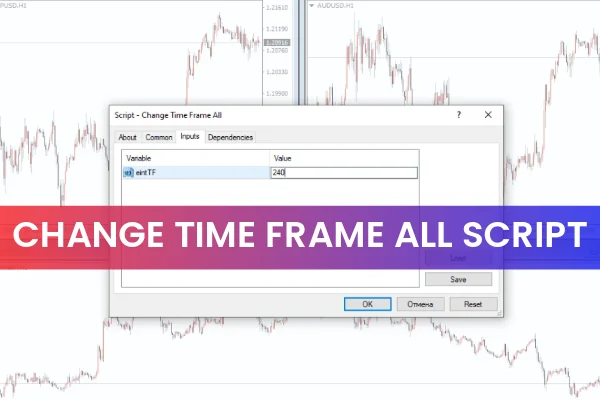
In the input box, select the types of pending orders to delete or leave it as default to remove all.
Click OK, and the script will automatically delete the pending orders.
It is recommended to enable the Auto Trading function before running the script for seamless execution.
Example in Action
On a EURUSD chart, traders may have multiple pending orders of different types. By running the script, all pending orders are removed instantly, allowing the trader to reassess the market or place new orders without the clutter of old ones. This makes it ideal for fast-paced trading or managing trades during unexpected market events.
Who Benefits Most From This Script?
The Delete All Pending Orders Script is particularly useful for:
Scalpers needing to cancel multiple trades quickly
Day traders managing several pending orders at once
Traders using EAs who need to reset pending trades automatically
Forex traders in volatile markets who want instant control over pending positions
By automating order deletion, the script reduces the risk of leaving unwanted pending orders that could be triggered accidentally.
Conclusion
The Delete All Pending Orders Script for MT4 is a simple yet effective tool for managing pending trades efficiently. It allows traders to delete all pending orders with a single click, saving time and improving trade management. Whether you are a scalper, day trader, or EA user, this script enhances your trading workflow.
You can download the script for free at IndicatorForest.com and simplify the management of your pending orders today.
FAQ
10 Downloads
Published:
Dec 04, 2025 03:10 AM
Category: