The Sell Limit Script for MT4 is a simple but highly effective script that allows traders to set a Sell Limit order instantly with just one drag-and-drop action. A sell limit order lets you place a pending sell order at a price that is higher than the current market price. When the market reaches that level, the order is triggered and becomes an active market position.
This tool is extremely useful for strategy-based traders who aim to sell at premium levels before expecting a downward move. The Sell Limit Script works on any forex pair or other instruments available on the MetaTrader 4 platform, making it versatile and beginner-friendly.
Why Use the Sell Limit Script for MT4?
A Sell Limit order is a common tool used by traders who anticipate that price will rise to a resistance level before reversing downward. Instead of manually placing the order and typing in exact price levels, the script saves time by automating the process.
This reduces the risk of input errors and ensures your pending order is placed exactly where you want it. It’s especially helpful for traders who rely on:
Support And Resistance trading
Supply zone strategies
Pullback entries
Trend Continuation setups
Technical Price Action analysis
With the Sell Limit Script for MT4, you can place these orders quickly and accurately.
How to Use the Sell Limit Script for MT4
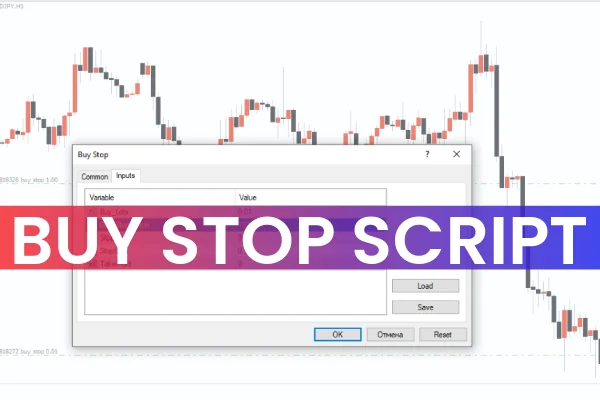
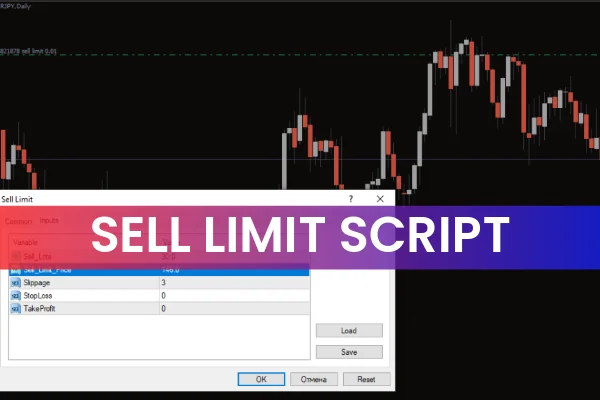
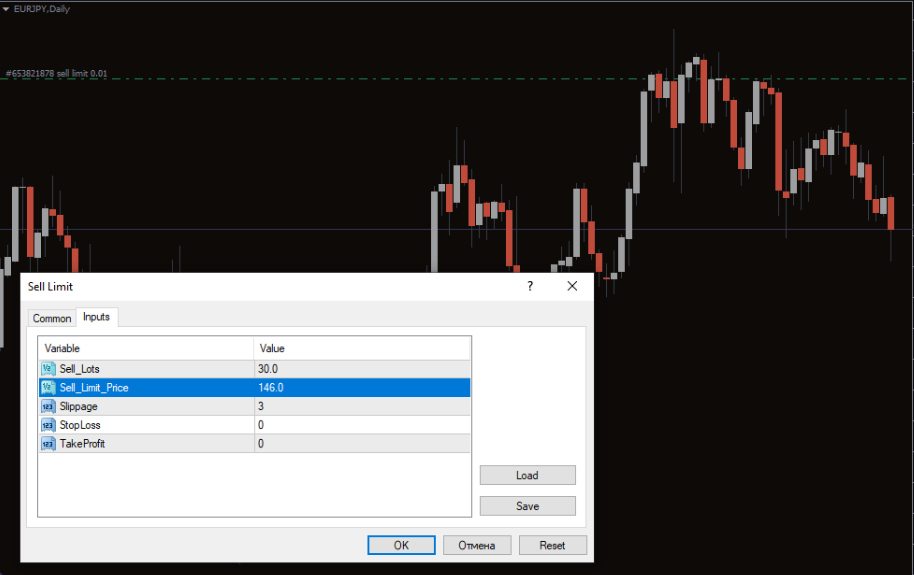
Using the script is straightforward. After you download the Sell Limit Script from IndicatorForest.com, simply attach it to your MT4 chart. Once activated, an input box will appear showing the script’s settings such as entry price, lot size, stop loss, take profit, and more.
To activate a Sell Limit order, you must enter a price higher than the current market value. If you select a price below market, the order won’t work because it would not qualify as a true sell limit.
For example:
If the current price of EUR/JPY is 142, you can set the Sell Limit order at 146. Once the price rises to 146, the order becomes a live sell position automatically.
Benefits of Using Sell Limit Orders
Using the Sell Limit Script offers a range of trading advantages:
Automates precise sell limit placements
Saves time compared to manual order entry
Reduces mistakes when selecting price levels
Works across all forex pairs and MT4 assets
Enhances strategy execution for reversal and pullback traders
Ideal for algorithmic trading approaches
The script also supports modifications, allowing you to change values before launching the order.
When Traders Should Use Sell Limit Orders
Sell Limit orders are most effective when traders expect price to rise into a resistance area before dropping. This is common in:
Swing trading
Supply zone trading
Fibonacci retracement strategies
Multi-timeframe technical analysis
Reversal setups
Using the Sell Limit Script helps traders execute their plan with precision and discipline.
Conclusion
The Sell Limit Script for MT4 is a valuable tool for traders who want to automate and streamline their sell limit order placements. Once you set the price higher than the current market price, the script will handle the order execution for you.
To add this useful script to your trading toolkit, you can download it for free at IndicatorForest.com.
FAQ
6 Downloads
Published:
Dec 04, 2025 01:16 AM
Category: