Master High-Probability Price Action with the DIBS Indicator
In the world of professional day trading, consistency is built upon a foundation of objective rules rather than emotional guesswork. The DIBS Indicator (Daily Inside Bar Strategy) is a sophisticated technical tool designed for the MetaTrader platform that automates one of the most reliable Price Action setups in existence. Originally popularized by professional traders for its simplicity and effectiveness, this indicator identifies critical "inside bar" formations in relation to the daily open, providing a high-probability framework for capturing intraday trend continuations and reversals.
The Logic Behind the DIBS Strategy
The core of the DIBS strategy relies on two primary conditions: the position of the current price relative to the daily opening price and the presence of an "Inside Bar." An inside bar occurs when the current candle's high and low are completely engulfed by the previous candle's range. This formation signals a period of market consolidation and a temporary balance between buyers and sellers.
The DIBS Indicator enhances this concept by adding a directional filter:
- Bullish Bias: If the inside bar forms while the price is trading above the daily open, it indicates a high-probability bullish continuation.
- Bearish Bias: If the inside bar forms while the price is trading below the daily open, it signals a prime opportunity for a bearish trend move.
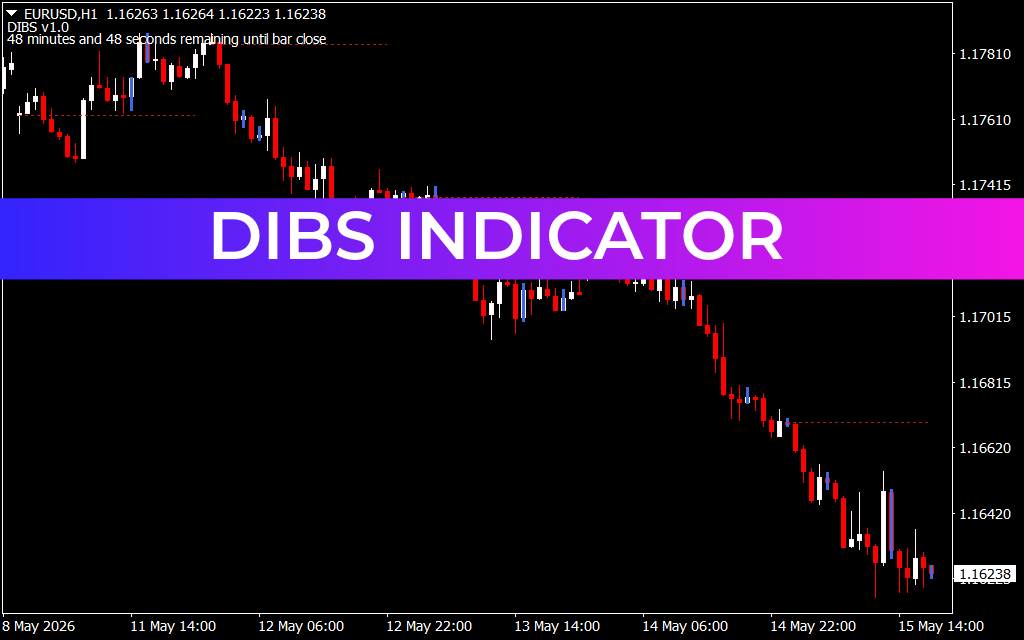
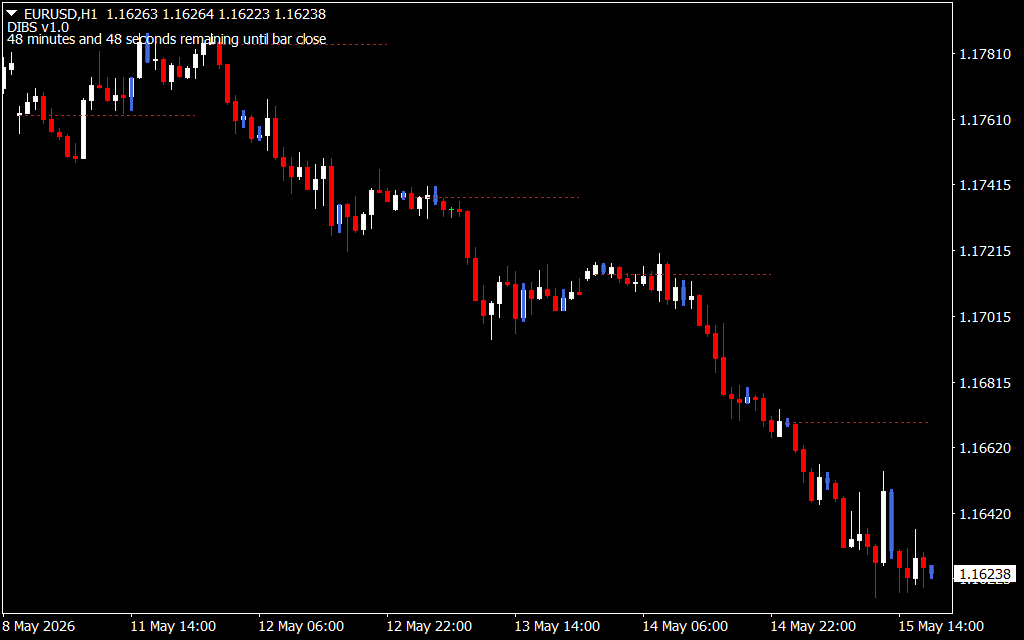
As shown in the EURUSD H1 chart analysis, the indicator automatically identifies these setups, often highlighting the breakout levels with horizontal markers. This allows traders to wait for the market to "prove" its direction by breaking the high or low of the inside bar.
Strategic Implementation: Timing and Execution
The DIBS Indicator is particularly effective because it aligns the trader with the "path of least resistance."
- Trend Following: By using the daily open as a pivot point, the indicator ensures you are always trading in the direction of the daily sentiment. On the H1 timeframe, this helps capture sustained moves that develop during the London and New York sessions.
- Visual Countdown: Modern versions of the DIBS tool, as seen in the provided analysis, often include a candle timer. This feature is vital for price action traders, as the signal is only valid once the candle has officially closed as an inside bar.
- Risk Management: The strategy provides natural levels for stop-losses. Typically, a trader will place their stop-loss on the opposite side of the inside bar's range, offering a very tight risk-to-reward ratio.
Why Every Price Action Trader Needs the DIBS Tool
Trading manually for inside bars across multiple pairs and timeframes is labor-intensive and prone to error. The DIBS Indicator removes this burden by providing real-time alerts and clean visual cues.
- Objective Signals: It replaces subjective "chart reading" with a strict mathematical definition of market consolidation.
- Volatility Awareness: Inside bars often precede explosive volatility. This tool puts you in position before the breakout occurs.
- Multi-Asset Utility: While highly popular in Forex, the DIBS logic is equally effective on Stocks, Indices, and Commodities, wherever a daily opening price is established.
By integrating the DIBS Indicator into your MetaTrader setup, you are adopting a time-tested strategy used by institutional-grade traders to find clarity in the noise of the markets.
1 Download
Last Update:
May 15, 2026 21:12 PM
Published:
Jan 21, 2026 17:56 PM
Category: