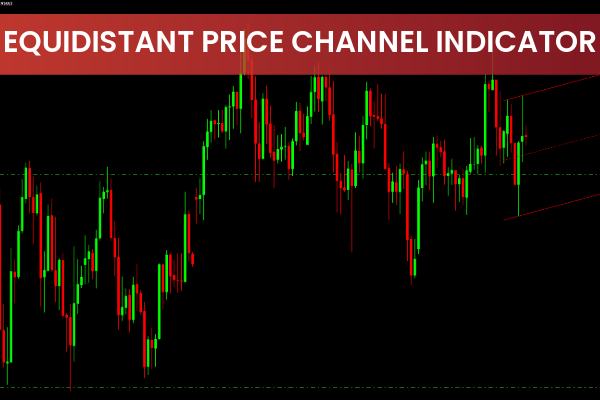
The Equidistant Channel Indicator is a custom MT4 tool that automatically draws two parallel trendlines on your chart. These lines form a channel by connecting important pivot levels, which typically act as dynamic support and resistance zones.
Traders often draw channels manually with the trendline tool—but this indicator removes the guesswork by identifying and plotting accurate equidistant channels automatically.
This makes it highly useful for:
Beginners who struggle with drawing channels
Professional traders looking for precise, fast channel detection
Scalpers, day traders, intraday traders, and swing traders
How Do You Make an Equidistant Channel in MT4?
While a trader can manually draw an equidistant channel using two parallel trendlines, the indicator automates the process.
The Equidistant Channel Indicator for MT4:
Scans the chart for valid channel structures
Identifies price swing points
Draws parallel ascending/descending trendlines
Updates in real time as new data arrives
This eliminates manual mistakes and ensures consistency.
How to Trade Using the Equidistant Price Channel Indicator
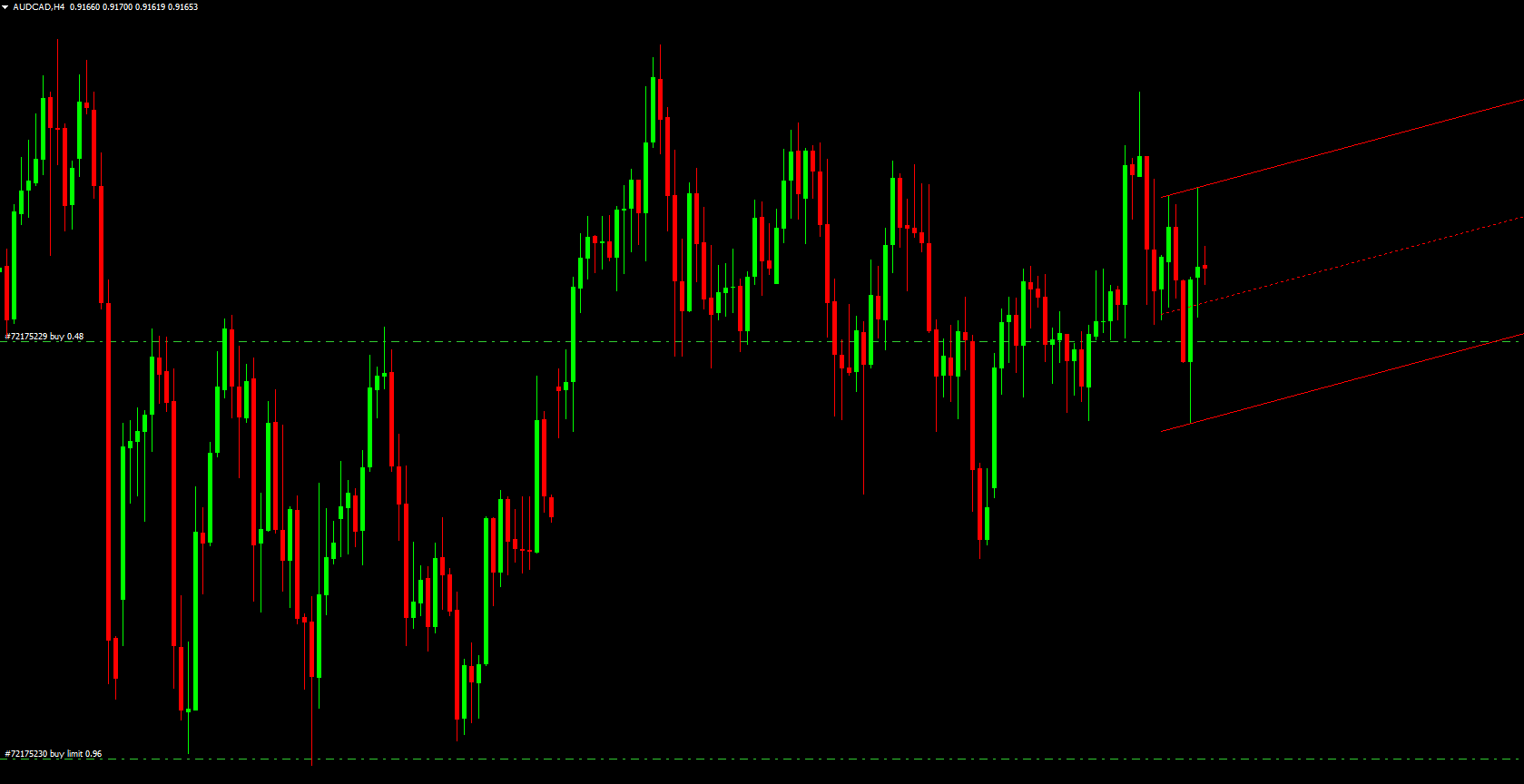
The screenshot above demonstrates how the indicator appears on your MT4 chart. It can be used alone for trade entries, but combining it with Price Action confirmation provides better accuracy.
BUY Setup
Confirm the market is in an uptrend.
Wait for the indicator to detect and draw a valid ascending channel.
Enter a BUY when price rejects the lower boundary of the channel (support).
Use a bullish confirmation such as:
Wick rejection
Bullish engulfing
Pin bar
Break of a minor structure
Target the upper channel line (resistance).
This allows you to trade smoothly within the trend while keeping risk controlled.
SELL Setup
Confirm the market is in a downtrend.
Wait for the indicator to display a descending channel.
Enter a SELL when price rejects the upper channel line (resistance).
Confirm with bearish candlestick patterns such as:
Bearish engulfing
Shooting star
Strong rejection wicks
Target the lower channel boundary (support).
Channels naturally provide clean, structured trade setups.
Conclusion
The Equidistant Price Channel Indicator for MT4 is an excellent tool for traders who rely on price channels as part of their strategy. It helps identify Market Structure, improves entry timing, and enhances trend-based trading.
The indicator is completely free to download and works well across all market conditions, especially in trending environments.
FAQ
8 Downloads
Published:
Nov 15, 2025 10:47 AM
Category: