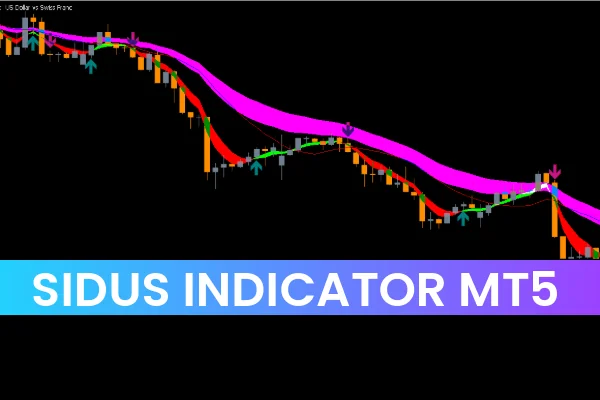
The Sidus Indicator plots four Moving Averages (MAs)—from shorter periods to longer ones—providing a visual representation of market momentum. While the exact periods are not fully customizable in the settings, they appear directly on your chart for easy interpretation.
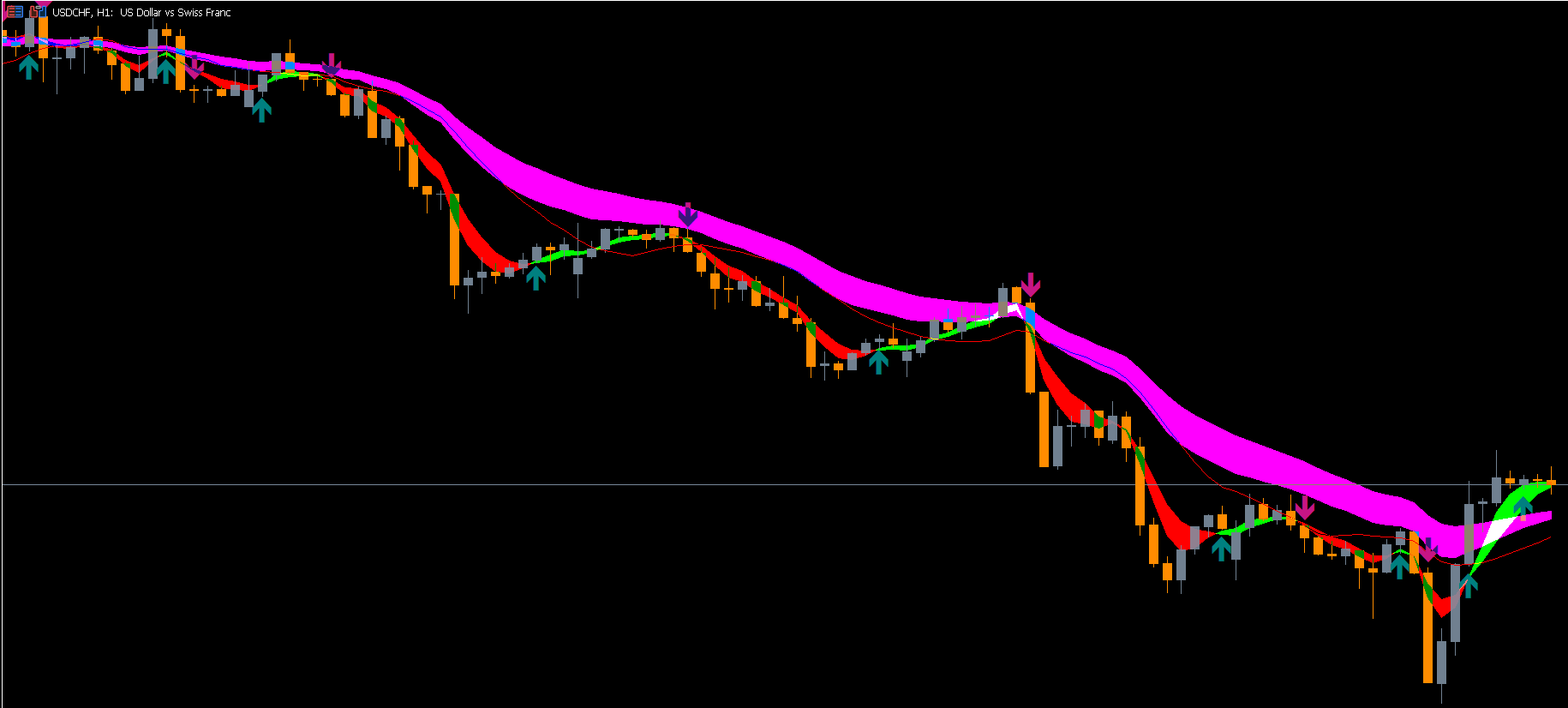
In addition to the moving averages, the indicator uses two types of arrows:
Teal Arrows – Signal a potential uptrend
Violet Arrows – Indicate a possible downtrend
These arrows work as fast visual cues, helping traders quickly evaluate price direction. The combination of moving averages and arrows creates a more reliable confirmation system for analyzing the trend.
How the Sidus Indicator MT5 Works
The indicator functions on all timeframes, from M1 Scalping charts to daily charts. However, because moving averages can produce false signals on shorter periods, traders often find the indicator more accurate when identifying trends on higher timeframes.
If you are a scalper, it is recommended to identify the main trend on H4 or H1 first, then drop to a lower timeframe such as M5 or M15 to execute trades. This multi-timeframe approach reduces noise and increases accuracy.
Arrows as Trading Signals
The simplest way to use the Sidus Indicator is by following its arrows:
Enter BUY when a teal arrow forms
Enter SELL when a violet arrow appears
While this looks simple, it is important to understand that the arrows can repaint—meaning an arrow may appear during a candle formation but disappear once the candle closes.
Moving Averages as Confirmation
To improve accuracy, combine the arrow signals with MA positioning:
If the price rises above all moving averages and a teal arrow appears → strong BUY confirmation
If the price drops below all moving averages and a violet arrow appears → strong SELL signal
This method filters out many false signals and makes the indicator more reliable.
Additional Confirmation Tools
Because the Sidus Indicator can repaint occasionally, traders should use additional tools such as:
RSI for momentum confirmation
MACD for trend direction
Price Action patterns like pin bars, engulfing candles, or breakouts
Using these tools along with the Sidus Indicator helps filter low-quality trades and ensures more accurate entries.
Pros of the Sidus Indicator
Simple and clean visual signals
Works on all timeframes
Effective for trend trading
Helpful for beginners and advanced traders
Works with any forex pair
Cons of the Sidus Indicator
Arrows can repaint
Signals are dependent on historical data
Not ideal for volatile conditions without confirmation
Conclusion
The Sidus Indicator for MT5 is an easy-to-use trend trading tool that combines arrows and moving averages to provide reliable BUY/SELL signals. Although the arrows may repaint, using the indicator with MA confirmation and additional filters makes it a valuable asset in forex trading.
If you want to try the Sidus Indicator for MT5, you can download it for free from IndicatorForest.com and explore more trading tools to improve your strategy.
FAQ
27 Downloads
Published:
Nov 15, 2025 10:17 AM
Category: