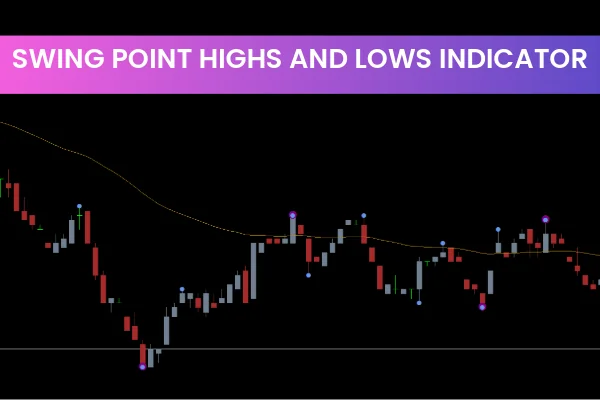
The Swing Point Highs and Lows Indicator is a powerful MT4 tool designed to highlight recent swing highs and swing lows on your chart. These swing points visually show you where the market shifted direction most recently, helping traders understand the short-term structure and overall trend. Because the Swing Point Highs and Lows Indicator marks both major and minor swings using colored circles and integrates a moving average, it becomes much easier to identify long and short opportunities with clarity and precision.
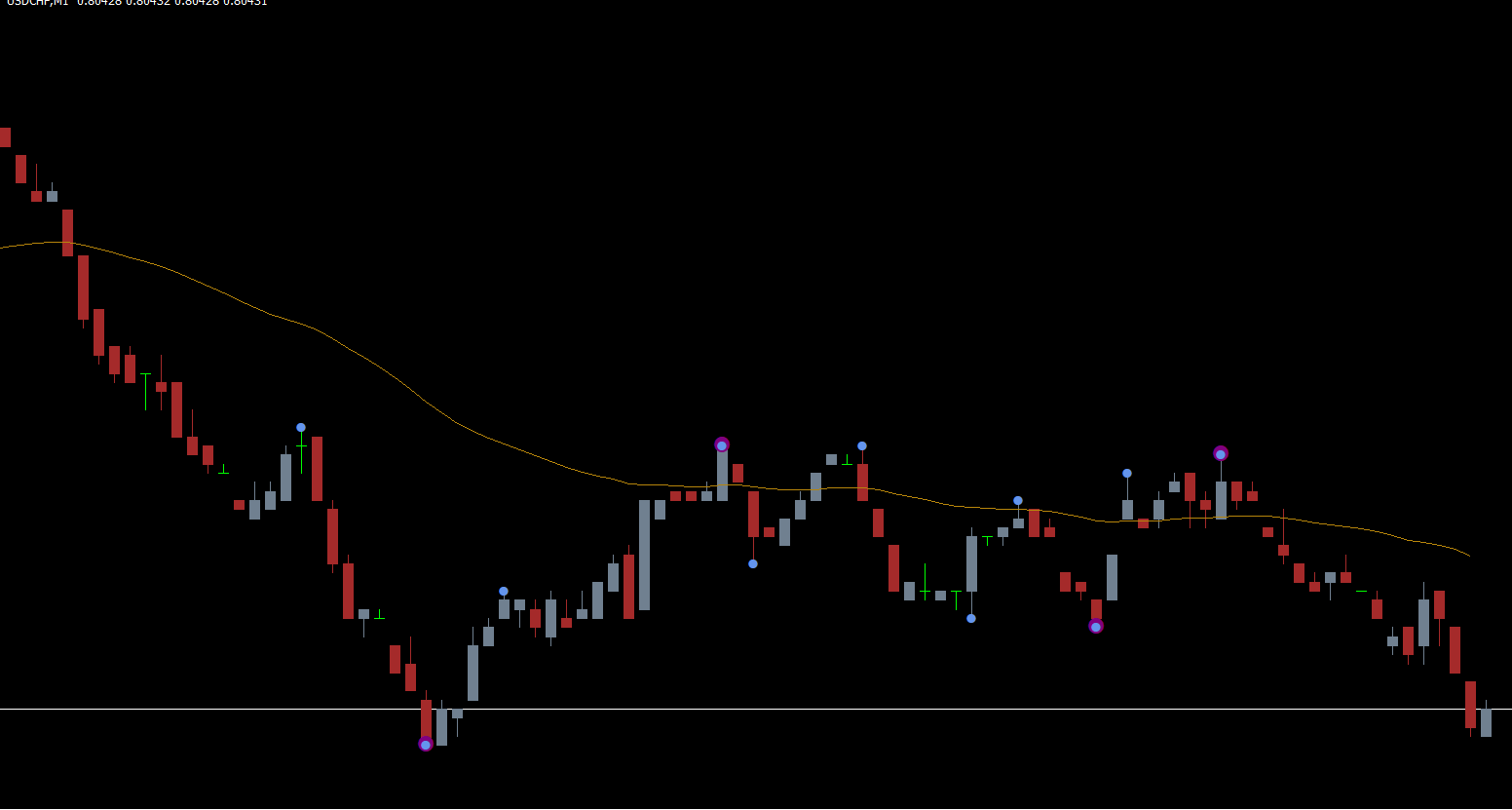
The indicator also includes a trend-confirming EMA line, which filters out unnecessary market noise and gives traders a cleaner picture of true price direction. Whether you trade forex, indices, gold, or crypto CFDs, this swing indicator provides a structured approach to identifying Trend Continuation or reversal setups.
Understanding the Swing Point Highs and Lows Indicator
The Swing Point Highs and Lows Indicator plots circles whenever the market forms significant swing highs or swing lows. These circles are categorized as major (strong trend signals) and minor (short-term signals). By combining these swing points with the built-in exponential moving average (EMA), traders get a clearer view of when momentum is shifting.
The 55-period EMA acts as a confirmation tool. When swing highs or lows form near the EMA, it can validate whether a new trend phase is likely or whether the price is simply experiencing temporary consolidation.
Why Use Swing Points in Trading?
Swing highs and lows represent natural turning points in the market. Identifying them helps traders:
Recognize trend direction
Spot early reversal signals
Time entries at pullbacks
Set accurate stop-loss and take-profit levels
Reduce emotional and blind trading decisions
Because swing structures develop consistently in all markets and timeframes, this indicator is useful for day traders, swing traders, and position traders.
How to Trade with the Swing Point Highs and Lows Indicator
The Swing Point Highs and Lows Indicator provides immediate visual cues for when to buy or sell. Its simplicity makes it ideal for both beginners and advanced traders who want to remove guesswork.
Buy Strategy Using Swing Lows
To take a long position using the swing low signal:
1. Locate the recent swing low circle
This circle highlights the most recent structural low in the market.
2. Wait for the trend to continue upward
Confirm that price remains above the EMA or crosses above it.
3. Enter the long trade at the swing low candle
Aggressive traders enter immediately. Conservative traders wait for the next candle to confirm.
4. Set a stop-loss
Place it below the recent swing low to protect the trade.
5. Set take-profit at the next swing high
This ensures a structured and logical exit target.
Sell Strategy Using Swing Highs
To take a short position:
1. Locate the recent swing high circle
This marks the latest structural top.
2. Wait for the trend to continue downward
Price should hold below or cross below the EMA.
3. Enter the short trade at the swing high candle
Or enter one candle later for confirmation.
4. Stop-loss
Place it above the recent swing high.
5. Take-profit
Target the next swing low.
Tips for Better Accuracy
The Swing Point Highs and Lows Indicator is highly useful, but like any technical tool, it’s not perfect. Consider enhancing your setup with:
RSI (Relative Strength Index) for momentum confirmation
Stochastic Oscillator for overbought/oversold conditions
Support And Resistance zones
Trendlines and channels
These additional tools help validate swing-based signals and reduce false entries.
Final Thoughts
The Swing Point Highs and Lows Indicator for MT4 is a clean, effective, and beginner-friendly tool for identifying trend direction, timing entries, and managing trades. With its combination of major/minor swing circles and a 55-period EMA, traders can follow the natural rhythm of the market and make informed decisions.
For more high-quality indicators, strategies, and download links, visit IndicatorForest.com.
FAQ
14 Downloads
Published:
Dec 01, 2025 22:03 PM
Category: