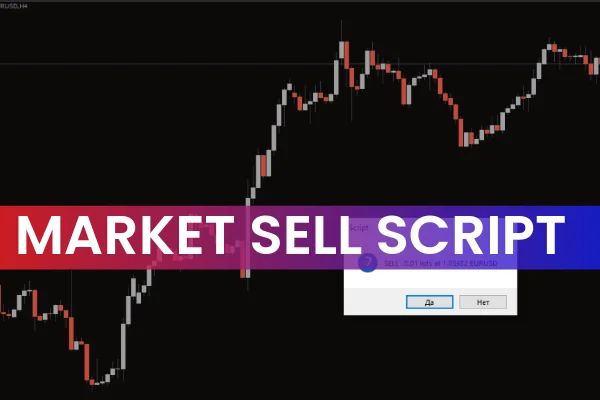
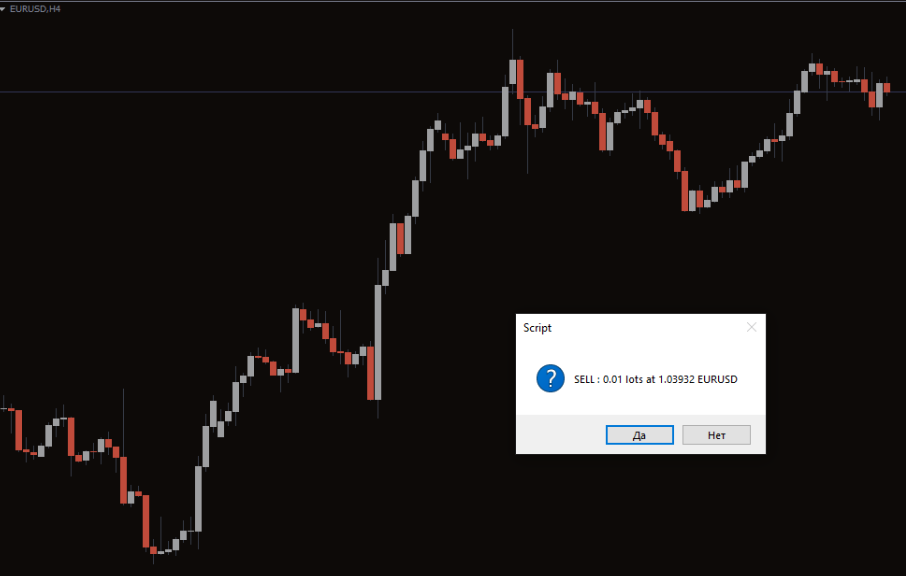
The Market Sell Script for MT4 is a powerful trading tool designed to execute sell orders instantly in the market. By using this script, traders can place sell trades directly to the broker with minimal delay. Before executing the order, the script prompts a confirmation window to ensure accurate trade placement, giving traders full control over their trades.
Market sell scripts are part of MT4’s automation tools that simplify order execution. Unlike Expert Advisors, which continuously monitor and trade the market, scripts perform specific tasks instantly—making them ideal for traders who need fast execution without complicated setups.
The script is user-friendly and intuitive, making it suitable for both new and experienced forex traders.
Why Use the Market Sell Script?
Placing a sell order manually can be time-consuming, especially during fast-moving markets. The Market Sell Script offers several advantages:
Instantly executes sell orders at market price
Prompts confirmation to avoid accidental trades
Allows traders to set lot size and acceptable slippage
Ideal for breakout or support-based strategies
Reduces execution errors and improves timing
This script is particularly useful in volatile markets or when price action indicates a breakout or Trend Reversal.
How the Market Sell Script Works
Step-by-Step Application
Download the Market Sell Script and place it in the Scripts folder of MT4.
Open the chart of the currency pair you want to trade (e.g., GBPUSD).
Drag the script from the Navigator panel onto the chart.
Enter the required parameters, such as lot size and maximum slippage.
Click OK, and the script will display a confirmation prompt.
Click YES to place the market sell order instantly.
The script executes the sell order at the current market price, accounting for the slippage you have defined.
Example in Action
On the GBPUSD H1 chart, traders can use the script to sell when a breakout below support is confirmed. The script ensures rapid execution, which is critical for breakout strategies or support-based trading.
For instance, if the technical analysis identifies a strong support at 1.0520 and the price breaks below, the script allows traders to place a sell order immediately, minimizing missed opportunities and optimizing trade entry.
Best Use Cases
The Market Sell Script is most effective for:
Breakout trading strategies: Execute trades quickly when price breaks critical levels.
Support-based strategies: Sell when price breaks below support.
Scalping: Rapid execution for quick market entries.
Manual trading automation: Reduces manual effort for instant market orders.
It is a simple yet efficient tool that saves time and enhances execution speed, which is vital for active traders.
Conclusion
The Market Sell Script for MT4 is a reliable, easy-to-use tool that allows traders to place market sell orders instantly and efficiently. Its confirmation prompt ensures accurate execution, and it is suitable for breakout, support-based, and fast-paced trading strategies.
You can download the script for free at IndicatorForest.com to improve your trading efficiency and execution speed.
FAQ
11 Downloads
Published:
Dec 04, 2025 03:06 AM
Category: