Precision Scalping with the Misus Entry Indicator
In the high-frequency world of intraday trading, the difference between a winning streak and a series of losses often comes down to entry precision. Traders frequently struggle with "analysis paralysis," staring at complex charts while missing the optimal window to strike. The Misus Entry indicator is engineered to eliminate this hesitation by providing clear, visual trade signals directly on the Price Action, specifically optimized for fast-paced environments like the 1-minute (M1) and 5-minute (M5) timeframes.
The Anatomy of a High-Probability Entry
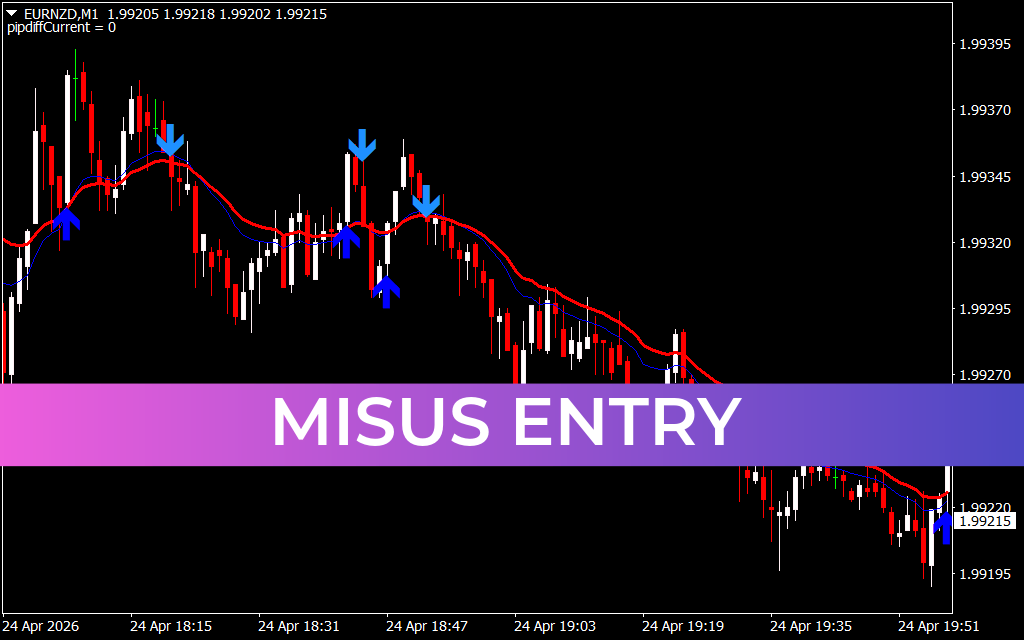
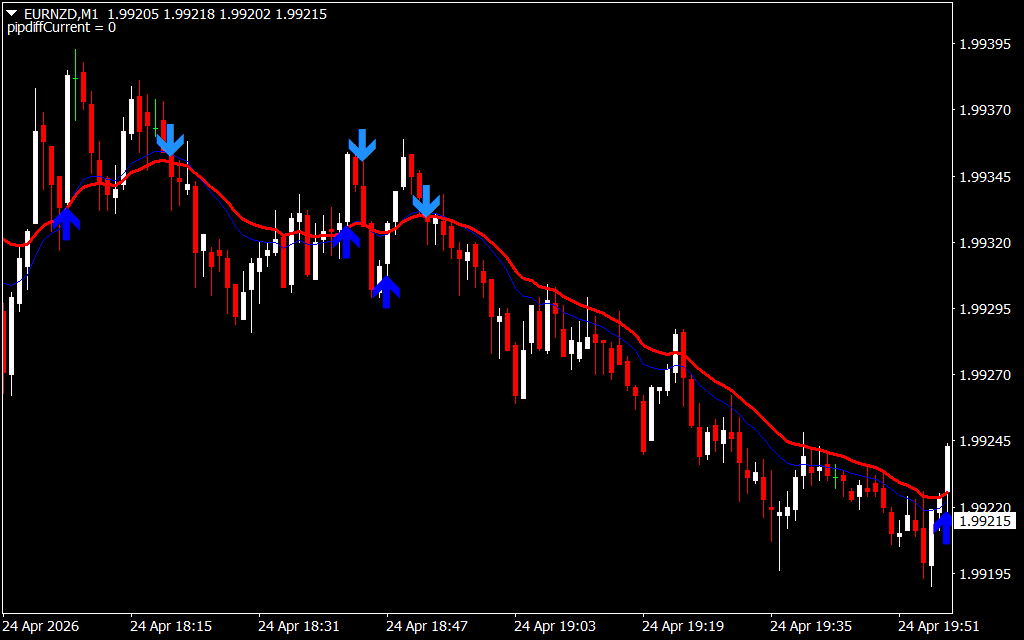
The Misus Entry system is built on a foundation of trend-momentum confluence. As seen in the EURNZD M1 analysis, the indicator utilizes a combination of smoothed moving averages and volatility filters to identify when a market has shifted from consolidation to an active trend.
The visual interface is designed for instant recognition:
- Blue Upward Arrows: These appear when the short-term momentum aligns with a bullish trend breakout. It signals an aggressive entry point for long positions as the market prepares to move higher.
- Blue Downward Arrows: These trigger during bearish shifts, identifying the precise moment sellers have overwhelmed buyers. These signals allow traders to ride the downward momentum with high confidence.
Why Scalpers Prefer Misus Entry
While many indicators work well on daily or weekly charts, they often fail on lower timeframes due to market noise and "choppiness." Misus Entry stands out because of its internal smoothing logic. It filters out minor price fluctuations, ensuring that an arrow only appears when there is a significant statistical probability of a sustained move.
Key advantages include:
- Reduced Lag: Unlike traditional oscillators that wait for overbought/oversold conditions, Misus Entry focuses on immediate price velocity.
- Trend Alignment: The system typically features a "Trend Ribbon" or core moving average (seen in red/blue on the M1 chart). By only taking arrow signals that align with the color of this ribbon, traders can significantly increase their win rate.
- Risk Management: The placement of the arrows provides a natural reference point for stop-loss placement, usually just above or below the signal candle’s wick.
Strategic Integration
The Misus Entry indicator is most powerful when used in a "top-down" approach. Professional traders often look at a higher timeframe (like the H1 or W1) to determine the overall market bias. If the Weekly chart shows a strong uptrend, a trader will prioritize the Blue Upward Arrows on the M1 chart, ignoring the counter-trend sell signals. This alignment ensures you are always trading with the "path of least resistance."
Whether you are a seasoned scalper looking for an edge or a beginner needing a simplified way to read price action, Misus Entry provides the clarity required to execute trades with surgical precision. It turns a chaotic chart into a structured series of actionable opportunities.
14 Downloads
Last Update:
Apr 26, 2026 22:51 PM
Published:
Feb 02, 2026 02:06 AM
Category: