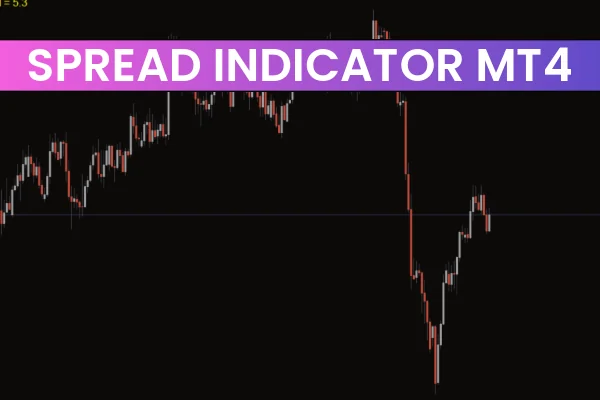
The Spread Indicator for MT4 is a valuable tool for forex traders who want to monitor the spread of any currency pair in real-time. By measuring the minimum, average, and maximum spread, this indicator helps traders identify the most favorable trading conditions and avoid costly trades during periods of high spreads.
A spread represents the difference between the bid and ask prices of a currency pair. Understanding spread behavior is essential, particularly during high-volatility events, such as major news releases or trading exotic currency pairs. The Spread Indicator for MT4 allows traders to capture past and current spread data directly on their charts for better decision-making.
How the Spread Indicator Works
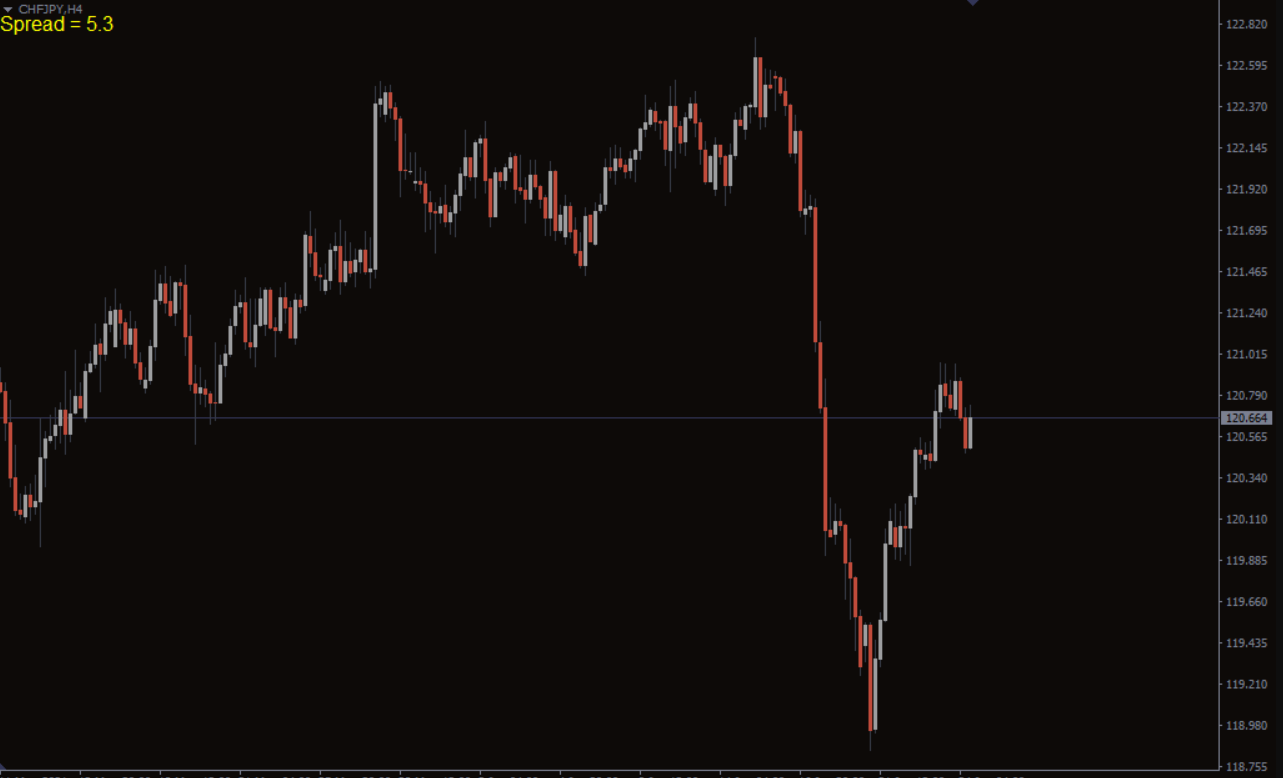
The indicator displays spread values on the MT4 chart, usually in the top-left corner, updating in real-time as bid and ask prices fluctuate. For example, the chart may show Spread = 1.6, indicating the current spread in pips. During high-impact news, like the NFP (nonfarm payroll) report, spreads often widen dramatically. Monitoring the spread ensures traders can avoid entering trades when costs are unusually high.
Key functions include:
Real-time spread monitoring
Historical spread data for selected periods
Alerts for unusually high or low spreads
Analysis of spreads across multiple currency pairs
By visualizing spread behavior, traders can make smarter entries and adjust stop-loss levels accordingly.
How to Use the Spread Indicator in Forex Trading
The Spread Indicator for MT4 is particularly useful for managing trades in high-volatility periods or when trading currency pairs with typically high spreads, such as CHF/JPY or GBP/JPY.
Trading Tips:
Avoid entering trades when spreads are excessively wide
Use the indicator to calculate appropriate stop-loss levels
Compare spreads across different brokers to select the most cost-effective option
For instance, if EUR/USD shows a spread of 1.6 pips and CHF/JPY shows 5.3 pips, traders can adjust their risk management and position sizing accordingly.
Indicator Trading Strategies
The Spread Indicator can also be integrated into technical trading strategies to improve entry and exit timing.
Buy Setup:
Wait for the spread to reach a minimum value
Observe for a confirmation candle signaling Trend Continuation
Enter a long position at the confirmation candle
Set stop-loss at the recent swing low
Exit when the trend shows signs of reversal or bearish signals
Sell Setup:
Wait for the spread to reach a minimum value
Watch for a confirmation candle indicating bearish momentum
Enter a short position at the confirmation candle
Place stop-loss at the recent swing high
Close the trade when the market trend turns bullish
Using the indicator in combination with Price Action or other technical indicators increases trade accuracy and helps avoid unnecessary losses.
Benefits of the Spread Indicator for MT4
Real-Time Monitoring: Stay informed about spread changes instantly
Risk Management: Adjust stop-loss and position sizing according to spread
News Awareness: Avoid trading during high-volatility events
Broker Comparison: Evaluate spreads across brokers for better execution
Conclusion
The Spread Indicator for MT4 is a simple yet essential tool for forex traders who want to optimize their trades by monitoring spreads. It shows minimum, average, and maximum spreads, allowing traders to manage risk, place better stop-loss levels, and avoid high-cost trades. For best results, combine it with other technical indicators or trading strategies.
For more useful MT4 and MT5 indicators, visit IndicatorForest.com to explore a variety of free and premium tools for forex traders.
FAQ
1 Download
Published:
Dec 01, 2025 22:42 PM
Category: